OPERATION
10 | PreSonus 2007
2.1.2 Installation in Mac OS X
The FP10 audio drivers are included in the Core Audio of Mac OS X version 10.3.5 and later.
1) Connect your FP10 to your computer’s FireWire port and turn it on.
The sync light should flash a few times.
2) Once the sync light remains solid blue, your FP10 is ready to use.
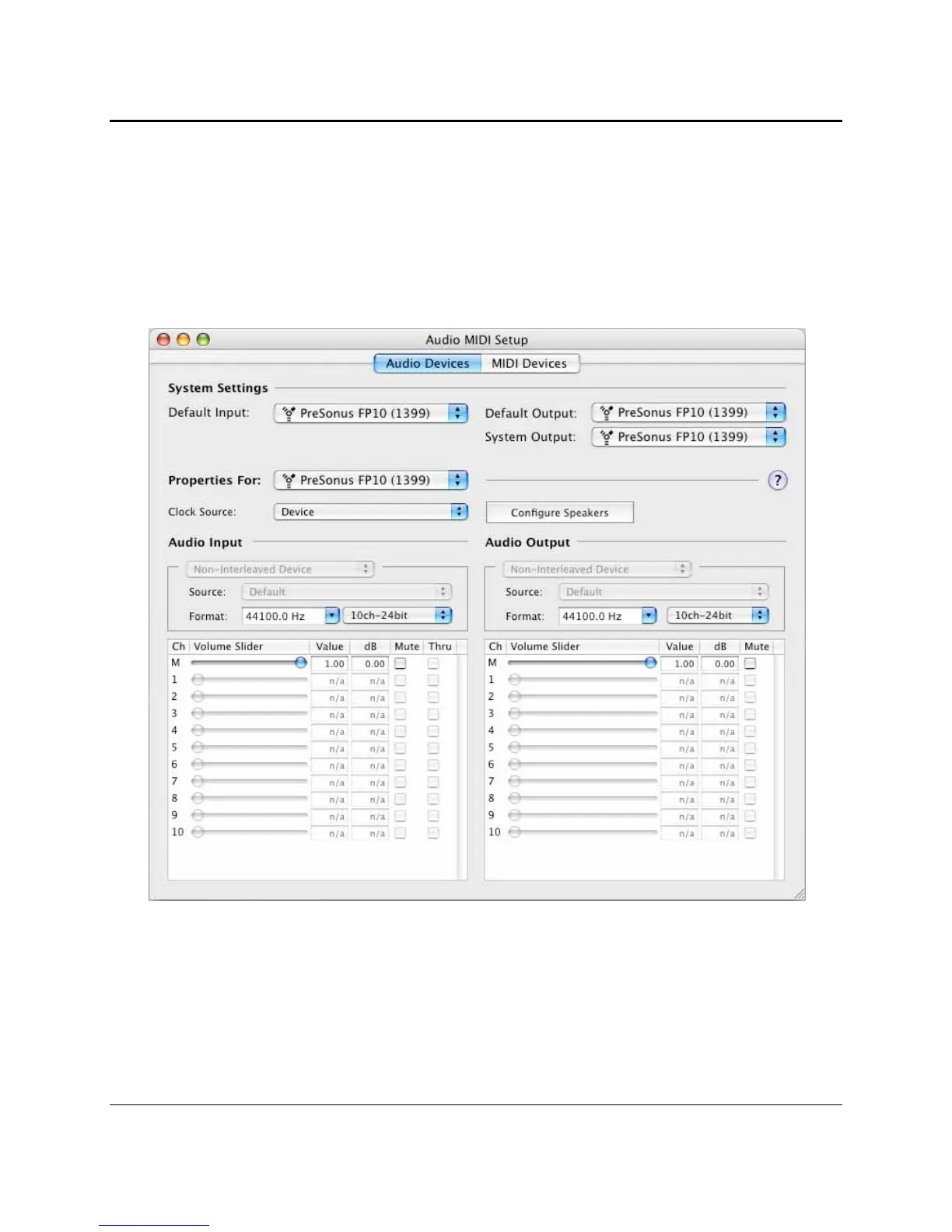
3) Use Audio MIDI Setup (Applications > Utilities) to adjust FP10 hardware settings.















 To Next Page