Hookup
Back Panel Connections
Quantum 2626
Owner’sManual
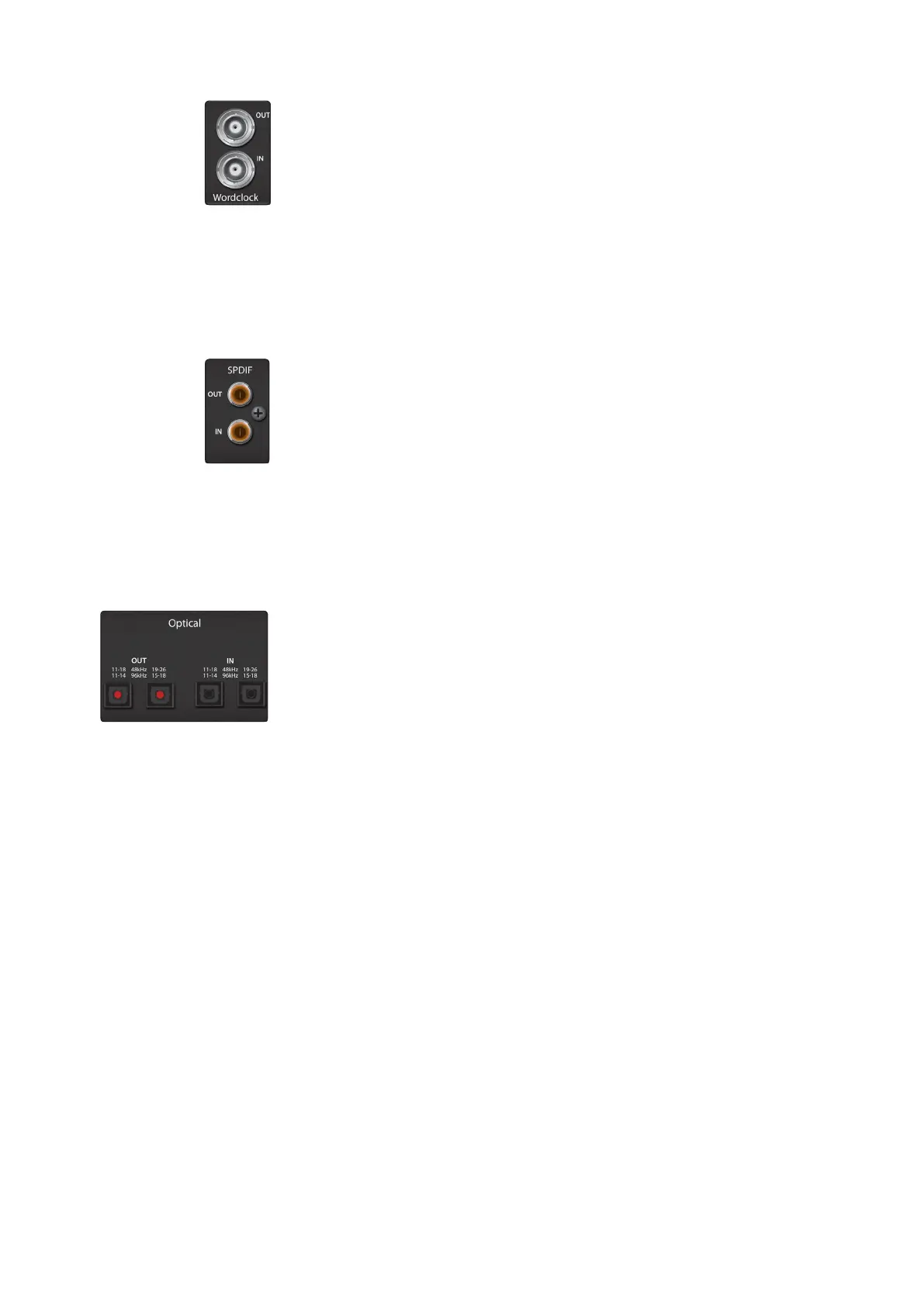
WordClockInandOut.These BNC connections allow Quantum 2626 to
receive and transmit wordclock to and from other digital audio devices.
WordClockInandOut.
字时钟输入和输出。这些
BNC
连接允许
Quantum 2626
接收和传输字时钟到其他数字音频设备。
PowerUserTip:
In UC Surface,when using the BNC Clock input,you will need to set
“BNC” as the Clock Source and set the sample rate to correspond to that of the
external device.
SeeSection 4.1
for details. A 75Ω BNC wordclock cableis
requiredtoachieve proper sync.
用户提示:
在
UC Surface
中,当使用
BNC
时钟输入时,你需要将
"BNC "
设置
为时钟源,并将采样率设置为与外部设备的采样率一致。
详见第
4.1
节
。为
了实现正确的同步,需要使用
75Ω
的
BNC
字时钟电缆。
S/PDIF In and Out. The S/PDIF connections allow two channels of audio to be
transmitted and received at rates up to 24-bit, 96 kHz. The S/PDIF I/O also allows all
Quantum 2626 interfaces to send and receive word clock to external digital devices.
S/PDIF In and Out.
S/PDIF
音频接口连接允许两个通道的音频以高达
24
位,
96kHz
的速率传输和接收。
S/PDIF
输入
/
输出还允许所有
Quantum 2626
接口发
送和接收字时钟到外部数字设备。
PowerUser Tip:
In UC Surface,you will need to set “S/PDIF”as the Clock Source
and the sample rate to correspond to the external device when using an external
S/PDIF device as your master clock.
See Section 4.1
for details.
用户提示
:在
UC Surface
中,当使用外部
S/PDIF
设备作为主时钟时,你需要
将
"S/PDIF "
设置为时钟源,并将采样率与外部设备对应。
详见第
4.1
节
。
ADAT–S/MUXInandOut.These are the ADAT – Dual S/MUX connections
for
your external digital devices.When recording or playing back at 44.1
or 48 kHz, each ADAT I/O will provide 8 of the 16 available channels
consecutively, from left to right. When recording or playing back at 88.2 or
96 kHz, each connection will provide four of the available eight channels.
ADAT–S/MUXInandOut.
这些是用于外部数字设备的
ADAT-S/MUX
连
接。当以
44.1
或
48kHz
时,每个
ADAT
输入
/
输出将连续提供
16
个可用
通道中的
8
个,从左到右。当以
88.2
或
96kHz
录音或回放时,每个连
接将提供
8
个可用通道中的
4
个。
These inputs and outputs do not function at 176.4 or 192 kHz:
这些输入和输出在
176.4
或
192kHz
时不发挥作用:
When connecting a DigiMax DP88 to your Quantum interface, the ADAT
connections will also send and receive preamp control information for the
DigiMax DP88, so that it can be controlled directly from UC Surface or
Studio One.
当把
DigiMax DP88
连接到你的
Quantum
接口时,
ADAT
连接也将发送
和接收
DigiMax DP88
的前置放大器控制信息,这样可以从
UC Surface
或
Studio One
直接控制它。
PowerUser Tip:
In UC Surface,you will need to set “ADAT1” asthe Clock Source
and the sample rate to correspond to the external device when using an
external ADAT device as your master clock.
SeeSection 4.1
for details. The ADAT
2 input cannotbe used to receive word clock.















 To Next Page