Quantum 2626
Owner’sManual
Up to four Quantum-series interfaces can be aggregated together for combined
104 inputs and 128 outputs at 44.1 and 48 kHz. It is possible to connect the
Quantum 2626 to other Quantum devices, provided the correct Thunderbolt 3 to
Thunderbolt 2 bi-directional adapter is used.
最多可以将四个
Quantum
系列接口聚合在一起,在
44.1
和
48kHz
下实现
104
个
输入和
128
个输出。使用正确的
Thunderbolt 3
到
Thunderbolt 2
双向适配器,
就可以将
Quantum 2626
连接到其他
Quantum
设备。
FromUC Surface, youcan easily locateevery Quantum interface connected toyour
computerby pressingthe Identify button in the DeviceTab.This will flash the power
button purple.
从
UC Surface
软件中,你可以按下
” DeviceTab”
设备标签的
” DeviceTab”
识别
按钮,轻松地找到连接计算机的每一个
Quantum
接口。电源按钮将闪烁紫色。
1.
Connect the Quantum-series interface you’d like to use as the primary clock to
your computer first. Note that when aggregating with the Quantum 2626, it will
need to be the last unit in the chain, as it only has a single Thunderbolt port. If
aggregating two Quantum 2626 interfaces, connect each directly to the computer.
首先你希望,使用主时钟的
Quantum
系列接口连接到你的计算机。请注意,
当与
Quantum 2626
聚合时,它将需要成为链路中的最后一个设备,因为它
只有一个
Thunderbolt
端口。如果聚合两个
Quantum 2626
接口,请将每个接
口直接连接到计算机上。
2.
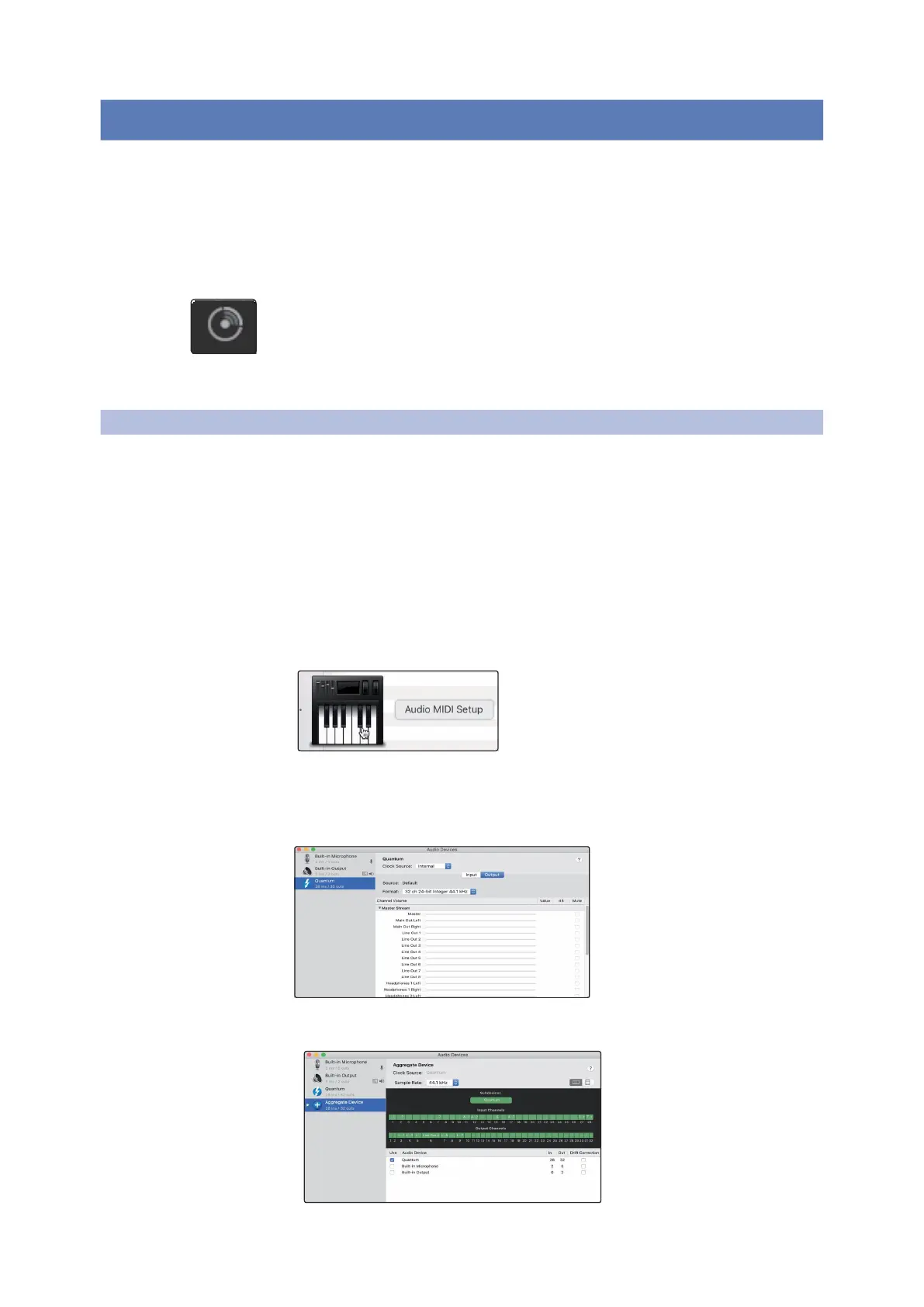
Launch Audio MIDI Setup.
启动音频
MIDI
设置
3. Select the Quantum interface you would like to use as your Primary, and click on
the plus sign in the lower left hand corner. Select “Create Aggregate Device.”
选择你想作为主设备使用的
Quantum
接口,并点击左下角的加号。选择
"Create Aggregate Device”
创建聚合设备。
4. Check the Use box to the left of the primary Quantum-series interface.
选中主
Quantum
系列接口左边的使用框。















 To Next Page