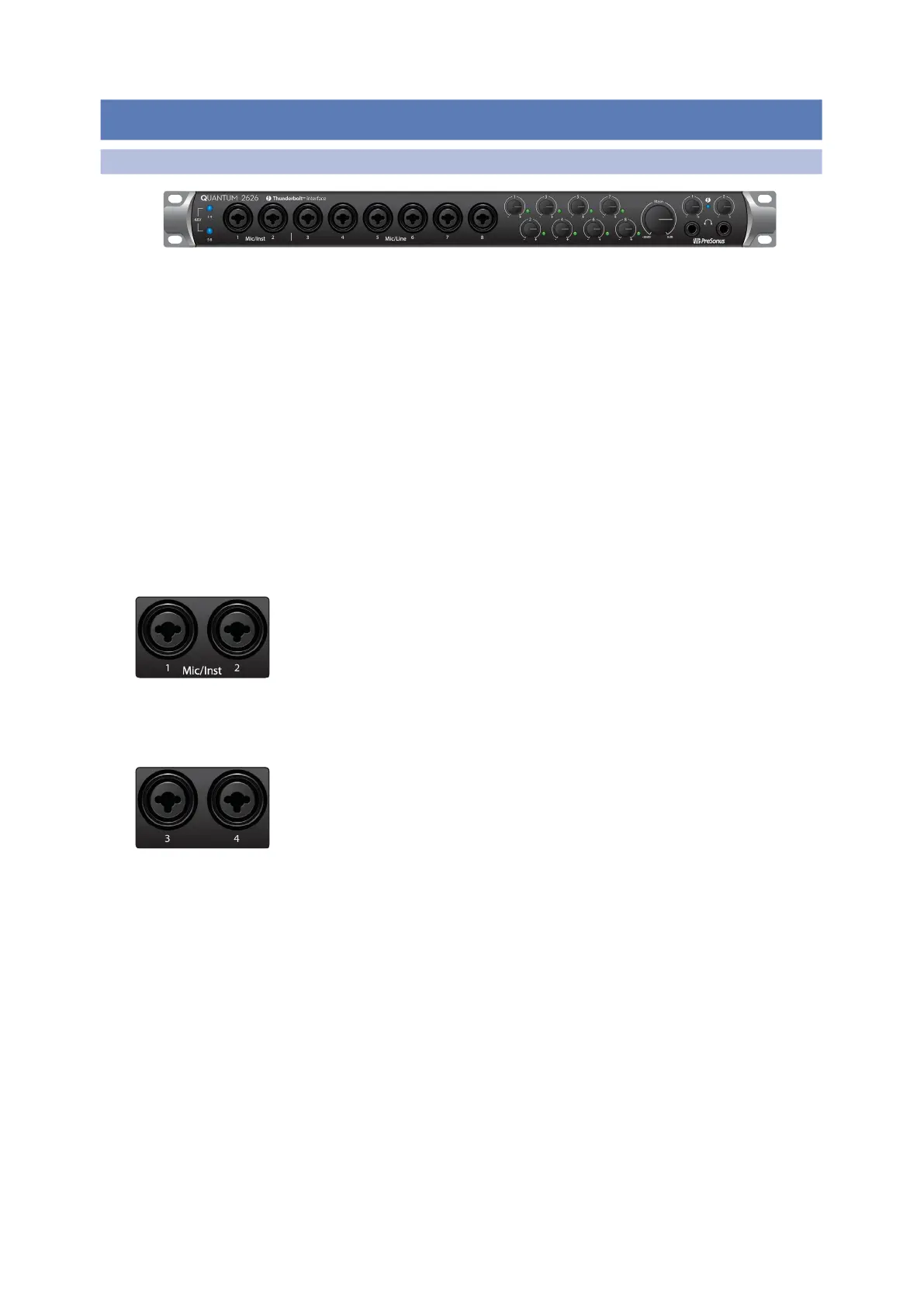
2.1 Front Panel Connections and Controls
前面板的连接和控制
2.1 FrontPanelConnectionsandControls
Owner’s Manual
About XMAX Preamps and Combo Jacks. Your Quantum 2626 interface is
equipped with 8 PreSonus XMAX microphone preamplifiers for use with all types
of microphones. The XMAX design provides a Class A input buffer, followed by a
dual-servo gain stage. This arrangement results in ultra-low noise and wide gain
control, allowing you to boost signals without increasing noise. The Quantum
2626 provides two Mic/Inst inputs and six Mic/Line inputs on the front panel.
Each analog input onthe Quantum 2626 interface featuresa combo jack.This
convenient connector accepts either a ¼-inch phone plug or an XLR plug.
关于
XMAX
前置放大器和组合插座。你的
Quantum 2626
接口配备了
8
个
PreSonus XMAX
麦克风前置放大器,可用于所有类型的麦克风。
XMAX
的设计,提供一个
A
类输入缓冲器,然后是一个双伺服增益级。这种
安排导致了超低的噪音和宽广的增益控制,使你可以在不增加噪音的
情况下提高信号。
Quantum 2626
在前面板上提供了两个麦克风
/
输入
和六个麦克风
/
线路输入。
Quantum 2626
接口上的每个模拟输入,都有一个组合插孔。这个方便
的接口可以连接
¼
英寸电话插头或
XLR
插头。
Microphone/Instrument inputs. The ¼-inch TS connectors on Channels 1 and 2 are
for use with instruments (guitar, bass, etc.). When an instrument is plugged into the
instrument input, the mic preamp is bypassed, and the signal is routed to the
instrument preamplifier stage.
Microphone/Instrument inputs. (
麦克风
/
乐器输入
)
。
Channel 1
和
2
上的
¼
英寸
TS
接口是用于乐器(吉他、贝斯等)的。当乐器被插入乐器输入时,
麦克风前置放大器被绕过,信号被输送到乐器前置放大器阶段。
Microphone/Line inputs. The ¼-inch TRS connectors on Channels 3
through 8 are for use with line-level sources (synths, keyboards, effects
processors, etc.). When a device is plugged into the Line input, the mic preamp
is bypassed, and the signal is routed to the instrument preamplifier stage.
Microphone/Line inputs.
(麦克风
/
线路输入)
Channel 3
至
8
的
¼
英寸
TRS
接口用于线路电平的信号源(合成器、键盘、效果器、处理器等)。当
设备被插入线路输入时,麦克风前置放大器被绕过,信号被送到乐器前
置放大器阶段。
Pleasenote:
Aswithanyaudioinputdevice,plugginginamicrophone oran
instrument, or turning phantom power on or off will create a momentary
spike in the audio output of yourQuantum2626 interface.Becauseofthis,we
highlyrecommend that youturndown the channel trim before changing
connections or turning phantom power on or off.This simple step will add
years to life of your audio equipment.
请注意:
与任何音频输入设备一样,插入麦克风或乐器,或打开或关闭幻象
电源,都会在
Quantum 2626
接口的音频输出中,产生一个瞬间的峰值。正
因为如此,在改变连接或打开或关闭幻象电源之前,我们强烈建议你,调
低
” Channel trim”
。这个简单的步骤,会使你的音频设备寿命延长几年。















 To Next Page