Quantum 2626
Owner’sManual
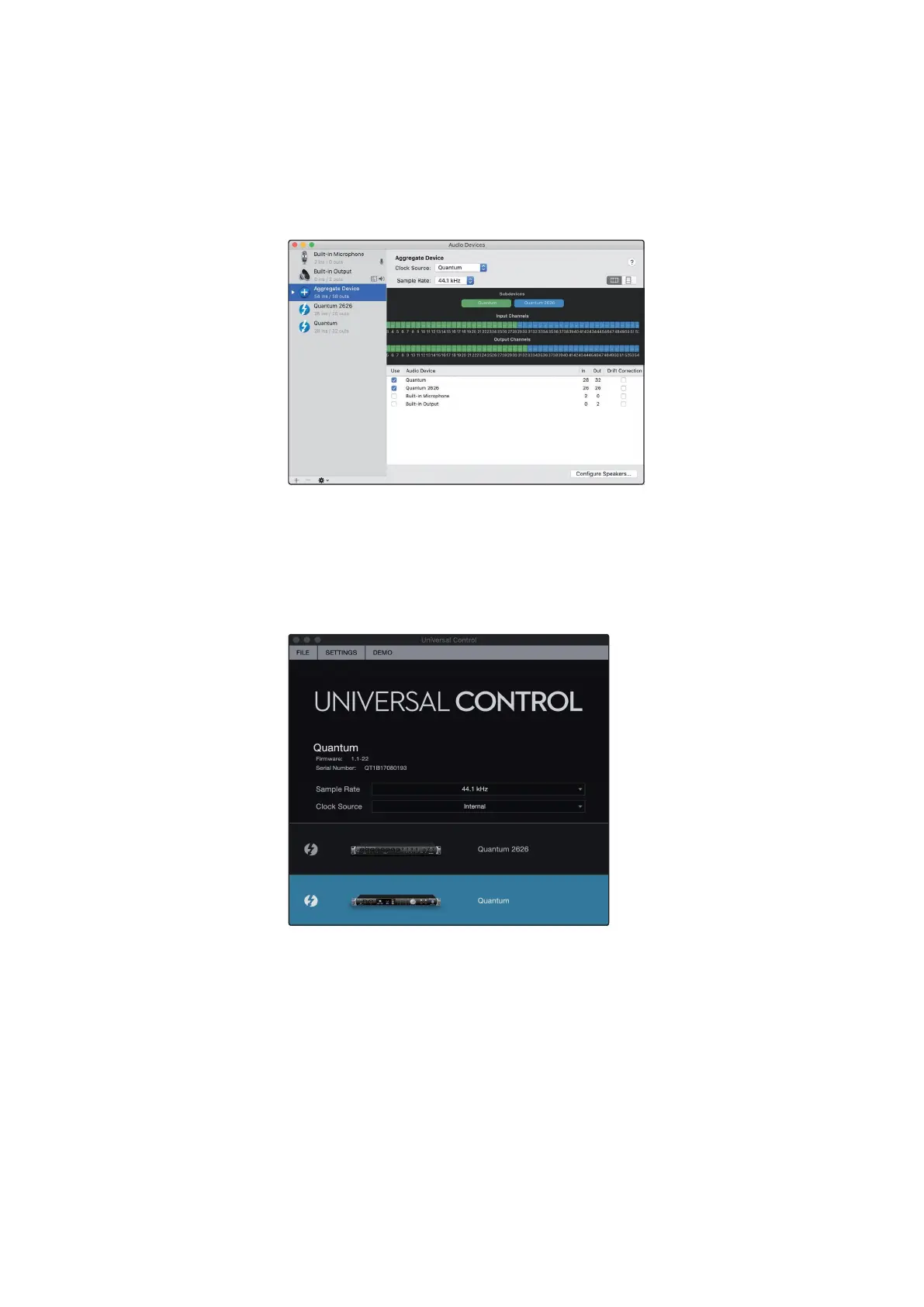
5. Connect your other Quantum interfaces. Each unit will be require a Thunderbolt
cable to daisy-chain it to the previous unit as well as a BNC cable for clocking. Tick
the “Use” box next to this interface in Audio MIDI setup.
连接你其他的
Quantum
接口。每个设备都需要一条
Thunderbolt
电缆,以便与前一个设
备进行
”daisy-chain”
连接,还需要 一条用于时钟的
BNC
电缆。在
“ Audio MIDI”
设置中
,
勾选该接口旁边的
“Use”
框。
6.
Designateone Quantum interface as the Primary Clock by setting its Clock
Sourceto Internal in Universal Control and connecting your BNC cable to its
Clock Out port.
指定一个
Quantum
接口作为主时钟,在
Universal Control
中把它的时钟源设
置为内部,并把
BNC
线连接到它的时钟输出端口。
7.
Set
your other Quantum-series
interface
(s) to Secondary by
setting their Clock
Sourceto Wordclockin Universal Control and connecting the BNC cable to their
Clock In Ports.
将其他
Quantum
系列接口设置为二级,在
“Universal Control ”
中
,
把它们
的
”Clock Source ”
设置为
“Wordclock”
,并将
BNC
电缆连接到它们的
“Clock
In Port”
端口。















 To Next Page