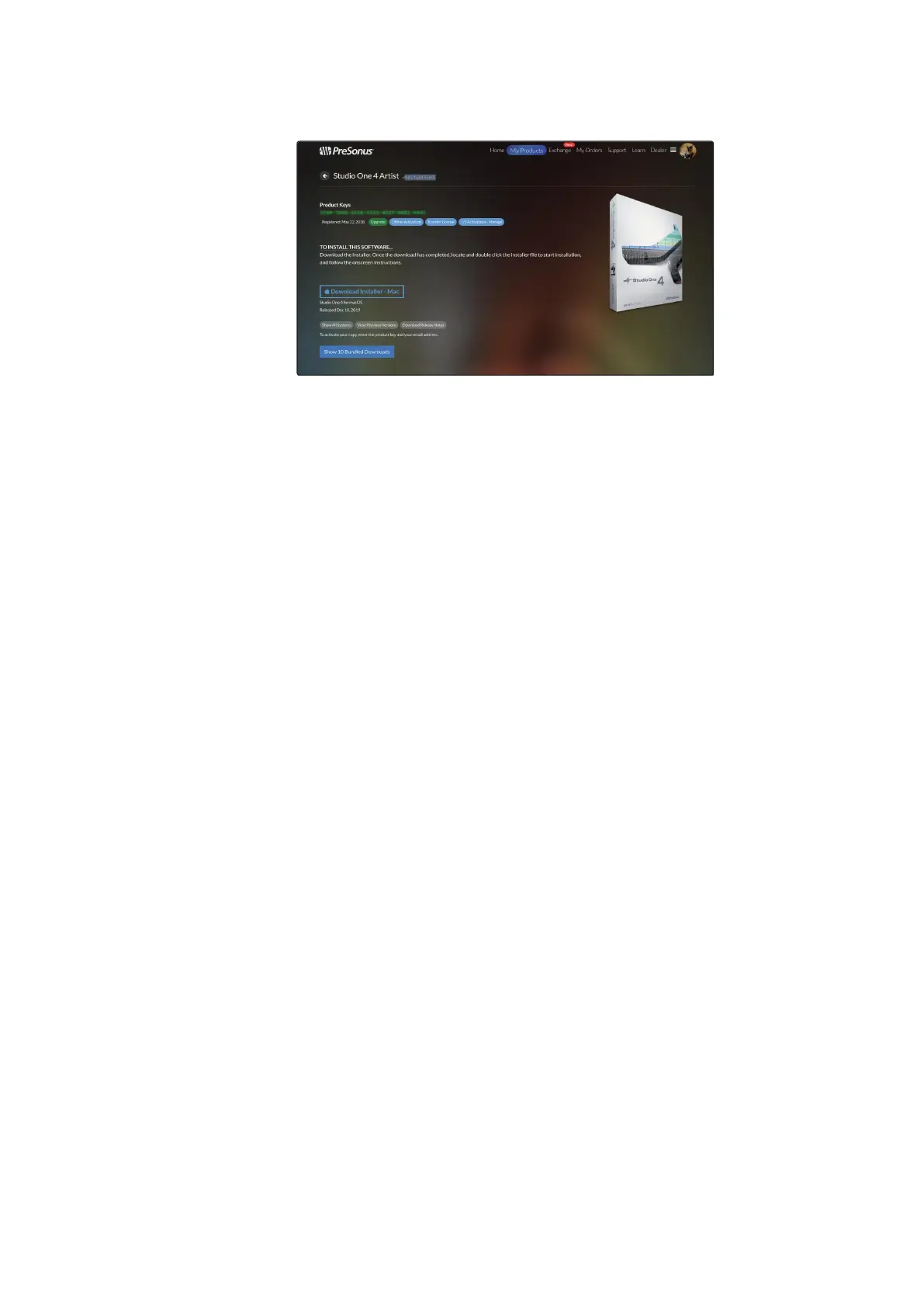
When Studio One is launched for the first time on your computer, it will
communicate with your My PreSonus account and verify your registration. To
ensure a seamless authorization process, make sure to download your installer
to the computer on which you will be using it and be sure that your computer is
connected to the Internet when you launch the application for the first time.
当你在计算机上,第一次启动
Studio One
时,它将与你的
My PreSonus
账
户相连,并验证你的注册。为了确保无缝的授权过程,请确保将安装程
序下载到你将要使用的计算机上,并确保第一次启动应用程序时,互联
网已连接。
Studio One Artist comes bundled with an array of demo and tutorial
materials, instruments, loops, and samples. The Studio One Artist
bundle includes all that you need to begin producing music.
The first time you launch Studio One Artist, you will be prompted
to install its companion content. Select the content you wish to
add and click “Install.” The content will automatically begin to
download and install from your My PreSonus user account.
Studio One Artist
捆绑了一系列的演示和教程材料、乐器、
loops
和样本。
Studio One Artist
捆绑包,它包含了从开始制
作音乐所需的全部内容。当你第一次启动
Studio One Artist
时,你会被提示安装其配套内容。选择你想添加的内容,
点击
"Install"
安装。这些内容将自动开始从你的
My
PreSonus
用户账户下载和安装。















 To Next Page