StudioOneArtistQuickStart
Creating a New Song
Drag-and-Drop Effects 拖拽效果
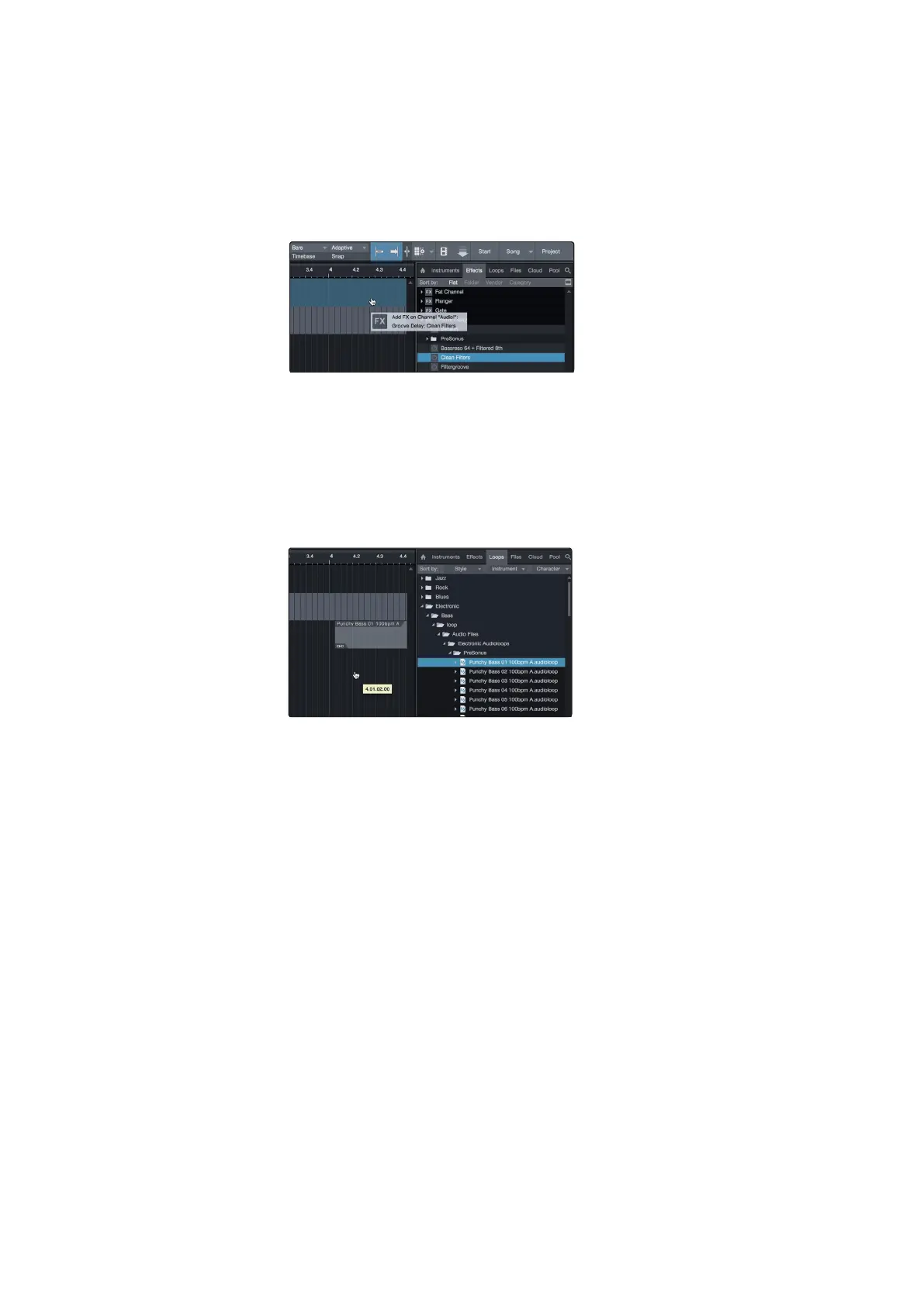
To add a plug-in effect to a track, click the Effects button in the browser and
select the plug-in or one of its presets in the effects browser. Drag-and-drop
the selection over the track to which you would like to add the effect.
要将插件效果添加到曲目中,请单击浏览器中的Effects按钮,并在效果浏
览器中选择插件或其预设之一。在要添加效果的轨道上拖放选择项。
Drag-and-Drop Audio and MIDI Files 拖放音频和MIDI文件
AudioandMIDI filescanbequicklylocated,auditioned,andimportedinto
your Song by draggingthem from the file browserintothe Arrange view.
If youdrag the file to an empty space, a new track will be createdwith
that file placed at the position to which youdragged it. If you drag the file
to an existing track, the file will be placed as a new part of the track.
通过将音频和MIDI文件从文件浏览器拖拽到Arrange视图,可以快速定
位、试听和导入到歌曲中。
如果您将该文件拖到一个空白空间,将创建一个新的轨道,该文件将被放
置在您拖到它的位置。如果您将该文件拖放到现有的轨道上,该文件将作
为轨道的新部分放置。















 To Next Page