72020 Voxx Electronics Corporation. All rights reserved.
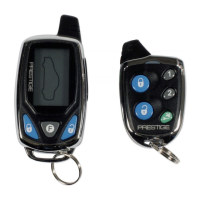
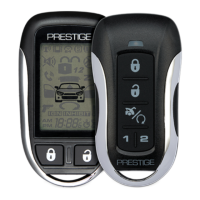
Additional Features of the Optional 2 Way LCD Remote Control
2 Car Mode
To control a second security system enter 2 car mode by pressing &
and together for ve (5) seconds. When the icon appears on the
transmitter’s LCD screen it will control the second security system. Use the
same method to exit 2 car mode and resume control of the original vehicle’s
security system.
NOTE: A second security system must be installed and the LCD transmitter
must be learned to it before this feature will operate the additional system.
Parking Meter Countdown
The parking meter countdown timer has 6 preset times, to access the preset
times and begin countdown press and hold the
F
button then press and
release
OPT
, each additional press of
OPT
will increase the countdown
time.
Stopping LCD Trigger Melody
To stop the alarm trigger melody if the system has been triggered WITHOUT
disarming the system, press button one time only, this will send a lock
command to the vehicle at this time and the alarm will silence.
Battery Save Mode
While in POWER SAVE MODE the 2-Way LCD transmitter will NOT look
for any incoming signals from the main unit until a button is pressed. The
LCD screen will display to indicate that power save mode is ON. To enter
power save mode press and hold
F
then press .
Melody / Vibration Mode
To have the remote control vibrate or play a melody tone each time it
receives a response from the vehicle press and hold
F
then press and
release .
Display Illumination
Press and hold the
F
button for one (1) second. The display will illuminate
for ve (5) seconds.
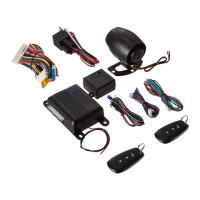
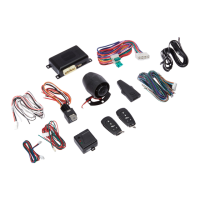
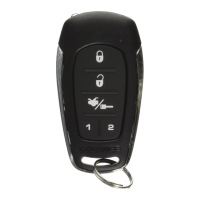
Additional 2-Way LCD Remote Functions



 To Next Page