EN • 28
ENGLISHFRANCAISNEDERLANDSESpAñoLITALIANoDEuTSCH
664Y2300.C
mCBA pARAmETERS FoR THE SpECIALIST
SETTING THE MCBA PARAMETERS
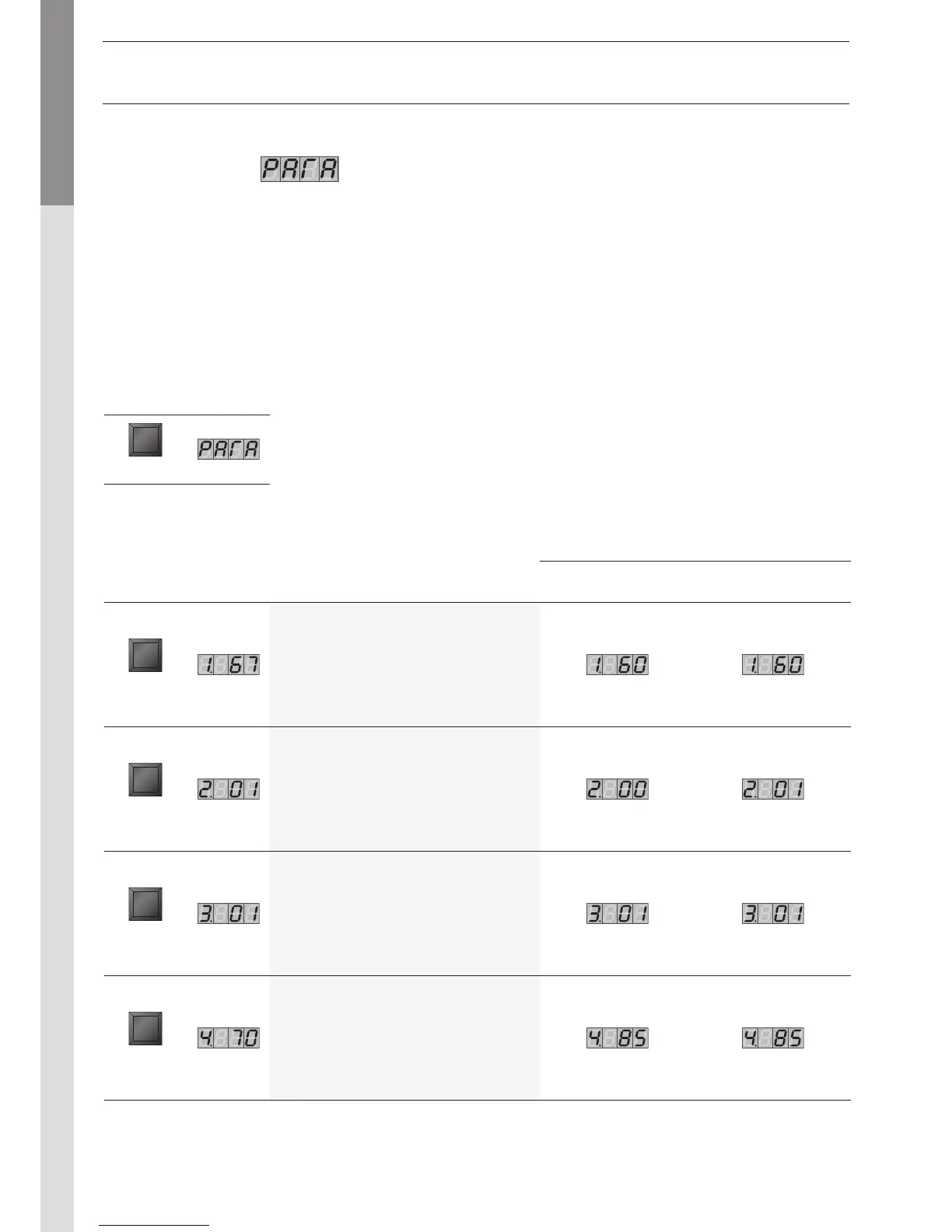
Parameter Mode
To access Parameter mode when the system is in Pilot mode, press once.
To scroll through the list of parameters, simply press “”. To modify a parameter value, use the + or - keys.
Then press “Store” to save the value you just changed. The screen flashes once to confirm the data has been saved.
To activate the parameters you changed, press once more (which brings you into Info mode). However, if you do not press a
key, the system returns to Pilot mode after 20 minutes and automatically enables the changes.
Factory setting
Key Screen Description of parameters Solo Excellence
STEP
Adjusting the hot water temperature
STEP
Production
of hot water
00 = Stop
01 = Start
02 = Stop + pump
continuously on
03 = Start + pump
continuously on
STEP
Turn On/
Turn Off
the heating
00 = Stop
01 = Start
02 = Stop + pump
continuously on
03 = Start + pump
continuously on
STEP
Maximum temperature in
Central Heating mode
Key Screen
MODE


 To Next Page