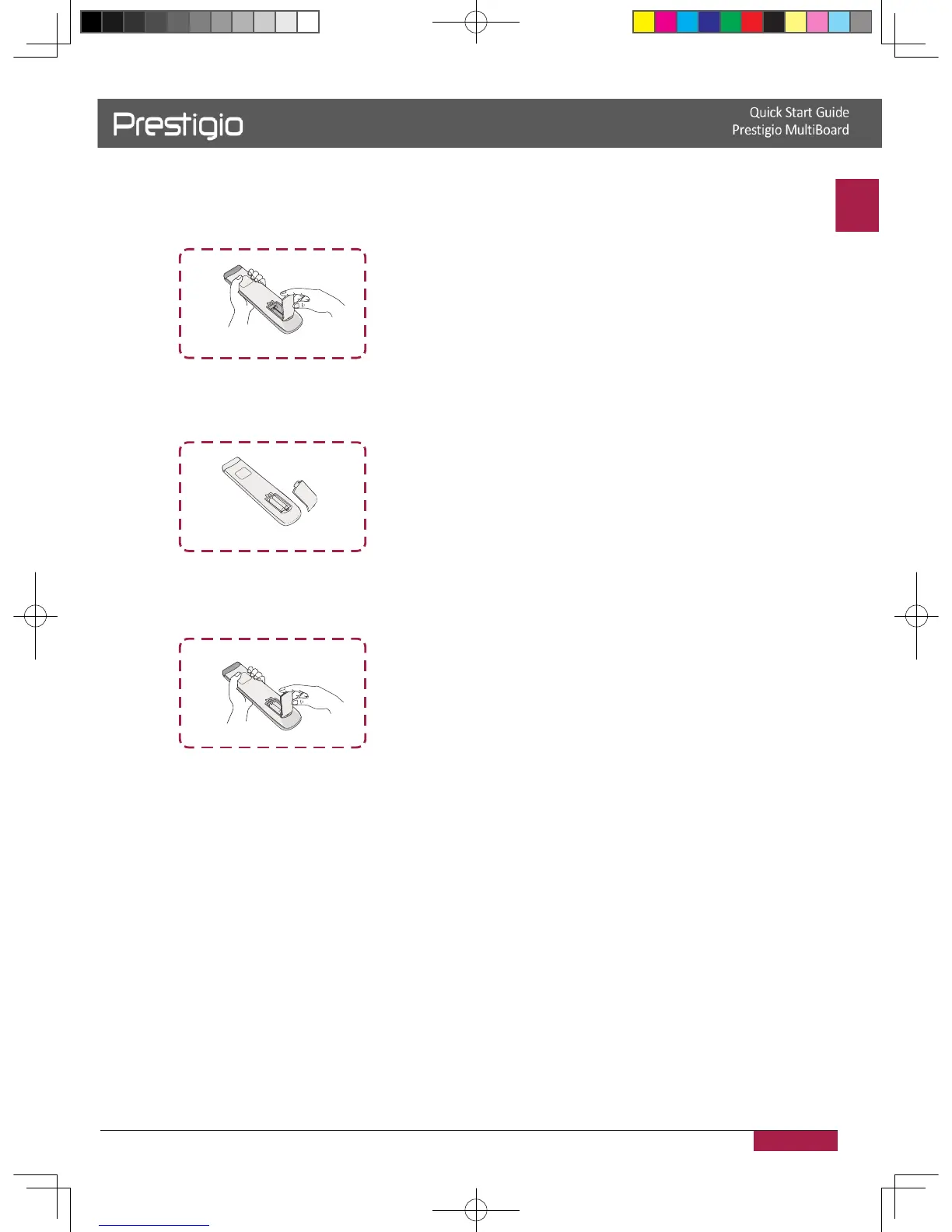
Insert the batteries
1� Remove the cover on the rear of the remote control�
2� Insert two “ AAA” batteries and care to respect the polarities:
- + on the battery against +,- on the battery against - � Please do not mix the batteries�
3� Replace the cover by aligning the new batteries in the base of the remote control and
pressing it back into place�
2016/12/01



 To Next Page