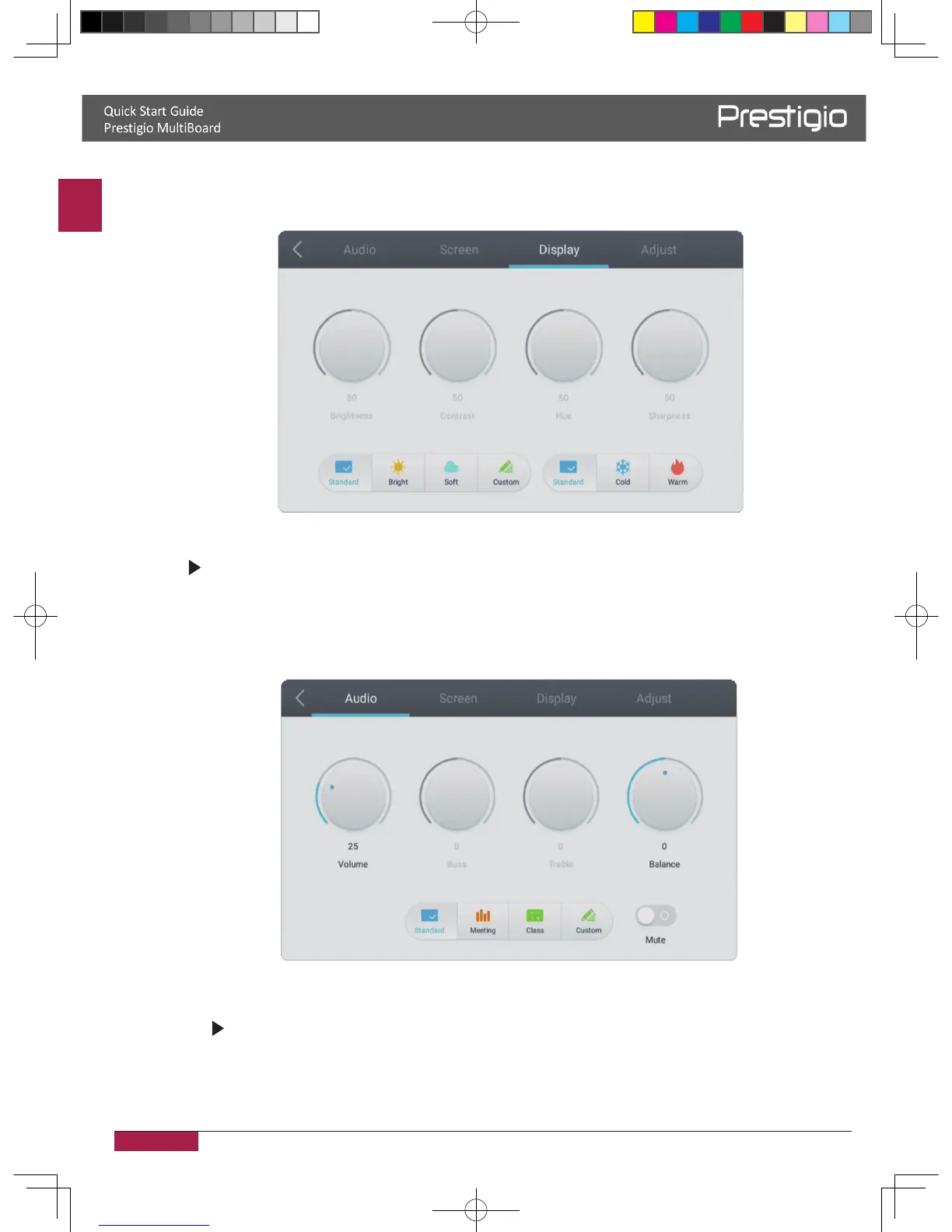
Brightness settings
1� Press INPUT button on the remote control enter input settings menu�
2� Press button on the remote control to enter the brightness setting menu�
3� Press the Vol / Vol- button on the remote control to adjust the
brightness� 4� Press the return key on the remote control to exit�
Volume settings
1� Press INPUT button on the remote control enter input settings menu�
2.
Press
button on the remote control to enter the volume setting menu
�
Press the Vol / Vol- button on the remote control to adjust the volume�
4. Press the return key on the remote control to exit�
2016/12/01
3.



 To Next Page