4. Getting started
Use internal PC
1� Use the power cord to connect the MultiBoard to a power socket�
2� Switch on the POWER button on the back of the MultiBoard�
3� Turn the MultiBoard on by using the remote control or the power
button on the touch panel on the front of the MultiBoard�
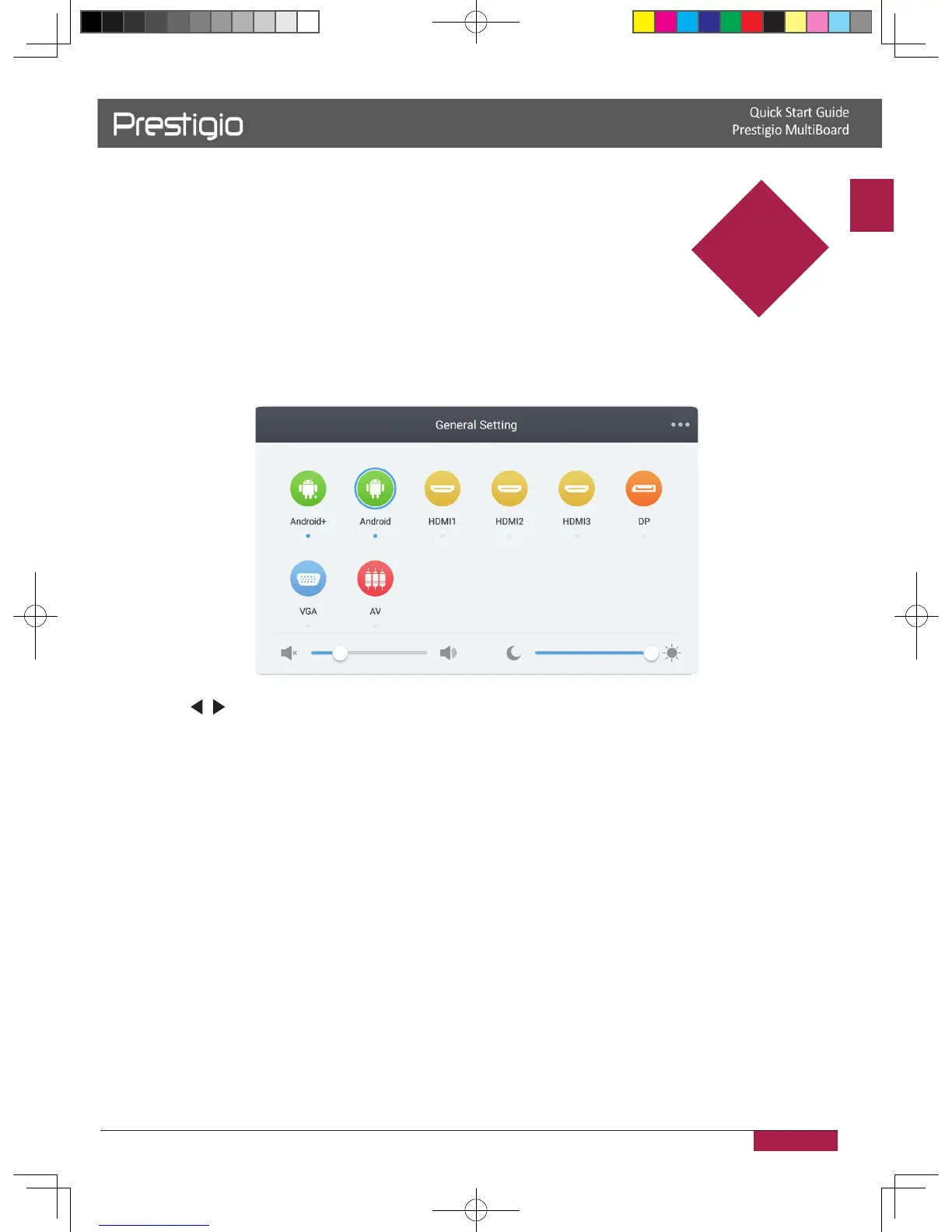
4� Use the INPUT button on the remote control to display the input source list�
5� Press
/ to select the PC/Android as the input source�
6� Press ENTER to confirm your selection�
4
2016/12/01
NOTE! Here the Prestigio MultiBoard L-series interface is used for illustrations.
Real appearance may vary. Please visit product support section on www.prestigio.com



 To Next Page