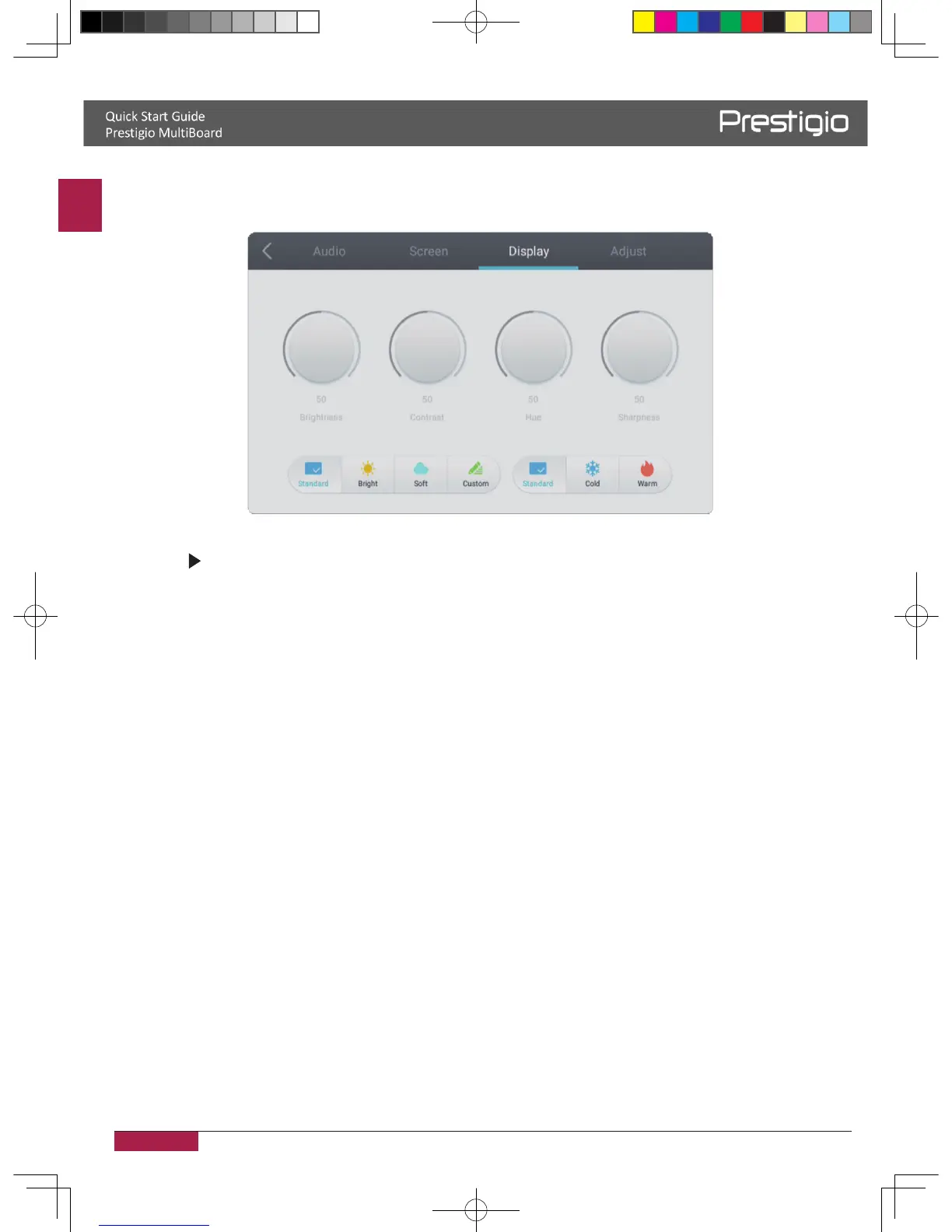
Screen settings
1� In Android mode, press INPUT button on the remote control enter settings menu�
2� Press button on the remote control to enter the advanced settings menu�
3. Press the Vol / Vol- button on the remote control to adjust the parameter.
4. Press the return key on the remote control to adjust the brightness of image
�
Brightness
Press the Vol / Vol- button on the remote control to adjust the brightness of image�
Contrast
Press the Vol/Vol- button on the remote control to adjust the contrast of image�
Color temp
Press the Vol/Vol- button on the remote control to adjust the color temperature of image
(Cool color/warm color/auto matic)�
2016/12/01



 To Next Page