6. General settings
Set up your MultiBoard
Follow the steps to finish settings:
1� Plug the POWER cord and switch on the power�
2� Press INPUT on the remote control to enter settings�
3� Press
or to select the settings item�
4� Press ENTER if you want to set the desired item�
5� Select the parameter by pressing
or �
6� Press ENTER to confirm your selection�
7� Press INPUT again to go back to preview mode�
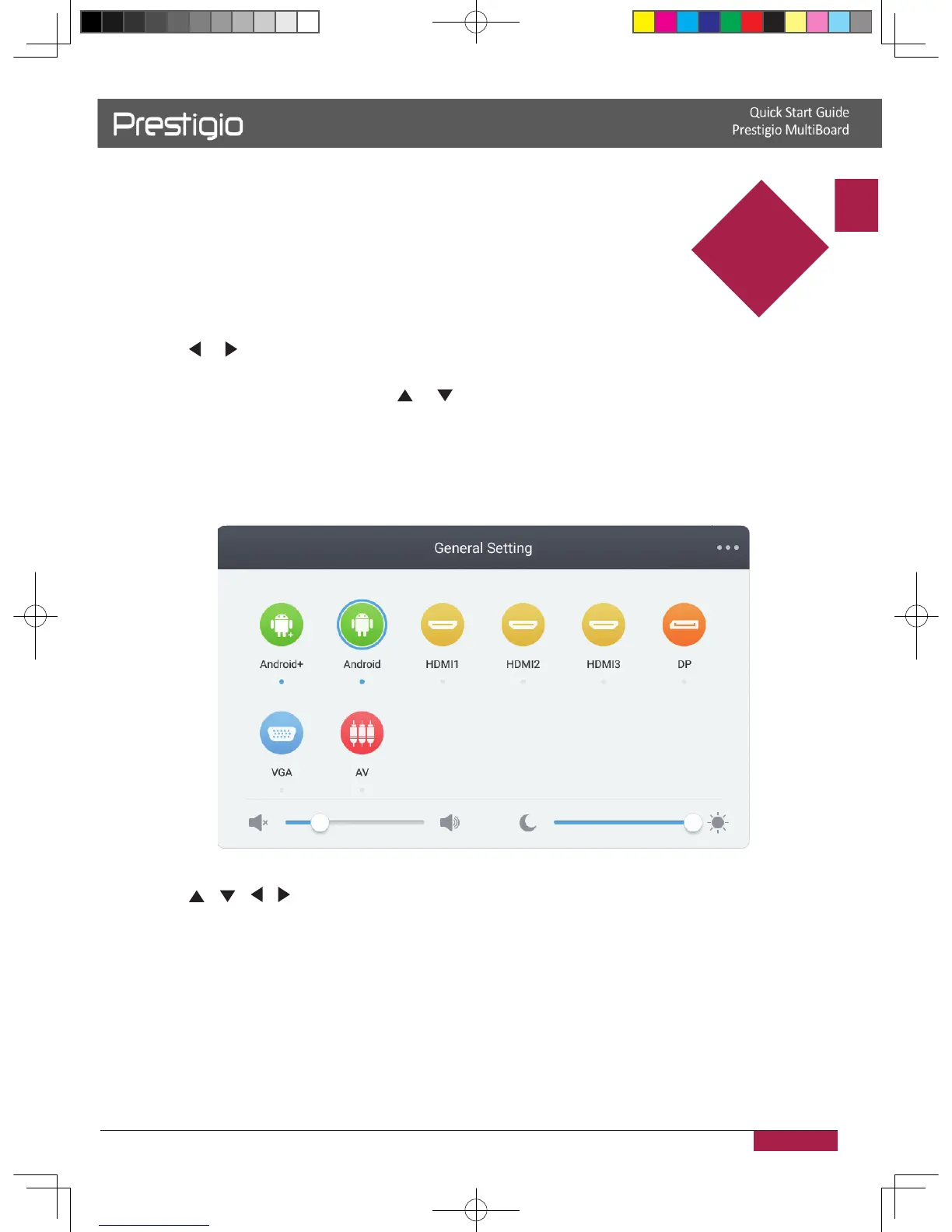
Input settings
1� Press INPUT button on the remote control enter input settings menu�
2� Press / / / button on the remote control to select the input source you need�
3� Press the Enter button on the remote control to confirm selected input source�
4� Press the return key on the remote control to exit�
6
2016/12/01
NOTE! Here the Prestigio MultiBoard L-series interface is used for illustrations.
Real appearance may vary. Please visit product support section on www.prestigio.com



 To Next Page