5. Network connection
Connecting to the Network
To enjoy internet services, you need to connect the MultiBoard to a router
with a high speed connection to the internet� You can also connect the
MultiBoard to your Home network server through a router or access point� The MultiBoard
connection to the router can either be wired or wireless�
• If you choose a wired connection to the router, you need a LAN cable
(commercially available)�
• If you do not have a broadband internet connection, consult the store where you
purchased your MultiBoard or ask your internet service provider or telephone
company�
• A wired and wireless connection cannot be used at the same time� Use only one
of the connection types�
Wired installation
1� Switch on the router� Refer to the router’s operation manual for switching on�
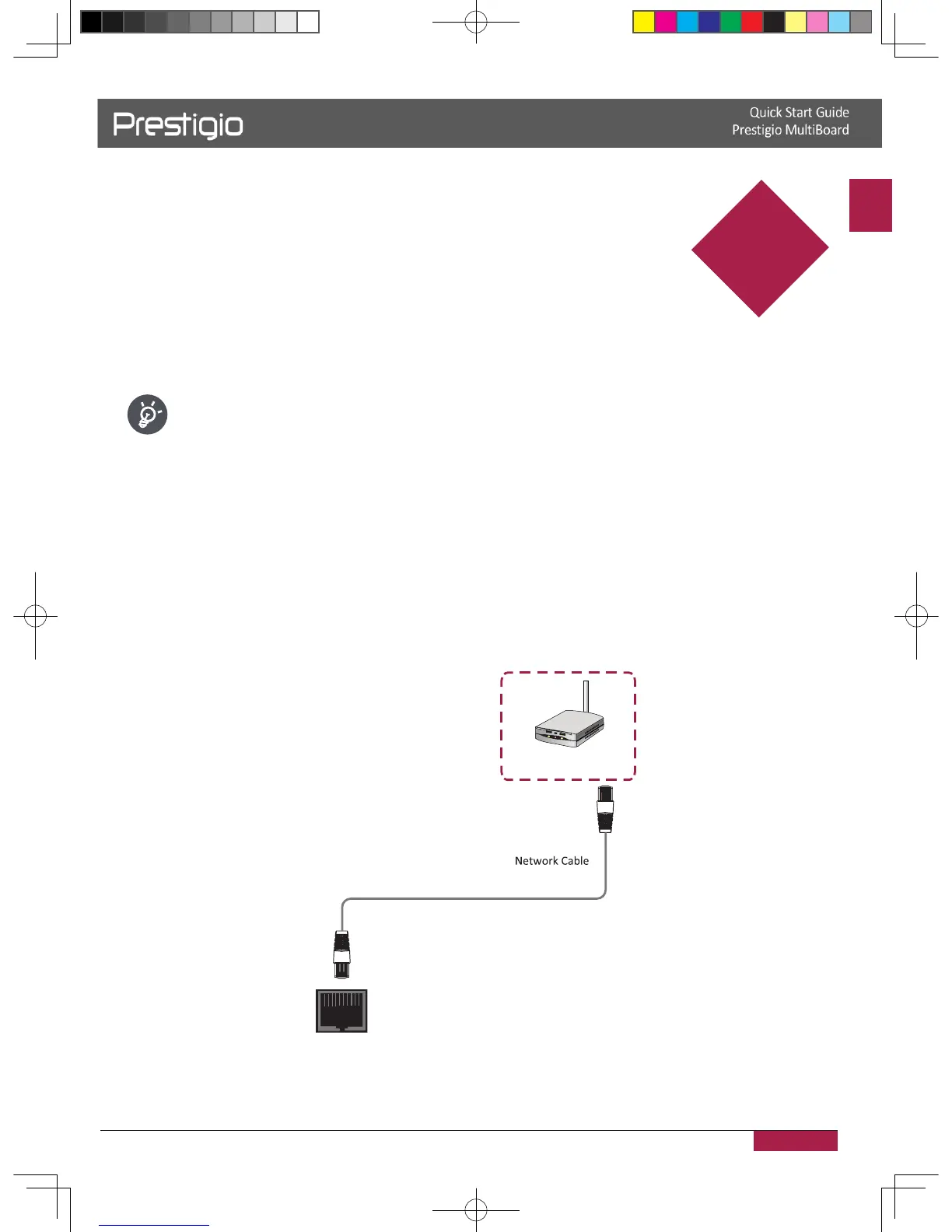
2� Connect the LAN terminal on the MultiBoard to the router with a LAN cable (commercially
available)�
LAN
The network signal output
like router etc�
5
2016/12/01



 To Next Page