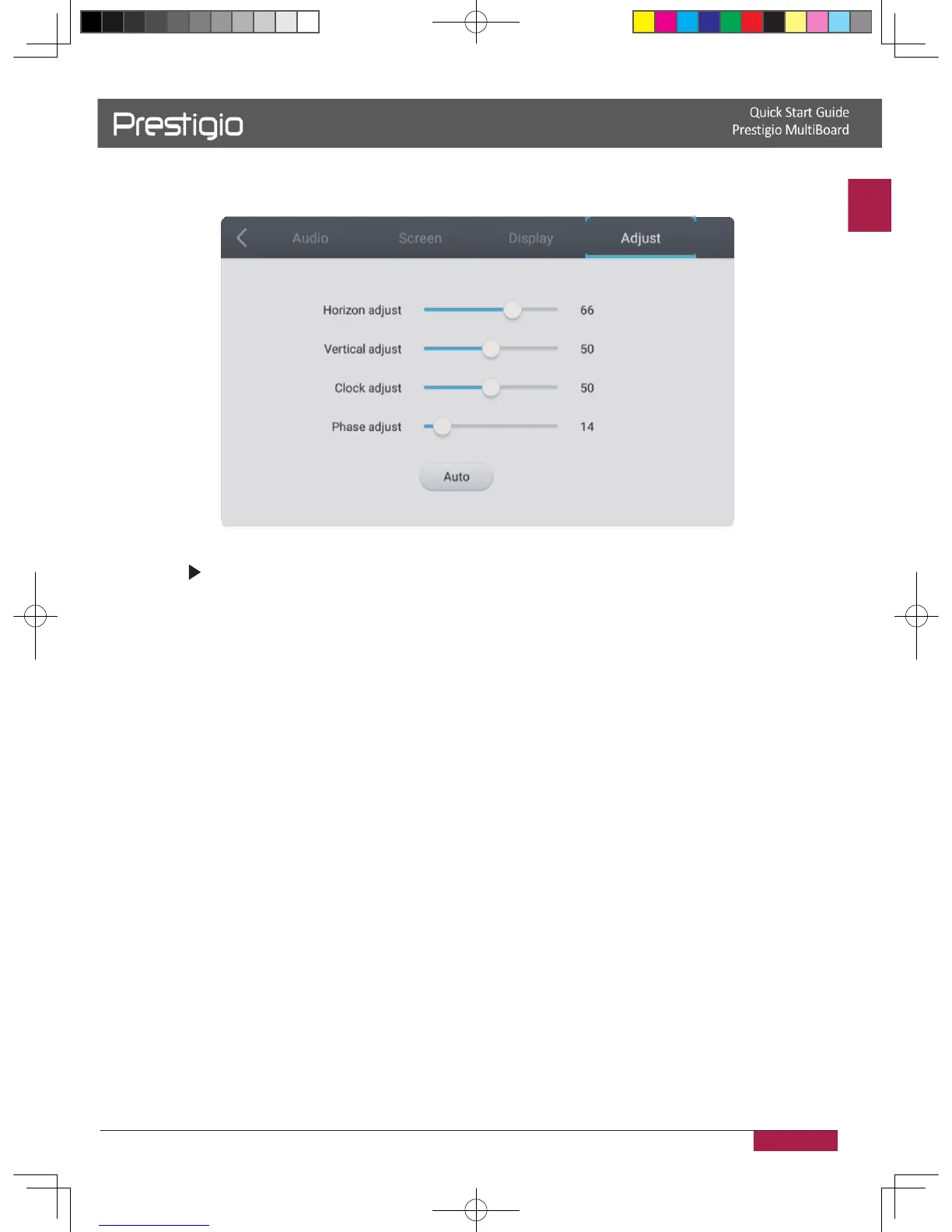
VGA Channel settings
1� In VGA mode, press INPUT button on the remote control enter settings menu�
2� Press button on the remote control to enter the advanced settings menu� 3�
Press the Vol / Vol- button on the remote control to adjust the parameter� 4�
Press the return key on the remote control to exit�
H position
Press the Vol / Vol- button on the remote control to adjust the horizontal position of
image�
V position
Press the Vol / Vol- button on the remote control to adjust the vertical position of
image�
Phase
Press the Vol / Vol- button on the remote control to adjust the phase position of
image�
Clock
Press the Vol / Vol- button on the remote control to adjust the phase clock of
image�
Aspect ratio
Press the Vol / Vol- button on the remote control to adjust the aspect ratio�
Auto fit
Press Enter button on the remote control to automatically adjust horizontal, vertical
position/phase and clock of image�
2016/12/01



 To Next Page