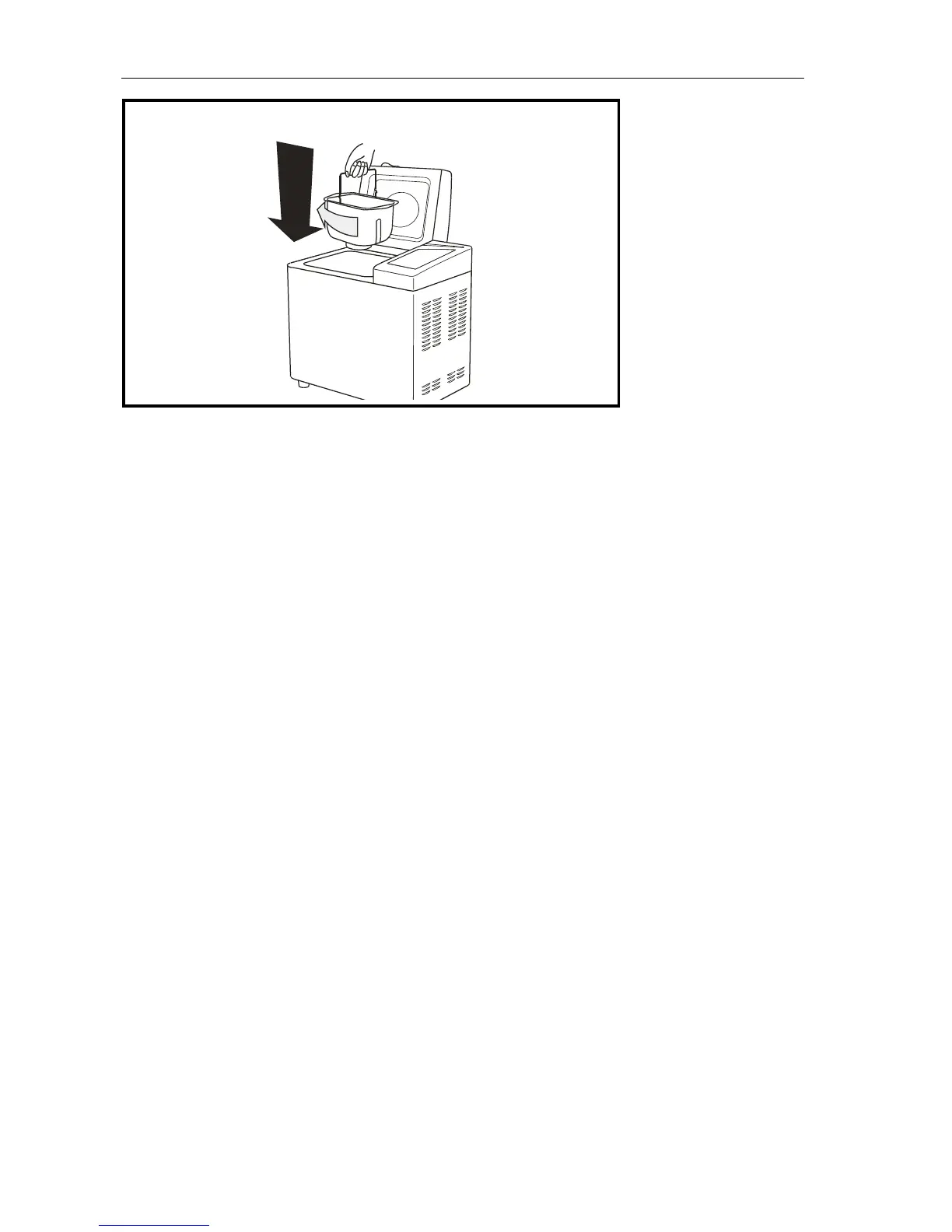
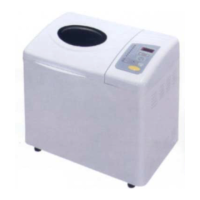
Step 5:
Insert the Bread Pan in the
BREAD MAKER, sit the bread
pan in place. Close the Lid.
Step 6:
Press the SELECT button to
choose the cycle you want.
Press BREAD COLOUR to
Select the colour of the bread
and if you want to delay the
programming press TIMER.
Please see page 13 for full
details.
Half way during the kneading
cycle the machine will beep to
let you know this is when to
add any fruits or nuts to the
dough.
11


 To Next Page