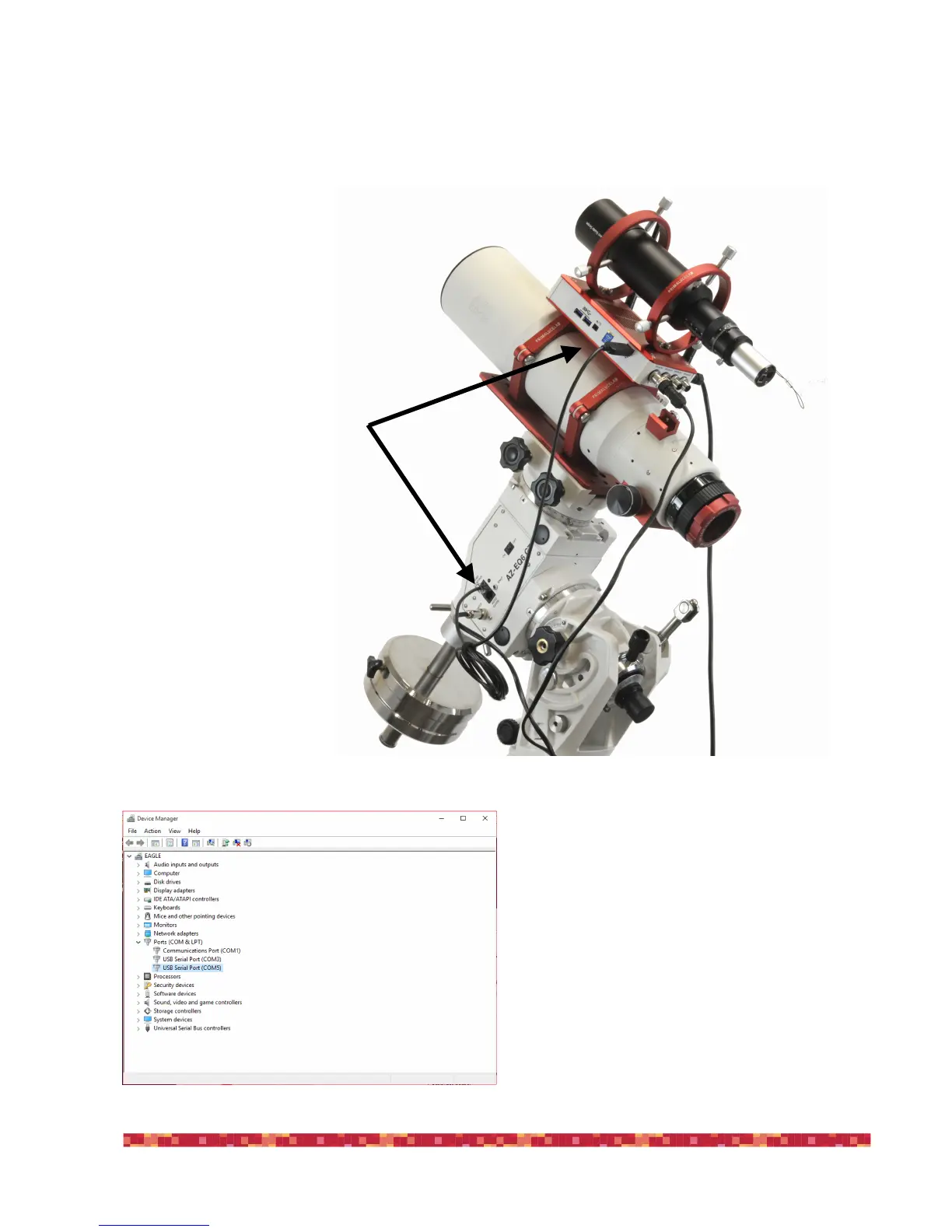
For example, if you use a SkyWatcher mount, you may use the “EQMOD USB interface for SkyWatcher mounts” that directly connects
the mount electronics to the EAGLE using a USB port.
The “EQMOD USB interface for SkyWatcher mounts” comes
with an ASCOM driver that you need to install BEFORE starting
Cartes du Ciel planetarium software. The EQMOD creates a vir-
tual COM port you need to know the number. In order to do that,
go to Windows Control Panel, then select “System” and then
“Device Manager”. In the window that opens, make a double
click on “Ports (COM &LPT)” and look at the “USB Serial Port”
number that opens (Please note: in Eagle Observatory the COM1
and COM3 are used for other applications”). In our example, the
EQMOD created a COM5 port.


 To Next Page