CD21 COMPACT DISC PLAYER USER GUIDE
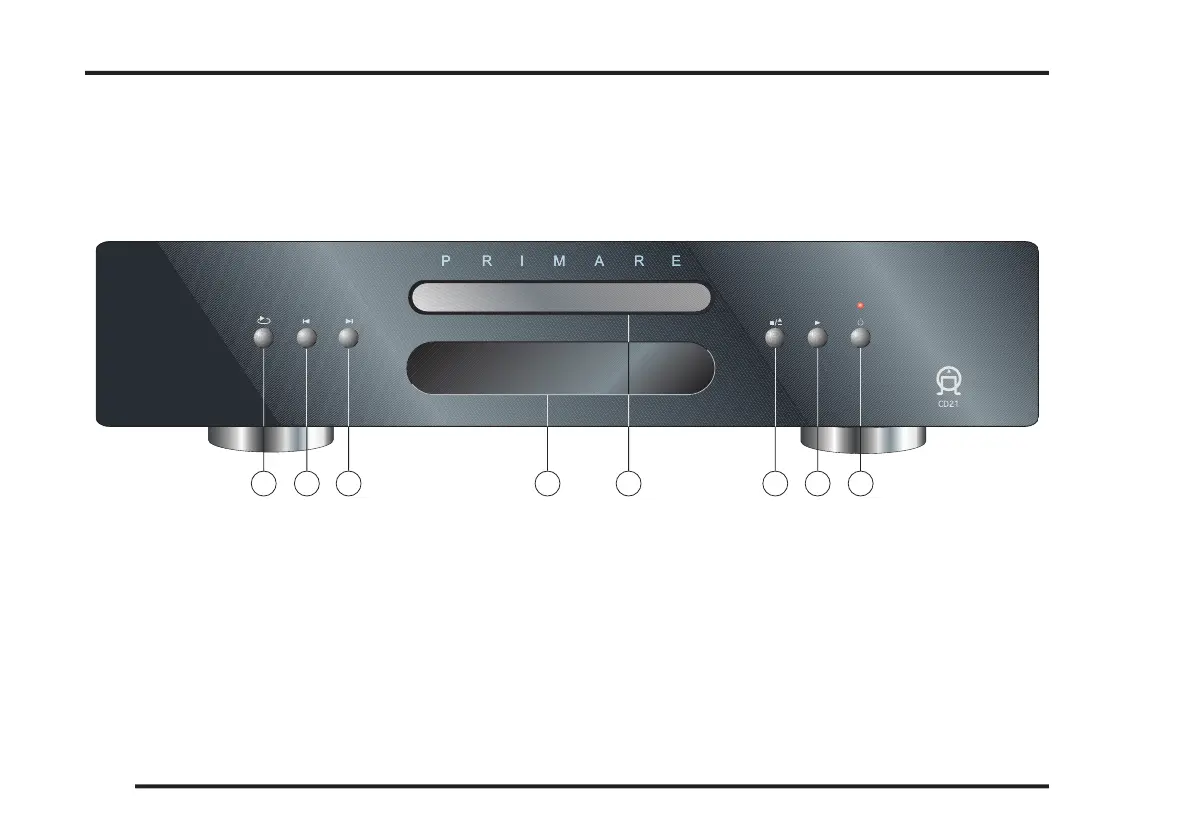
The main functions of the CD21 Compact disc player can
be accessed using the 6 front panel push buttons. Informa-
tion about the CD21 operation is shown on the display.
Repeats a track, or the entire disc.
Restarts the current track, or steps to the previous
Display, informs you about operation in progress.
Opens or closes the disc tray and also stops the disc.
G. Plays or pauses the disc.
Switches the CD21 to standby, or switches it on from



 To Next Page