CD21 COMPACT DISC PLAYER USER GUIDE
PROGRAMMING THE CD21 COMPACT DISC PLAYER
This chapter explains how to use the more advanced
features of the CD21 Compact Disc Player which you
can access from the remote control.
To repeat the current track
button on the front panel, or the Repeat
button on the remote control.
The front panel shows REPEAT 1
To repeat the entire disc
button on the front panel, or the Repeat
button on the remote control twice.
The front panel shows REPEAT ALL:
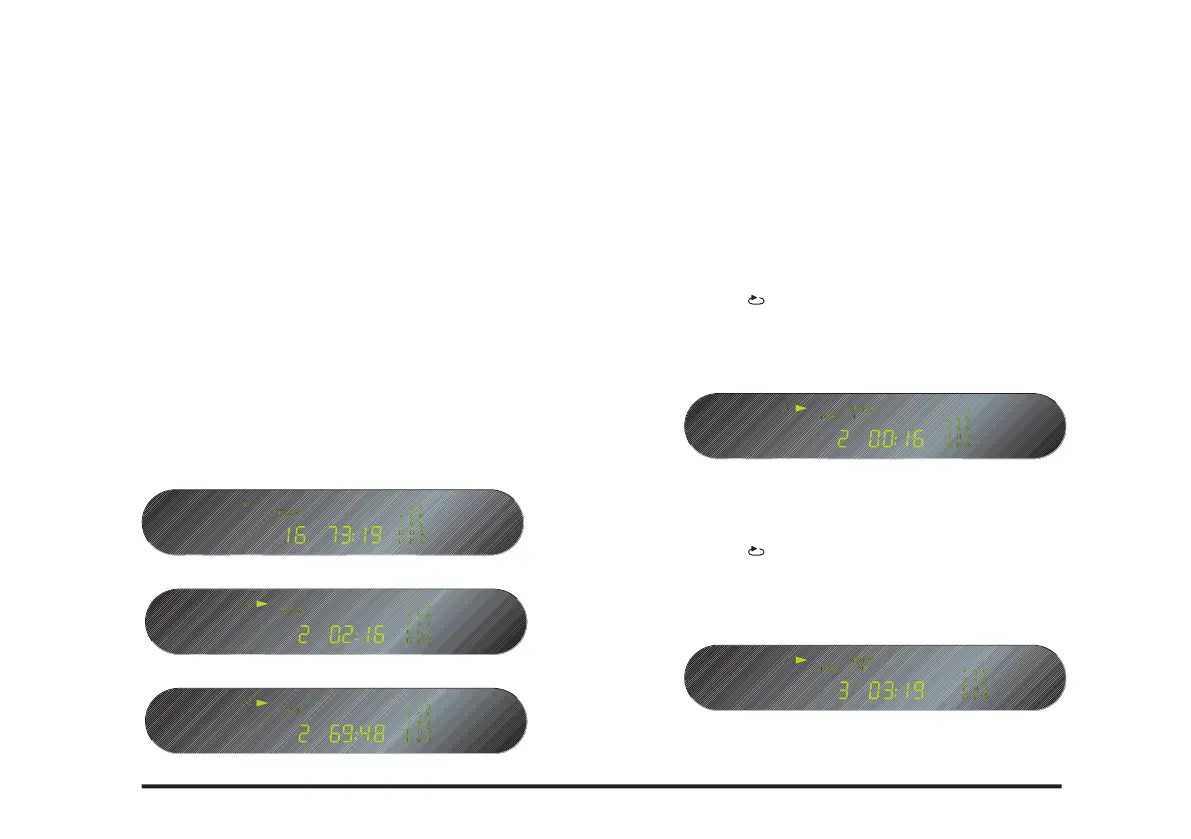
Changing the front panel display
You can change the front panel time display to show
elapsed time for the current track, remaining time for the
current track, or remaining time for the entire disc.
To change the time display
button on the remote control.
The display switches between the following three options:
Remaining time for the current track
Elapsed time for the current track
Remaining time for the entire disc



 To Next Page