CD21 COMPACT DISC PLAYER USER GUIDE
To repeat a speci c section of a disc (Repeat A-B)
During this operation the disc has to be running.
button on the remote control at the start
of the section you want to repeat.
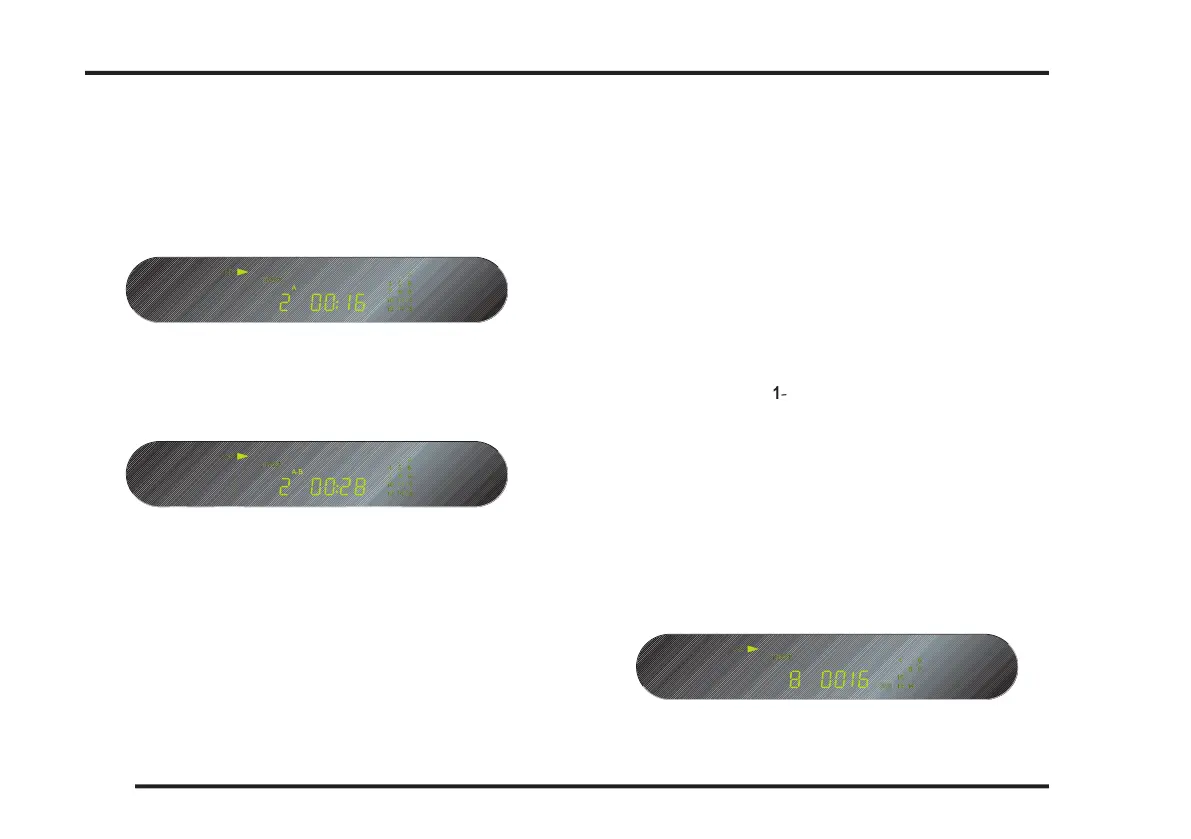
The front panel display shows A-:
button again at the end of the section you
The front panel display shows A-B:
The compact discplayer will then automatically return to
the start of of the section you have marked and play back
The A-B symbol in the front panel display will be cleared.
Programming a selection of tracks
The CD21 Compact Disc Player allows you to program a
selection of tracks on the current disc. You can then play
just the tracks you have selected.
To program a selection of tracks
button on the remote control while the
The front panel display shows PROGRAM.
As you select tracks the front panel display shows the
number of the track you are programming and the num-
ber of the step in the program, the duration of the track.
A selected track numbered higher than 15 will be indica-
ted by a ashing 15+ symbol on the front panel display
The track number also ashes in the track list on the
PROGRAMMING THE CD21 COMPACT DISC PLAYER



 To Next Page