CD21 COMPACT DISC PLAYER USER GUIDE
To play the selection you have programmed
button on the remote control.
The currently played track always ashes in the tracklist
on the front panel display
button on the remote control to stop the
button for a new selection or press the
MEM button twice and the compact discplayer reverts
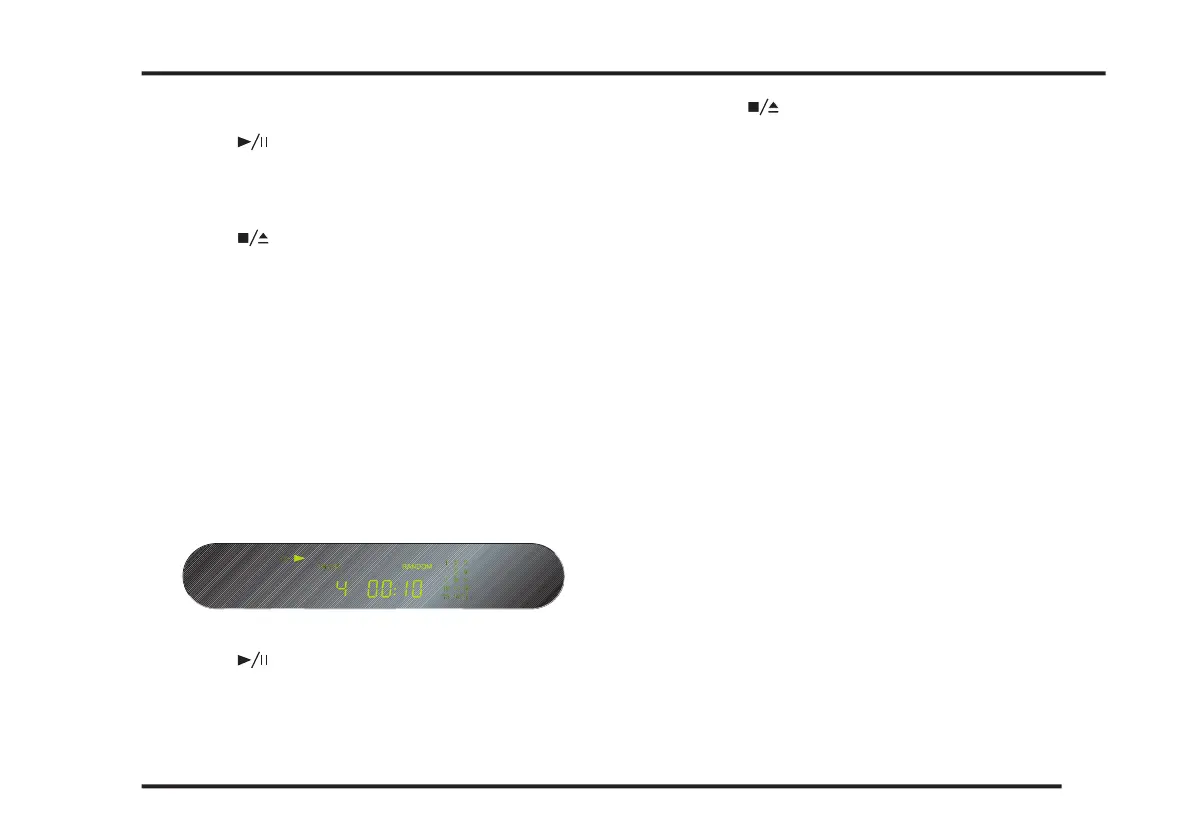
Random selection of tracks
button on the remote control.
The front panel display will show RANDOM.
button on the remote control.
The compact disc player selects random tracks from your
CD. The current track ashes in the tracklist.
button on the remote control to stop the
button on the remote control and the
compact discplayer will revert to normal playing mode.
To dim the front panel display
button on the remote control.
button again to restore the normal display
PROGRAMMING THE CD21 COMPACT DISC PLAYER



 To Next Page