CD21 COMPACT DISC PLAYER USER GUIDE
USING THE CD21 COMPACT DISC PLAYER
This chapter explains how to operate the CD21 Compact
Disc Player, using either the front panel controls or the
button on the front panel, or on
the remote control, to open the tray.
Place the CD in the tray with the label facing upwards.
button on the front panel or the remote
control to close the tray.
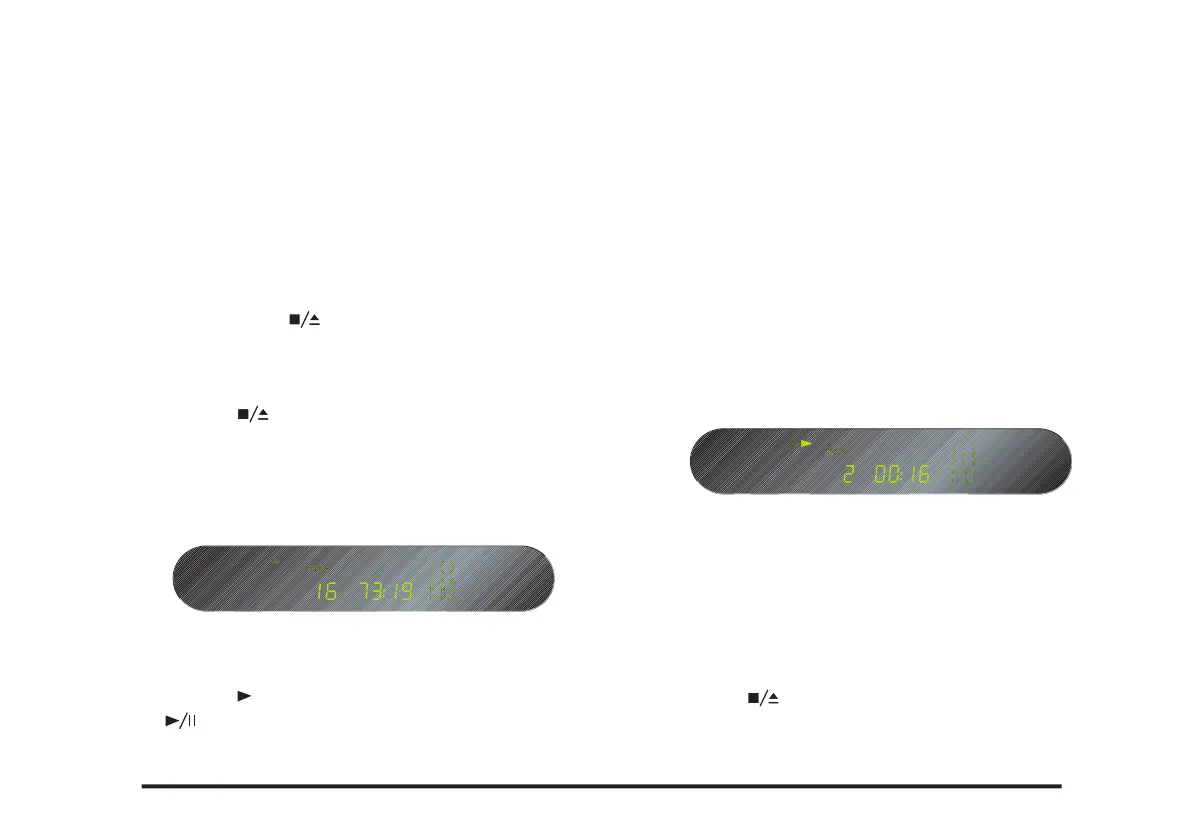
The front panel display shows the total number of tracks
on the disc, the total duration of the disc, and the track-
button on the front panel, or the
button on the remote control.
While a disc is playing the front panel display shows the
current track number and the elapsed time of the current
track. The track number is ashing in the tracking list.
button on the front panel or the remote
Alternatively press one of the buttons 1-9 and, if
on the remote control to start playing a
For example: To play track 16; press the
button. To play track 22; press the
button twice, followed by the



 To Next Page