EasyManua.ls Logo

Primus MB180 - User Manual

Primus MB180
136 pages
Print Icon
To Next Page IconTo Next Page
Loading...
INDUSTRIAL WASHER EXTRACTORS
HIGH SPIN WASHER EXTRACTORS:
6 kg 33 kg
7 kg 40 kg
10 kg 55 kg
16 kg 120 kg
22 kg
RIGID MOUNTED WASHER EXTRACTORS:
6 kg 18 kg
7 kg 22 kg
10 kg 27 kg
13 kg 35 kg
16 kg 43 kg
HIGH SPIN HYGIENIC BARRIER WASHER EXTRACTORS:
16 kg 66 kg
26 kg 90 kg
33 kg 140 kg
44 kg 180 kg
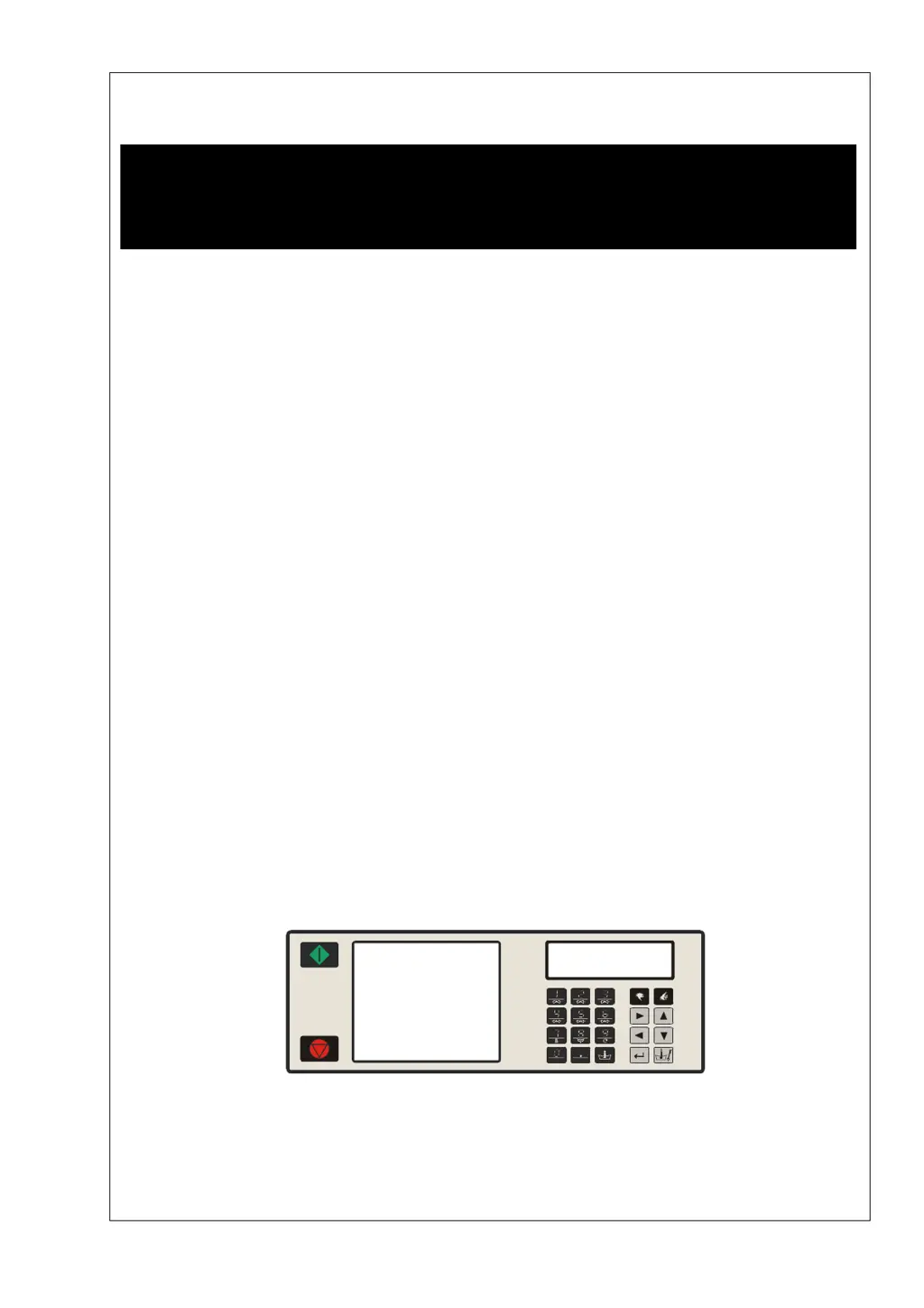
PROGRAMMING MANUAL
FULL CONTROL
100962 G
Publication date: 24 Jun 2008
SELECT PROGRAM
ABCDEFGHKLMNOPQR
100521

Table of Contents

Questions and Answers

  • U
    ureynoldsSep 9, 2025
    What to do if my Primus Scrubber displays 'Unload' and 'Door is Open'?
    • G
      Gregory RaySep 9, 2025
      If your Primus Scrubber displays 'Unload' and indicates that the 'Door is Open', check if the “Door Switch” is still closed. If the “Door Switch” is broken, replace it.
  • C
    Christopher RichardsonSep 12, 2025
    How can I fix a 'Heating Time Failure' on my Primus MB180?
    • M
      Matthew CastroSep 12, 2025
      If you're getting a 'Heating Time Failure' (Failure 14) on your Primus Scrubber, check if the programmed Max Heating time in the Initialisation menu is acceptable. If the machine has a small heating capacity, increase the value of the Max heating time.
  • S
    Sarah NorrisSep 14, 2025
    How to resolve a 'Wrong Inverter Model Type' error on a Primus Scrubber?
    • N
      Nancy MoyerSep 14, 2025
      If your Primus Scrubber displays a 'Wrong Inverter Model Type' (Failure 44) error, verify that you have selected the correct machine type in the Configuration menu.
  • A
    Amy HamiltonSep 16, 2025
    How do I clear the 'Service Due Warning' on my Primus MB180?
    • F
      fraymondSep 16, 2025
      If you're seeing a 'Service Due Warning' (Failure 41) on your Primus Scrubber, you can reset the cycle counter in the Service Menu. To check the cycle counter, press the SERVICE-STATE button and find the value in the second menu item.

Summary

Warnings and Symbols

General Warnings

Crucial safety warnings and precautions for operating the washing machine.

Wash Program Creation and Programming

Machine Setup and Configuration

Configuration Menu Setup

Configuring machine type, voltage, inverter, and other system parameters.

Operation Menu

Troubleshooting and Error Messages

Display and Fault Messages

Understanding and interpreting various display and fault messages during operation.

Handling Fault Messages

Procedures for overruling and erasing fault messages, and safety conditions for door unlocking.

Service Information

Electronic Board and Software Installation

Details on the electronic board and instructions for installing new software.

Primus MB180 Specifications

General IconGeneral
BrandPrimus
ModelMB180
CategoryScrubber
LanguageEnglish

Related product manuals