EasyManua.ls Logo

Primus RF6 - User Manual

Primus RF6
136 pages
Print Icon
To Next Page IconTo Next Page
Loading...
INDUSTRIAL WASHER EXTRACTORS
HIGH SPIN WASHER EXTRACTORS:
6 kg 33 kg
7 kg 40 kg
10 kg 55 kg
16 kg 120 kg
22 kg
RIGID MOUNTED WASHER EXTRACTORS:
6 kg 18 kg
7 kg 22 kg
10 kg 27 kg
13 kg 35 kg
16 kg 43 kg
HIGH SPIN HYGIENIC BARRIER WASHER EXTRACTORS:
16 kg 66 kg
26 kg 90 kg
33 kg 140 kg
44 kg 180 kg
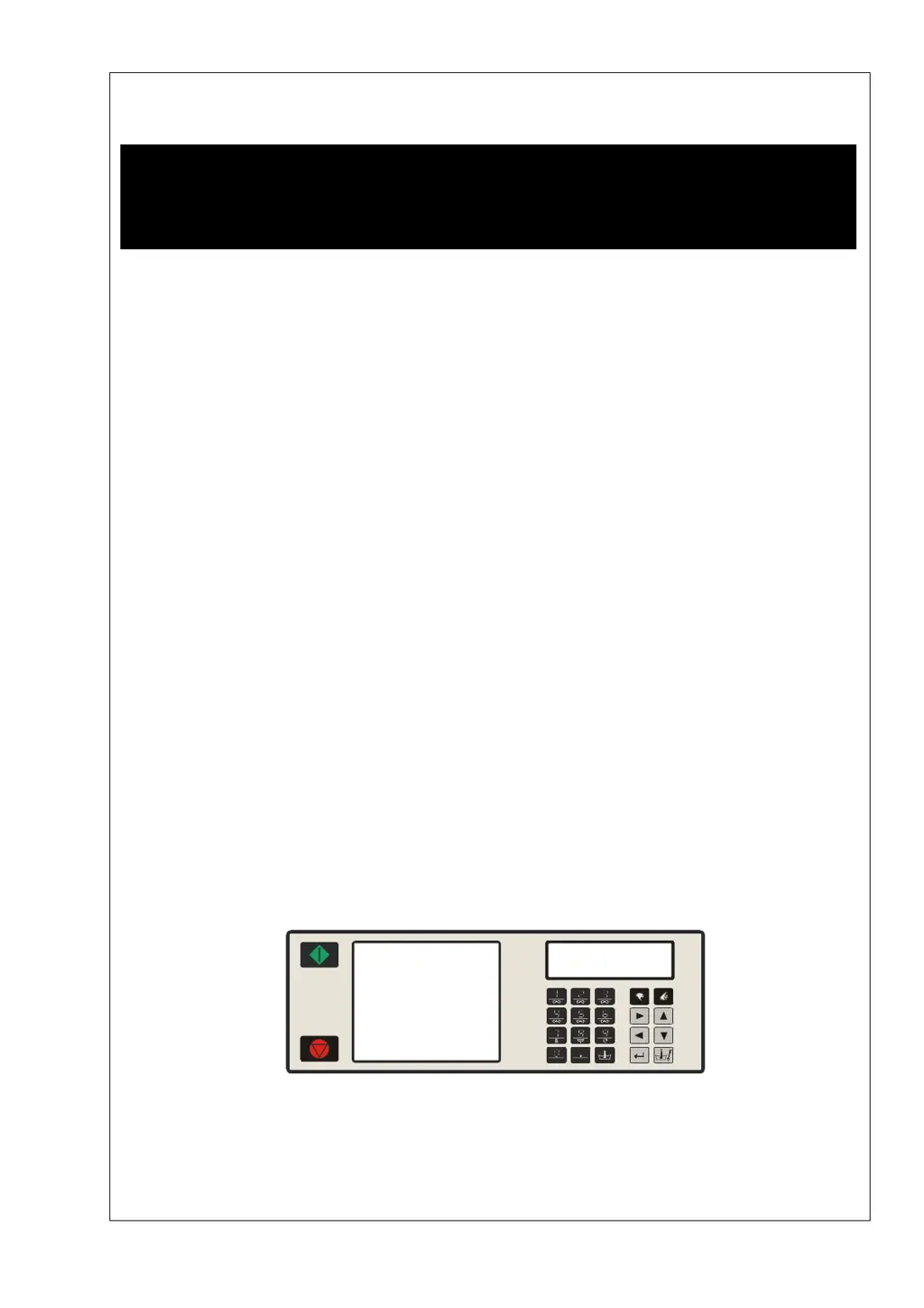
PROGRAMMING MANUAL
FULL CONTROL
100962 G
Publication date: 24 Jun 2008
SELECT PROGRAM
ABCDEFGHKLMNOPQR
100521

Table of Contents

Questions and Answers

Summary

Warnings and Symbols

Warnings

General safety instructions and precautions for operating the machine.

Basic Description of Controls

The Creation of a Wash Program

Step-by-step guide on how to create a new wash program.

Programming the Functions

Details on programming wash speed, extraction speed, supplies, and time limits.

Initializing the Machine

Initialisation Menu

Steps to access and navigate the machine's initialization menu.

Configuration Menu

Procedure to access and configure machine-specific settings in the configuration menu.

Programming

Step 1: Program Menu

Instructions for accessing the program menu to manage wash programs.

Step 2: Program Functions

Functions for selecting program number, naming, viewing, editing, copying, and deleting programs.

Step 3: Program Step Function

Functions for adding, editing, inserting, viewing, deleting, and exiting program steps.

Step 4: Programming the Wash Part

Detailed explanation of programming wash sequences, including selecting wash parts.

Operation Menu

Starting a Wash Program

Steps to select and start a wash program using the program number.

How to Handle Failure Messages

Understanding and interpreting machine failure messages displayed on the screen.

Troubleshooting

Fault Messages

Explanation of diagnostic error messages and how they are displayed.

How to Handle Fault Messages

Procedures for interpreting and resolving common machine fault messages and safety conditions.

Overview

A comprehensive list of failure messages, their causes, actions, and occurrences.

Service Menu

Diagnostic Program

Problem Check List

Explanation Error Messages

Service Information

Instructions for Replacing the Electronic Board and Keypad

Step-by-step guide for safely replacing the electronic board and keypad.

Instructions for Installing New Software

Procedure for updating the machine's software, including EPROM replacement and configuration.

Primus RF6 Specifications

General IconGeneral
BrandPrimus
ModelRF6
CategoryScrubber
LanguageEnglish

Related product manuals