EasyManua.ls Logo

Primus MB66 - User Manual

Primus MB66
136 pages
Print Icon
To Next Page IconTo Next Page
Loading...
INDUSTRIAL WASHER EXTRACTORS
HIGH SPIN WASHER EXTRACTORS:
6 kg 33 kg
7 kg 40 kg
10 kg 55 kg
16 kg 120 kg
22 kg
RIGID MOUNTED WASHER EXTRACTORS:
6 kg 18 kg
7 kg 22 kg
10 kg 27 kg
13 kg 35 kg
16 kg 43 kg
HIGH SPIN HYGIENIC BARRIER WASHER EXTRACTORS:
16 kg 66 kg
26 kg 90 kg
33 kg 140 kg
44 kg 180 kg
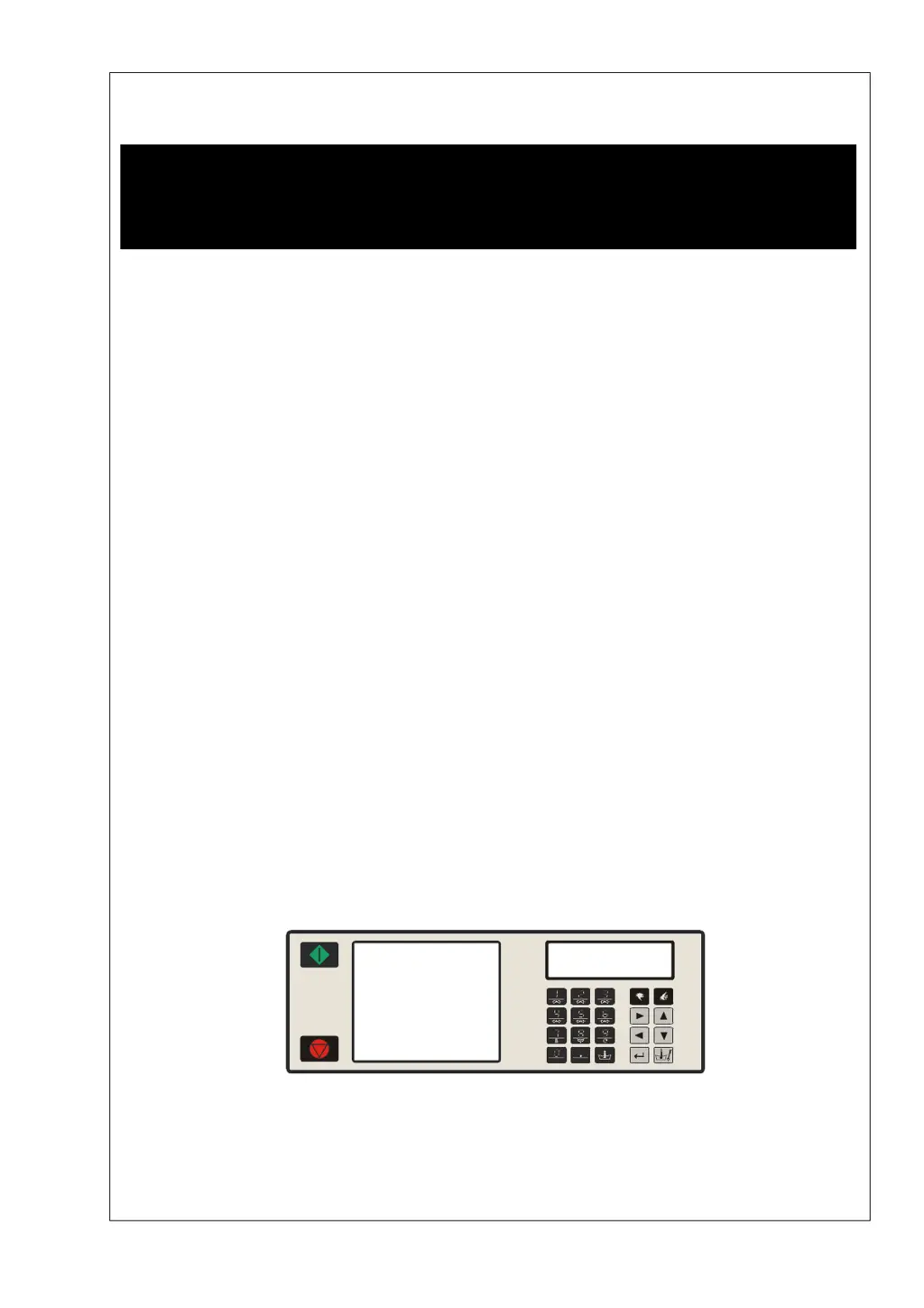
PROGRAMMING MANUAL
FULL CONTROL
100962 G
Publication date: 24 Jun 2008
SELECT PROGRAM
ABCDEFGHKLMNOPQR
100521

Table of Contents

Questions and Answers

  • E
    Erica SummersAug 21, 2025
    What to do if my Primus MB66 keyboard buttons aren't working?
    • J
      Jesse StokesAug 21, 2025
      If your Primus Scrubber is not responding when you press the keyboard buttons, here are some things to check: * Make sure the input connector “A” is securely connected and inspect the wiring between the connector and the key-switch. * Ensure the key switch is set to “Run mode.” * Verify that the connector “K” of the keyboard is properly connected.
  • J
    jeremy96Aug 23, 2025
    How to improve the display brightness on a Primus MB66 Scrubber?
    • R
      Randy KleinAug 23, 2025
      If the display on your Primus Scrubber is illuminated but hard to read, adjust the brightness setting in the Configuration Menu until the display is clear and bright.
  • K
    Kristen ChandlerAug 26, 2025
    Why is the drum not turning in my Primus MB66 Scrubber?
    • C
      Chelsea ConradAug 26, 2025
      If the drum in your Primus Scrubber isn't turning and no error message is displayed, check the following: * Inspect the belt for any breaks and check its tension; replace or adjust as needed. * Check the motor voltage applied. * Assess whether the motor is still functional. * Check the inverter.
  • Y
    ysantiagoAug 27, 2025
    How to resolve a 'Heating Failure' error on a Primus MB66?
    • J
      john42Aug 27, 2025
      If you're encountering a 'Heating Failure' (Failure 13) error on your Primus Scrubber, check if the heating contactor is activated. If it's not, repair the wiring or replace the contactor.
  • R
    Rachel WilsonAug 29, 2025
    What causes outputs to not activate when starting a program on a Primus MB66 Scrubber?
    • C
      Christopher JacksonAug 30, 2025
      If you start a program on your Primus Scrubber, but the outputs aren't activating, ensure that connectors “R” and “Q” are correctly connected and not inverted. Pin “Q10” must be supplied with 220Vac when the door is closed.
  • T
    Tiffany ArellanoSep 1, 2025
    How do I fix a wrong water level issue on my Primus Scrubber?
    • K
      Kristen CarrSep 1, 2025
      If you're experiencing a wrong water level issue with your Primus Scrubber, make sure the programmed water levels are correct and that the right machine type is selected in the Configuration Menu. You can reinitialize standard water levels by programming new values or reloading the Standard Wash programs.
  • R
    Rhonda KelleySep 3, 2025
    What should I do if my Primus MB66 shows an 'Overfill Failure'?
    • L
      Larry RodriguezSep 3, 2025
      If your Primus Scrubber displays an 'Overfill Failure' (Failure 12), the water inlet valves might be broken. Try cleaning or replacing the water inlet valve diaphragms.
  • E
    Erik ChapmanSep 5, 2025
    How to troubleshoot a 'Fill Failure' on a Primus Scrubber?
    • A
      Amy GreenSep 5, 2025
      If you're facing a 'Fill Failure' (Failure 11) on your Primus Scrubber, start by checking if the external water valves are open. If they are closed, open the water inlet valves to allow water to flow into the machine.
  • J
    Jaime CharlesSep 7, 2025
    What to do if my Primus MB66 displays a 'Too Hot' error?
    • Z
      Zachary DunnSep 7, 2025
      If your Primus Scrubber shows a 'Too Hot' (Failure 15) error, verify that the correct water inlet valves have been programmed. Ensure you're programming both hot and cold water inlet valves for the wash sequence.
  • R
    raymond23Sep 9, 2025
    What to do if my Primus MB66 Scrubber displays 'Unload' and 'Door is Open'?
    • J
      john99Sep 9, 2025
      If your Primus Scrubber displays 'Unload' and indicates that the 'Door is Open', check if the “Door Switch” is still closed. If the “Door Switch” is broken, replace it.

Primus MB66 Specifications

General IconGeneral
BrandPrimus
ModelMB66
CategoryScrubber
LanguageEnglish

Related product manuals