EasyManua.ls Logo

Primus MB66 - User Manual

Primus MB66
136 pages
Print Icon
To Next Page IconTo Next Page
Loading...
INDUSTRIAL WASHER EXTRACTORS
HIGH SPIN WASHER EXTRACTORS:
6 kg 33 kg
7 kg 40 kg
10 kg 55 kg
16 kg 120 kg
22 kg
RIGID MOUNTED WASHER EXTRACTORS:
6 kg 18 kg
7 kg 22 kg
10 kg 27 kg
13 kg 35 kg
16 kg 43 kg
HIGH SPIN HYGIENIC BARRIER WASHER EXTRACTORS:
16 kg 66 kg
26 kg 90 kg
33 kg 140 kg
44 kg 180 kg
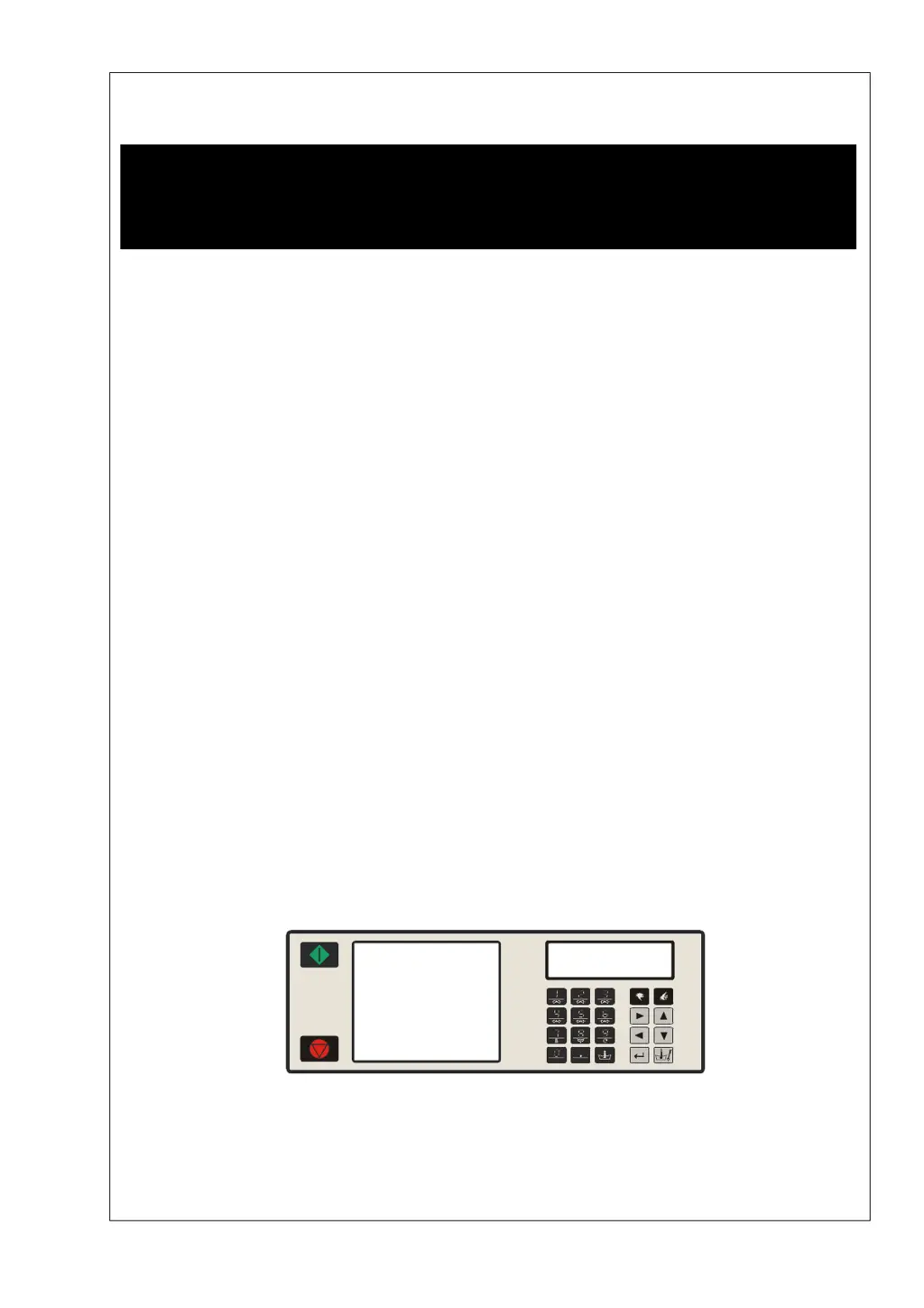
PROGRAMMING MANUAL
FULL CONTROL
100962 G
Publication date: 24 Jun 2008
SELECT PROGRAM
ABCDEFGHKLMNOPQR
100521

Table of Contents

Questions and Answers

  • T
    Teresa HigginsSep 10, 2025
    How to fix a Primus MB66 with a display that won't light up?
    • A
      Ann EvansSep 12, 2025
      If the display of your Primus Scrubber is not illuminated when you switch on the power, consider the following: * Ensure the external power supply is switched on and providing power to the machine. * Deactivate the emergency button. * Check and properly connect the power connector on the board, ensuring correct wiring. * Inspect the fuse on the electronic board; replace it if burned. Also, verify that input signals or the +16Vdc Supply Signal are not touching the cabinet. * If there's no EPROM on the electronic board, install the correct EPROM with the software.
  • L
    Linda LewisSep 12, 2025
    How can I fix a 'Heating Time Failure' on my Primus MB66 Scrubber?
    • H
      Holly SandersSep 12, 2025
      If you're getting a 'Heating Time Failure' (Failure 14) on your Primus Scrubber, check if the programmed Max Heating time in the Initialisation menu is acceptable. If the machine has a small heating capacity, increase the value of the Max heating time.
  • E
    Evelyn CollierSep 13, 2025
    How to resolve a 'Wrong Inverter Model Type' error on a Primus MB66?
    • L
      leejoelSep 14, 2025
      If your Primus Scrubber displays a 'Wrong Inverter Model Type' (Failure 44) error, verify that you have selected the correct machine type in the Configuration menu.
  • V
    Vickie HernandezSep 16, 2025
    How do I clear the 'Service Due Warning' on my Primus MB66?
    • B
      Brian DaySep 16, 2025
      If you're seeing a 'Service Due Warning' (Failure 41) on your Primus Scrubber, you can reset the cycle counter in the Service Menu. To check the cycle counter, press the SERVICE-STATE button and find the value in the second menu item.

Primus MB66 Specifications

General IconGeneral
BrandPrimus
ModelMB66
CategoryScrubber
LanguageEnglish

Related product manuals