6
2)
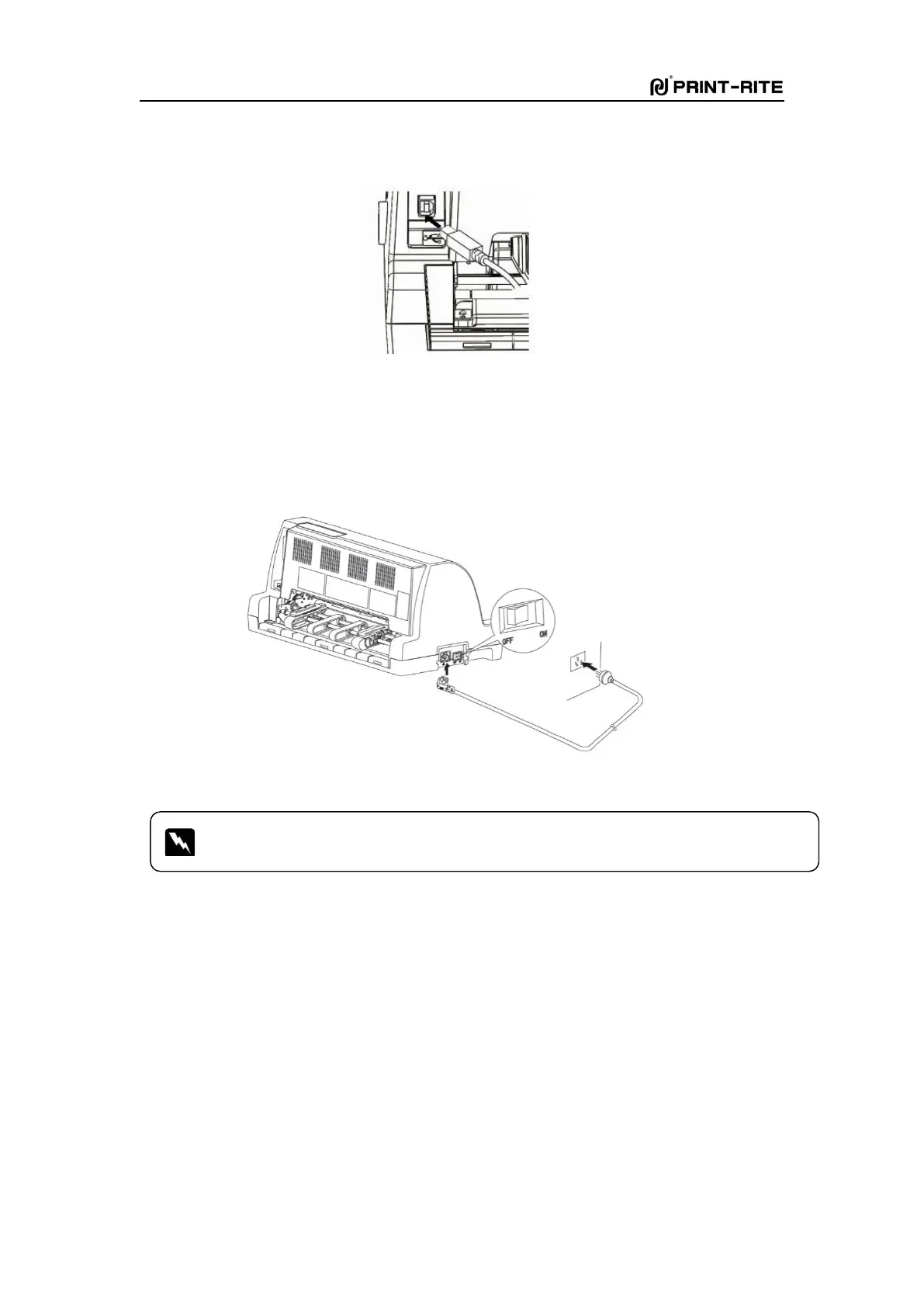
Connect USB cable(square shape) to the USB port of the printer as Fig. 1-12
Fig. 1-12
Connect the power supply
1)
Plug one end of the power cord into the pirnter and other end to grounded outlet as Fig.
1-13.
2)
Turn on the printer power switch.
Fig. 1-13
In a residential environment, running this device may cause radio interference.



 To Next Page