5
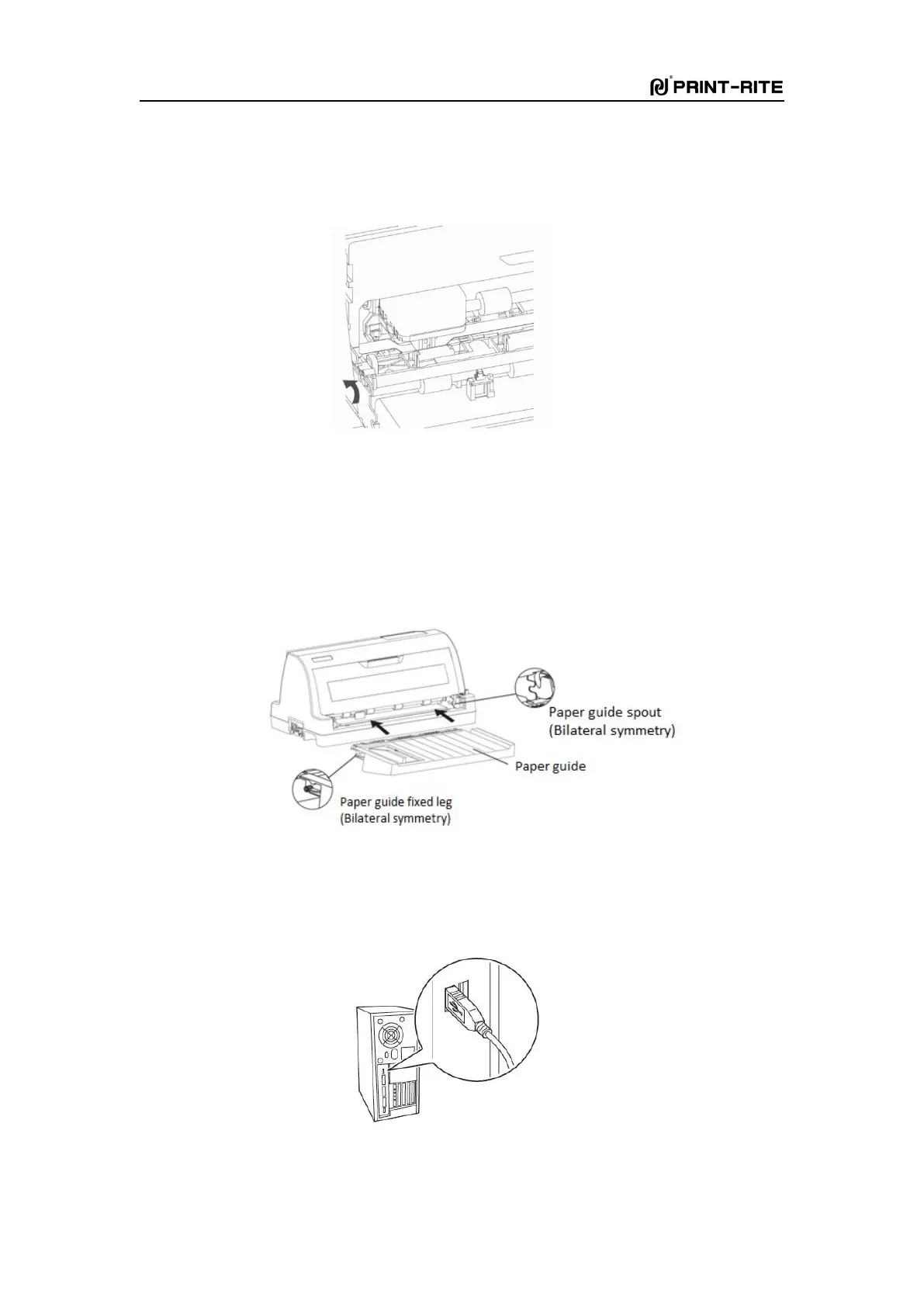
Fig. 1-9
Install the paper guide
1) Take out the paper guide and remove the packaging.
2) Insert the paper guide into the rack as Fig. 1-10 shows.
Note: Slant the paper guide first, and then insert it to the rack, and make it flat at last.
Fig. 1-10
Connect the printer to computer
1)
Connect the USB cable (flat shape) to the USB port of the computer as Fig. 1-11.
Fig. 1-11



 To Next Page