EasyManua.ls Logo

Printronix SL5000r - Page 265

Printronix SL5000r
396 pages
Print Icon
To Next Page IconTo Next Page
To Previous Page IconTo Previous Page
Loading...
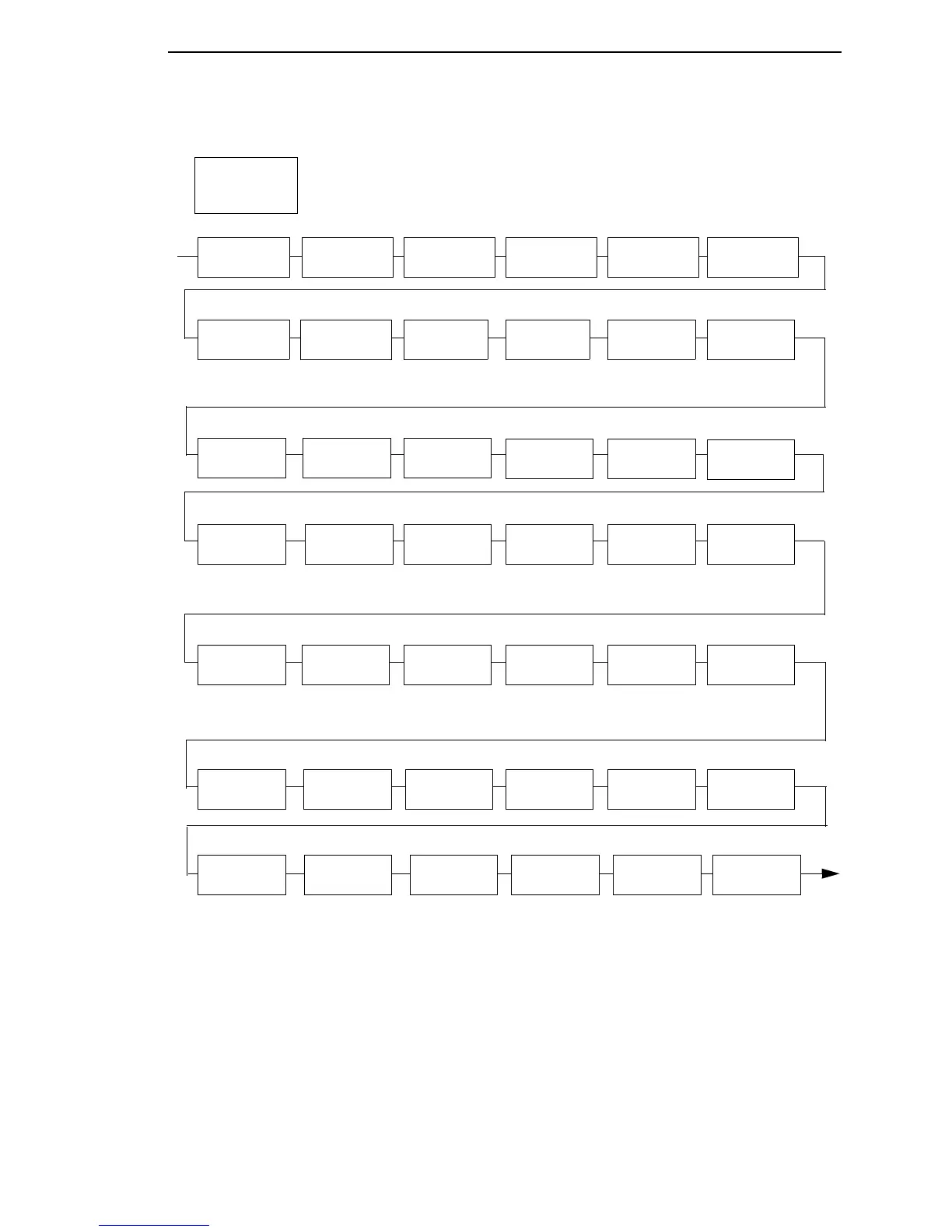
WLAN ADDRESS Submenus
265
WEP Key 2
Format
Hexadecimal*
ASCII
WEP Key 2
Width
128 Bits*
40 Bits
WEP Key 2
BYTE1:
WLAN
PARAMS
(from page 264)
WEP Key 1
4
Byte9:
WEP Key 1
4
Byte10:
WEP Key 1
4
Byte11:
WEP Key 1
4
Byte12:
WEP Key 1
4
Byte12:
WEP Key 1
4
Byte13:
WEP Key 2
BYTE2:
WEP Key 2
BYTE3:
WEP Key 2
BYTE4:
WEP Key 2
BYTE5:
WEP Key 2
4
BYTE6:
WEP Key 2
4
BYTE7:
WEP Key 2
4
BYTE8:
WEP Key 2
4
BYTE11:
WEP Key 2
4
BYTE12:
WEP Key 2
4
BYTE13:
WEP Key 3
Format
Hexadecimal*
ASCII
WEP Key 3
BYTE3:
WEP Key 3
BYTE4:
WEP Key 3
BYTE5:
Notes:
* = Factory Default
4
Appears only if “WEP Key 1 Width” is set to 128 Bits.
WEP Key 3
4
BYTE8:
WEP Key 3
4
BYTE9:
WEP Key 3
4
BYTE10:
WEP Key 3
4
BYTE11:
WEP Key 1
4
Byte7:
WEP Key 1
4
Byte8:
WEP Key 3
4
BYTE12:
WEP Key 3
4
BYTE13:
WEP Key 3
4
BYTE6:
WEP Key 3
4
BYTE7:
WEP Key 3
Width
128 Bits*
40 Bits
WEP Key 3
BYTE1:
WEP Key 3
BYTE2:
WEP Key 2
4
BYTE9:
WEP Key 2
4
BYTE10:
WEP Key 4
Format
Hexadecimal*
ASCII
WEP Key 4
Width
128 Bits*
40 Bits
WEP Key 4
BYTE1:
WEP Key 4
BYTE2:
WLAN PARAMS

Table of Contents

Related product manuals