SECTION 3
OPERATING THE PRINTER
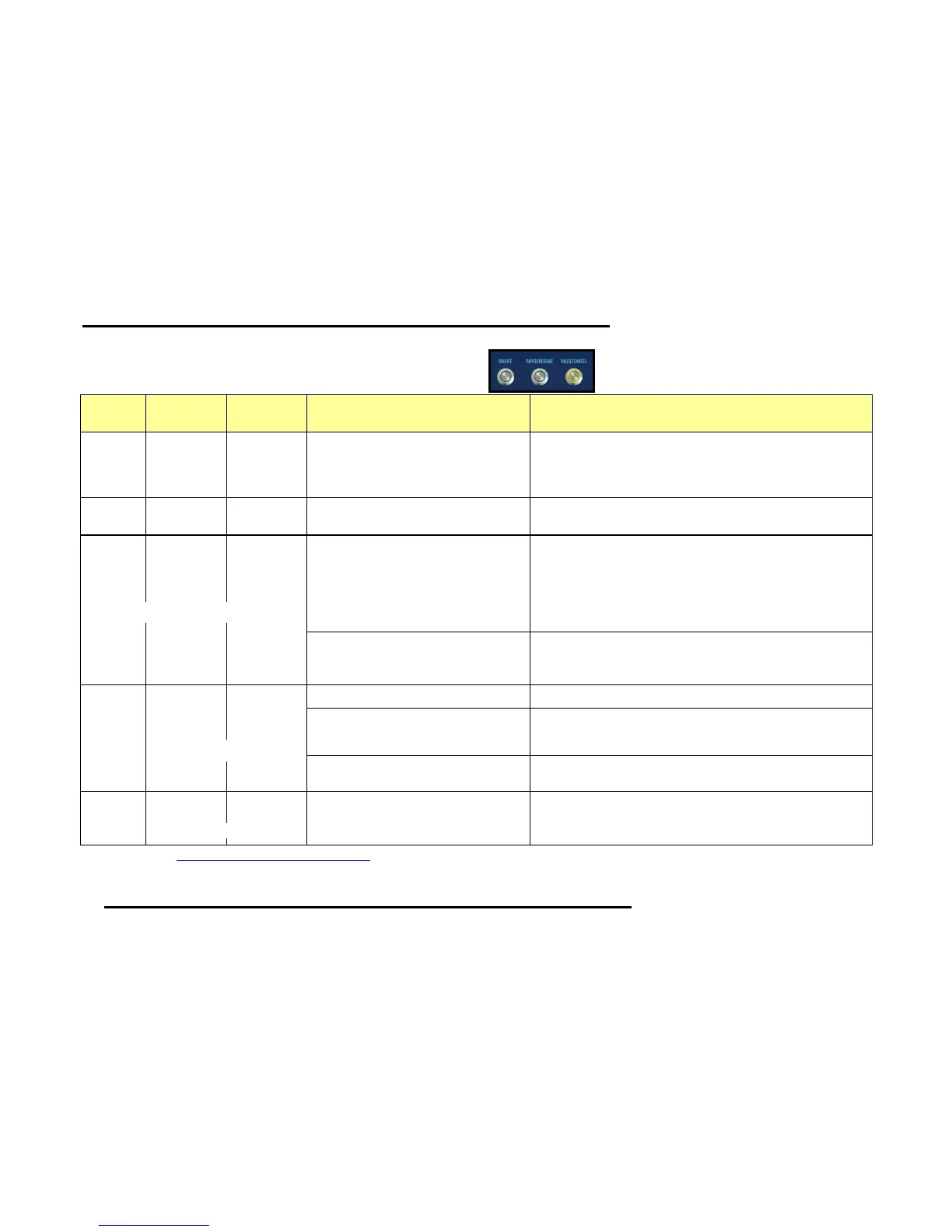
Printer Status Light Indicator Chart (see legend)
Valid with Firmware 110928_u or higher installed.
Printer Status
corresponding Toolbox message
Additional Details, Possible Solution or Action
Print engine is powered-OFF
In this condition, it is safe to turn the Main Power Switch OFF or ON.
IMPORTANT: To provide proper printhead and ink system
maintenance; the printer should remain powered on (ON/OFF light
illuminated) at all times.
Print engine is powered-ON and ready
It takes approximately 45 seconds for the print engine to power-up;
after pressing this button.
All lights blink simultaneously during power-up sequence.
The ON/OFF button will change to a steady illumination condition,
once the print engine is fully powered-up.
TIP: You can launch (open) the Toolbox after the lights come on.
Print engine powering-down
All lights blink simultaneously during power-down sequence.
Wait until all lights go out before turning OFF the Main Power
Switch.
Wait for lights to stop blinking.
Printer is Performing Maintenance
(Cleaning, Circulating Ink, etc..)
Toolbox = MAINTENANCE_BUSY
Wait for lights to stop blinking.
Canceling Job. CANCEL key was pressed
Toolbox = MECH_CANCELJOB
Wait for lights to stop blinking.
Press PAUSE, to pause printing.
TIP: If the printer doesn’t try to feed media; check for paper jam in
print engine and clean the PaperPath sensors.
Please see the “Toolbox System Status Messages” section for more details on Toolbox messages.
Simultaneous Flash (1/sec)
Simultaneous Flash (1/sec)
Alternating Flash (1/sec)


 To Next Page