SECTION 3
OPERATING THE PRINTER
Printer Status Light Indicators
Valid with Firmware 110928_u or higher installed.
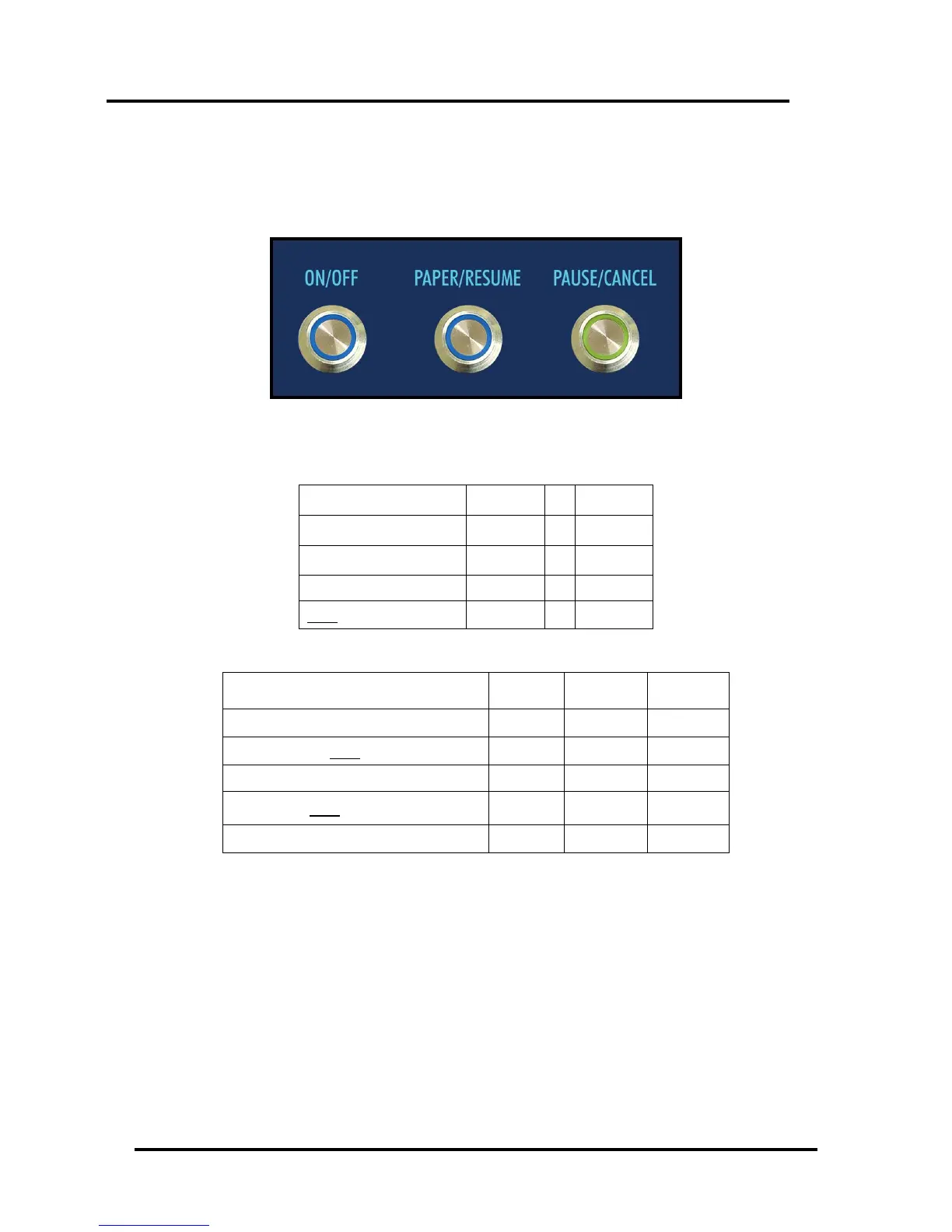
The lights on the three buttons, shown below, indicate the status of the printer.
LEGEND (For the Status Light Indicator chart on the next page.):
Simultaneous Flash (1/second)
Simultaneous Fast Flash (3/second)
Alternating Flash (1/second)
Alternating Fast Flash (3/second)
Power-Up and Power-Down Cycle
Please see the “Status Light Indicator Chart” on the following pages.


 To Next Page