SECTION 5
TROUBLESHOOTING
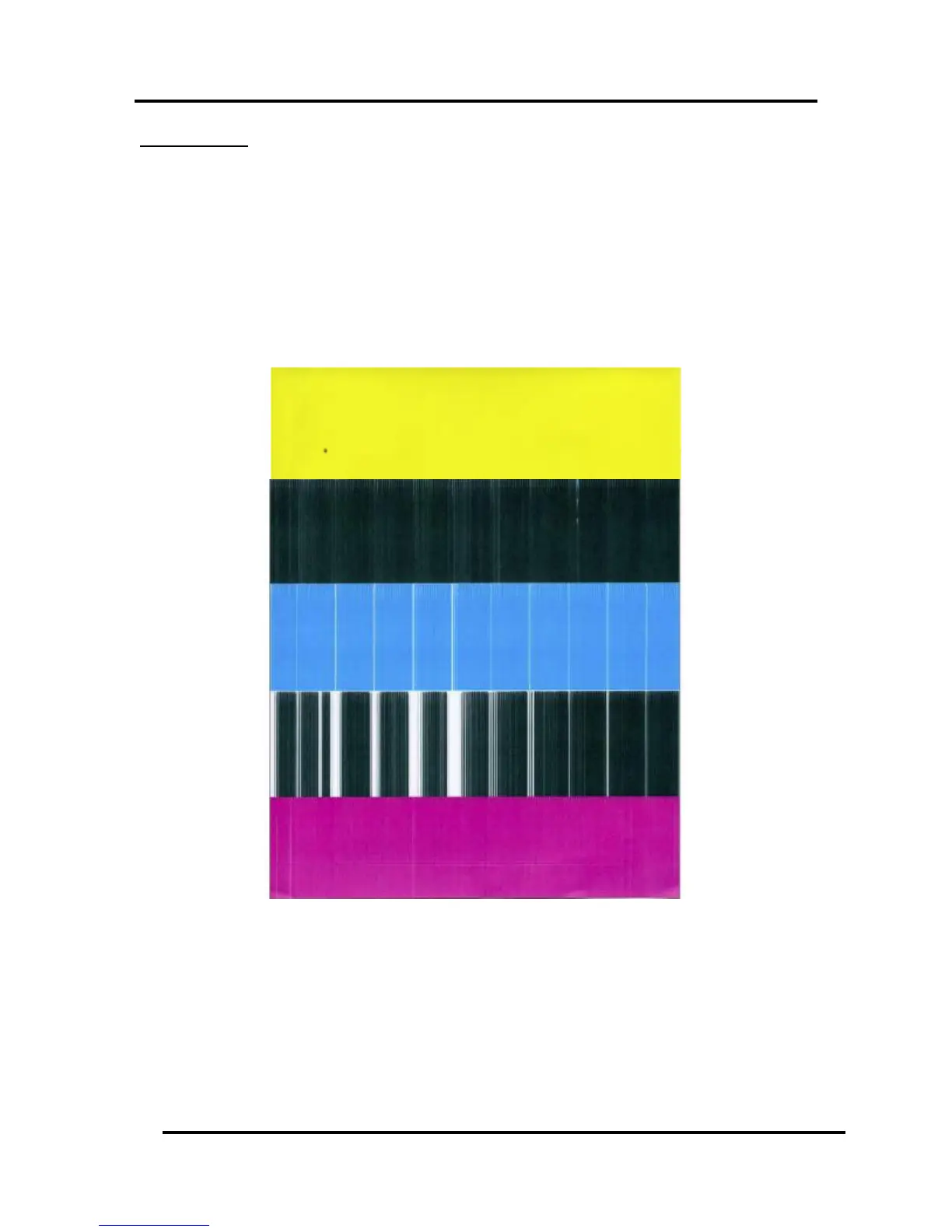
Clogged Nozzles:
Clogged/dehydrated nozzles will normally show as thin, crisp, vertical lines of missing color. Multiple
adjacent clogged nozzles will show as wider, crisp, vertical lines of missing color. Clogged nozzles are
normally due to Printhead nozzle dehydration or partial contamination.
Possible Solutions:
Run “Full Clean Printhead” from the Toolbox.
Manually clean the printhead nozzles using distilled water and a lint free cloth.
Replace the printhead cartridge.
Instead of powering the printer off, when not in use, leave the print engine powered-up; so it can
perform automatic maintenance routines.


 To Next Page