20
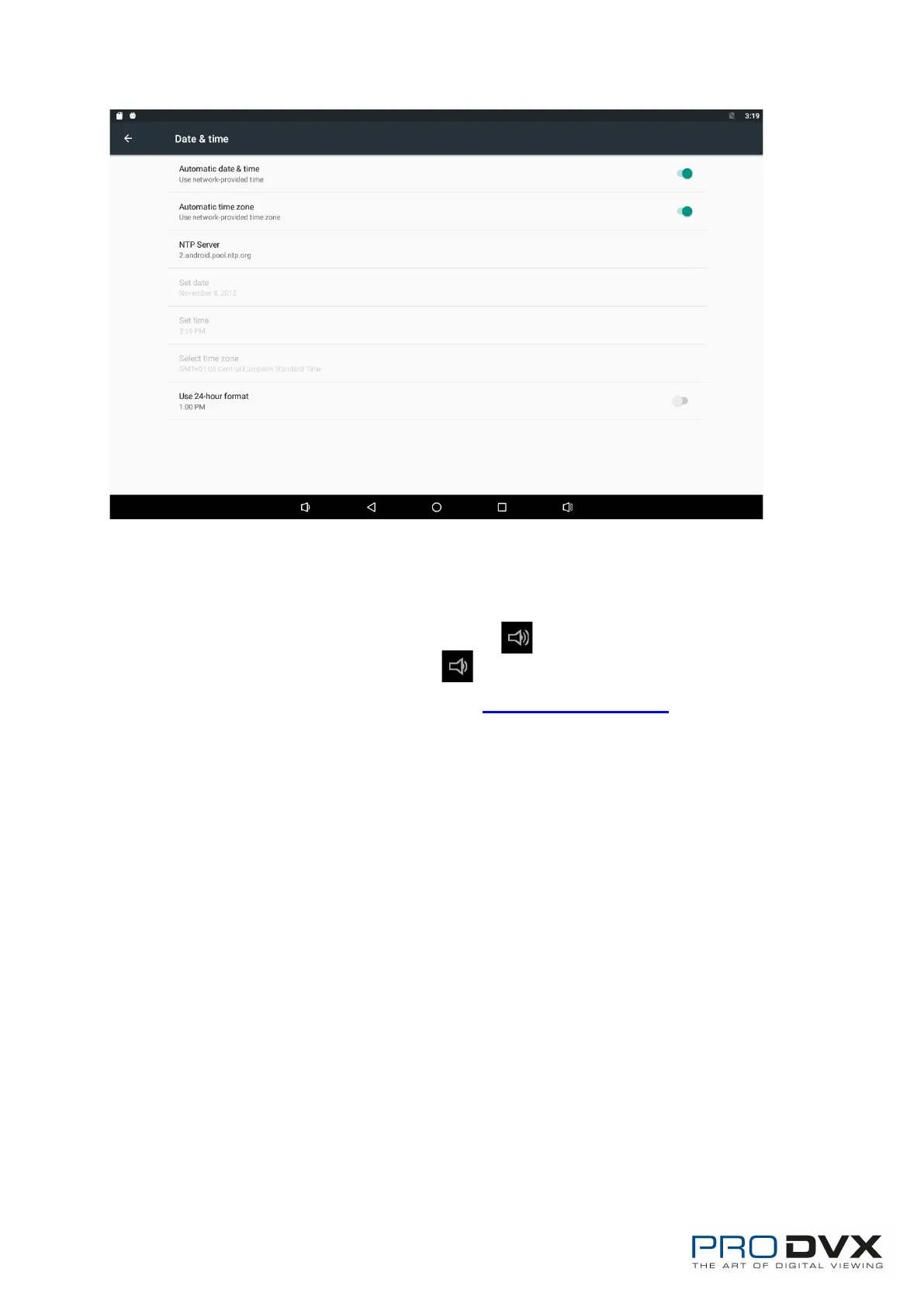
In this option, you can also set time zone, time notation and date format.
Volume
On the system bar, click the Volume- icon to decrease the system
volume, and click the Volume+ icon to increase the system volume.
Or you can press the function keys (#5 in Product Instruction) on the top of
the product to adjust the volume.


 To Next Page