29
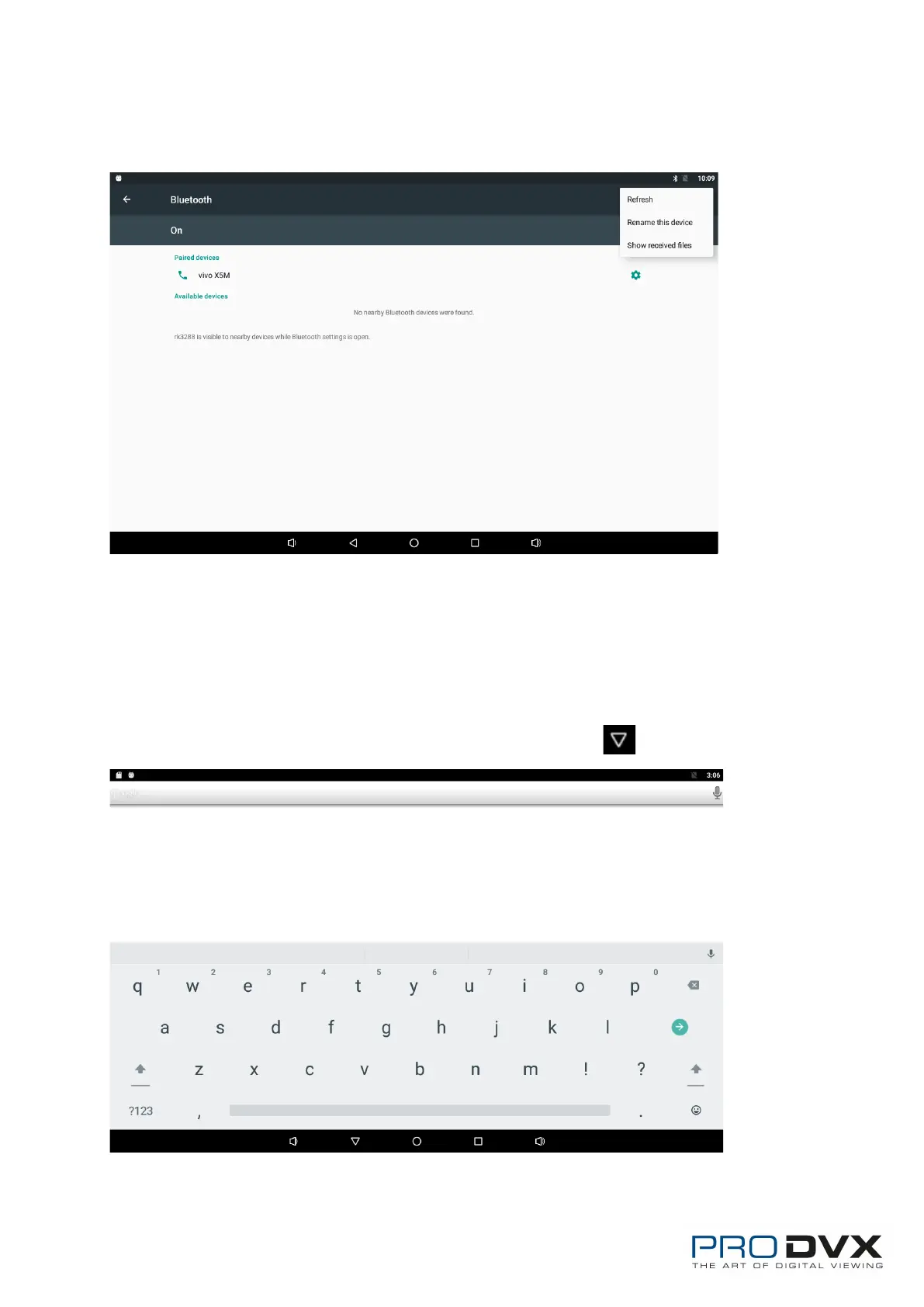
Click the three point icon in the upper right corner to pop up the setting
interface, and select refresh、rename this device and show received files.
Virtual Keyboard
The device provides a virtual keyboard for typing. You can use it as a real one.
When you click in a text input box, the virtual keyboard will appear at the
bottom of the screen.
To collapse the virtual keyboard, you can click the icon in the system bar.


 To Next Page