6
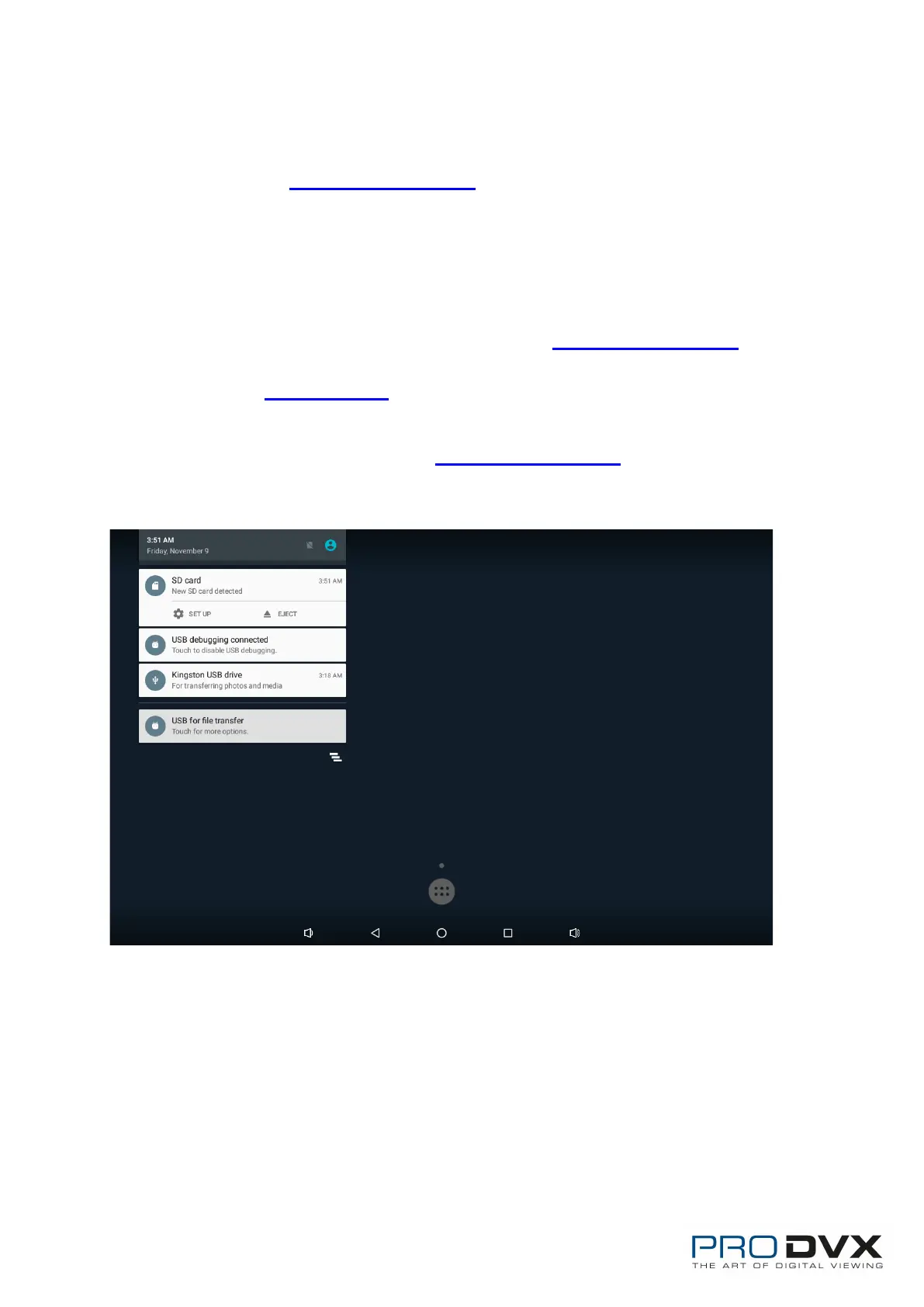
Insert SD Card
This product supports external SD card. Please insert your SD card into the
SD Card Slot (#2 in Product Instruction) on the top of this product.
Insert USB Devices
This product supports USB and Micro-USB to deal with your files.
USB
Plug your USB memory into the USB port (#12 in Product Instruction) on the
bottom of this product, and then you can do the file operations via the File
Browser. (See in Browse Files).
Micro-USB
Connect the Micro-USB port (#11 in Product Instruction) on the bottom of
this product and the USB port on your computer with a Micro-USB-to-USB
cable.


 To Next Page