31
Surf Online
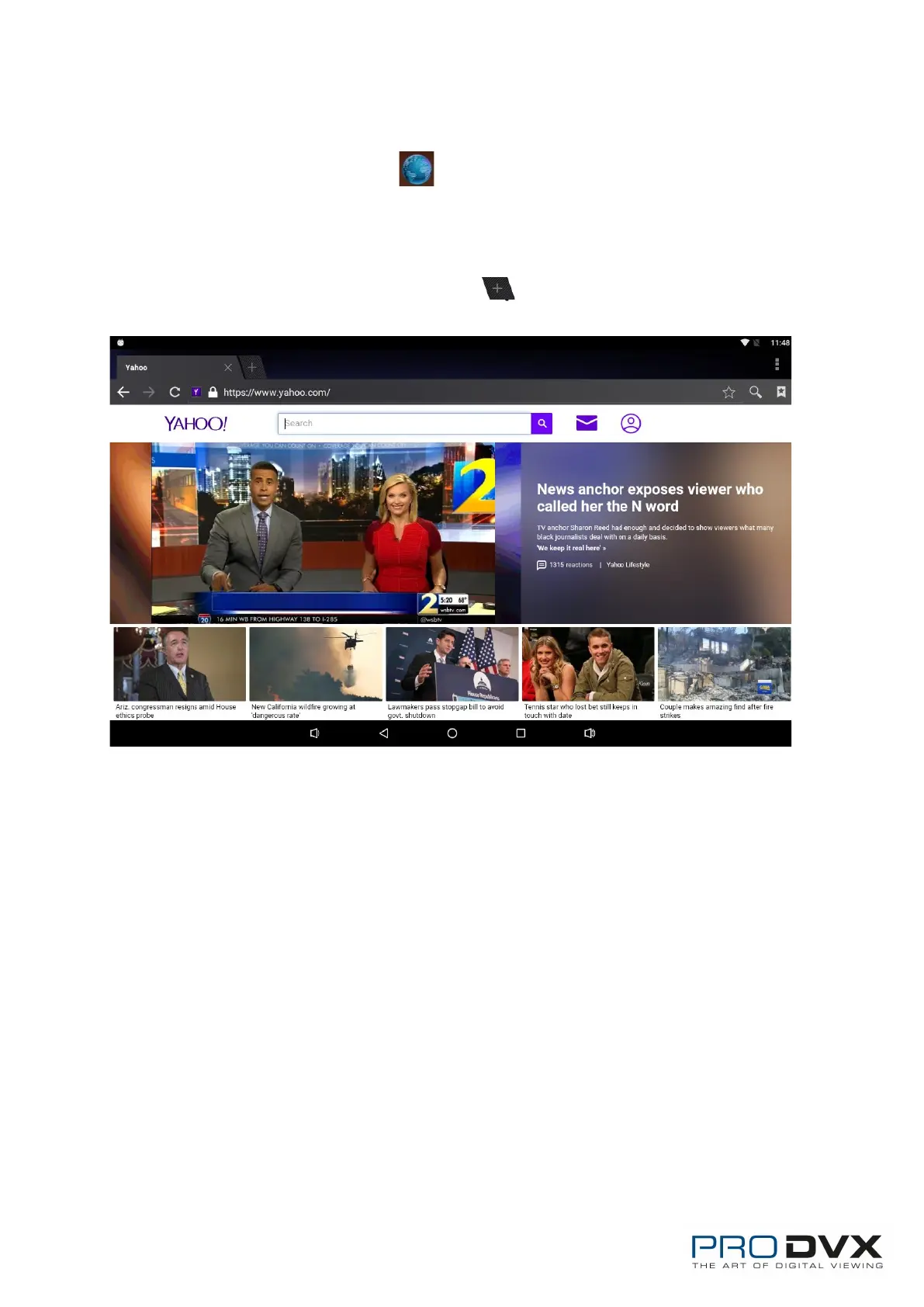
In the App list, open “Browser” .
When connecting the device to a network, you can visit websites, play online
media or download files via the browser.
In a browser window, enter in a URL in the address bar and click “Go” in the
virtual keyboard to go. You can also click to add new tabs to make multiple
tabs opened simultaneously.


 To Next Page