33
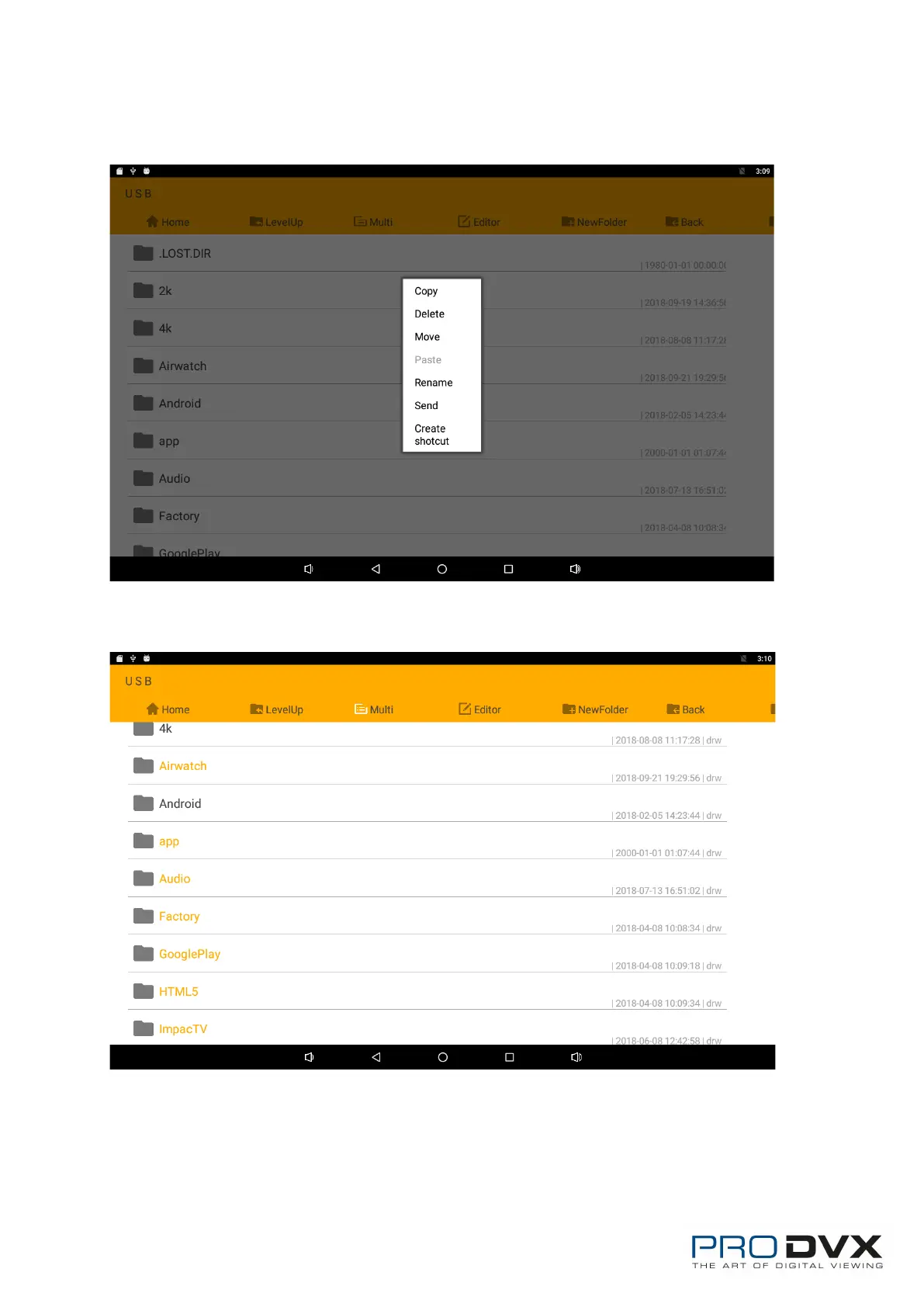
Long-press a file or folder to do file operations, such as copy, delete, move
(cut), paste, rename, send (share) and create shortcut.
If you want to select several files/folders at once, click “Multi” in the menu, and
then select files/folders. The selected files/folders will be highlighted in orange.
Click “Editor” in the menu to operate the selected files/folders.


 To Next Page