4
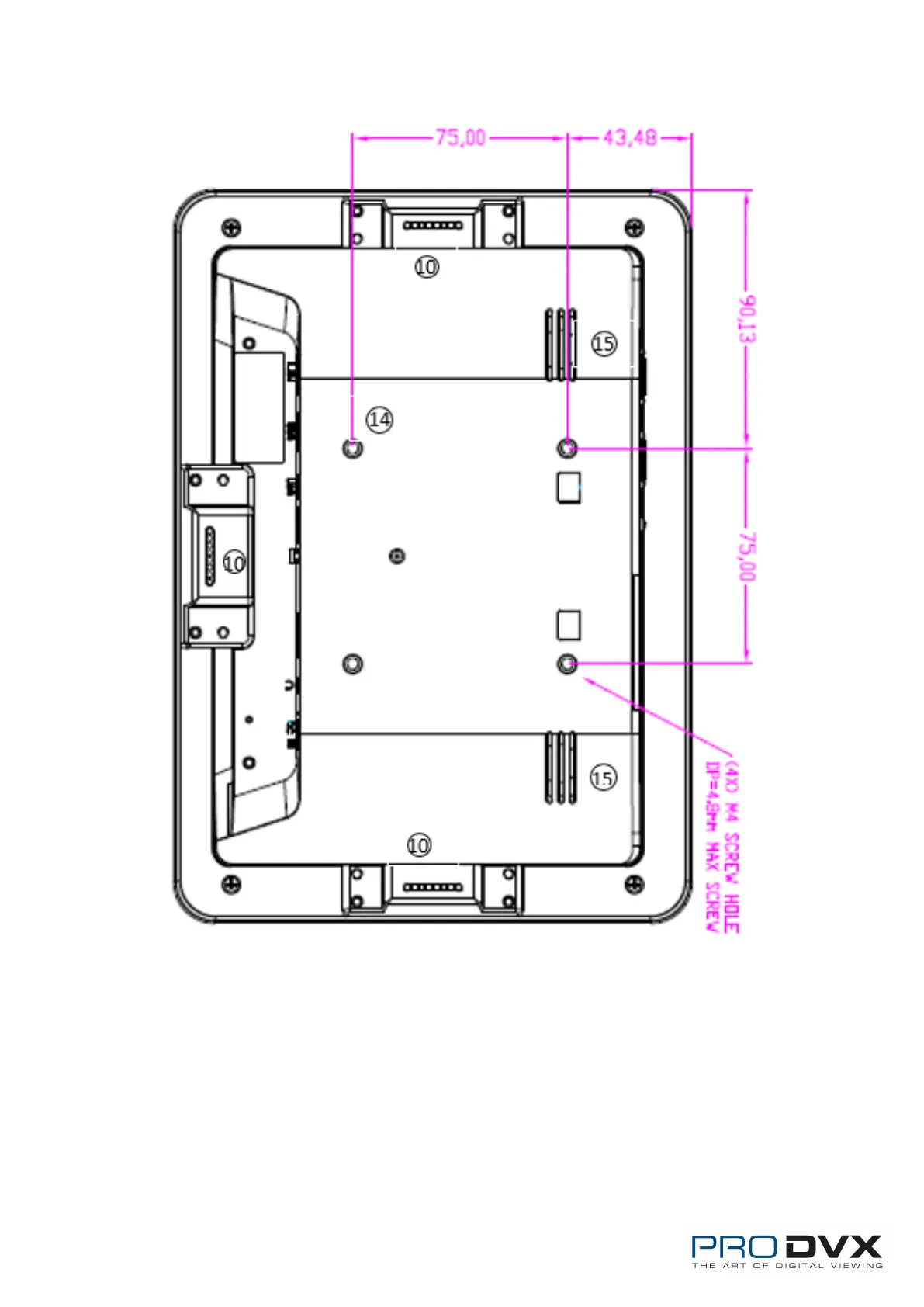
1. Power Key: (1).Short press sleep and wake up
(2).Long press to pop out the power off and reboot dialog box
2. SD Card Slot / Cover: support external SD card
3. Exit Button: return to the previous page
4. Function Keys (Up / Down): select the up/down item
5. Function Keys (Vol+ / Vol-): adjust the system volume


 To Next Page