Installation and Wiring
140
Removal Procedure
Step Action
1 Loosen the installation fasteners (4) from the GP unit.
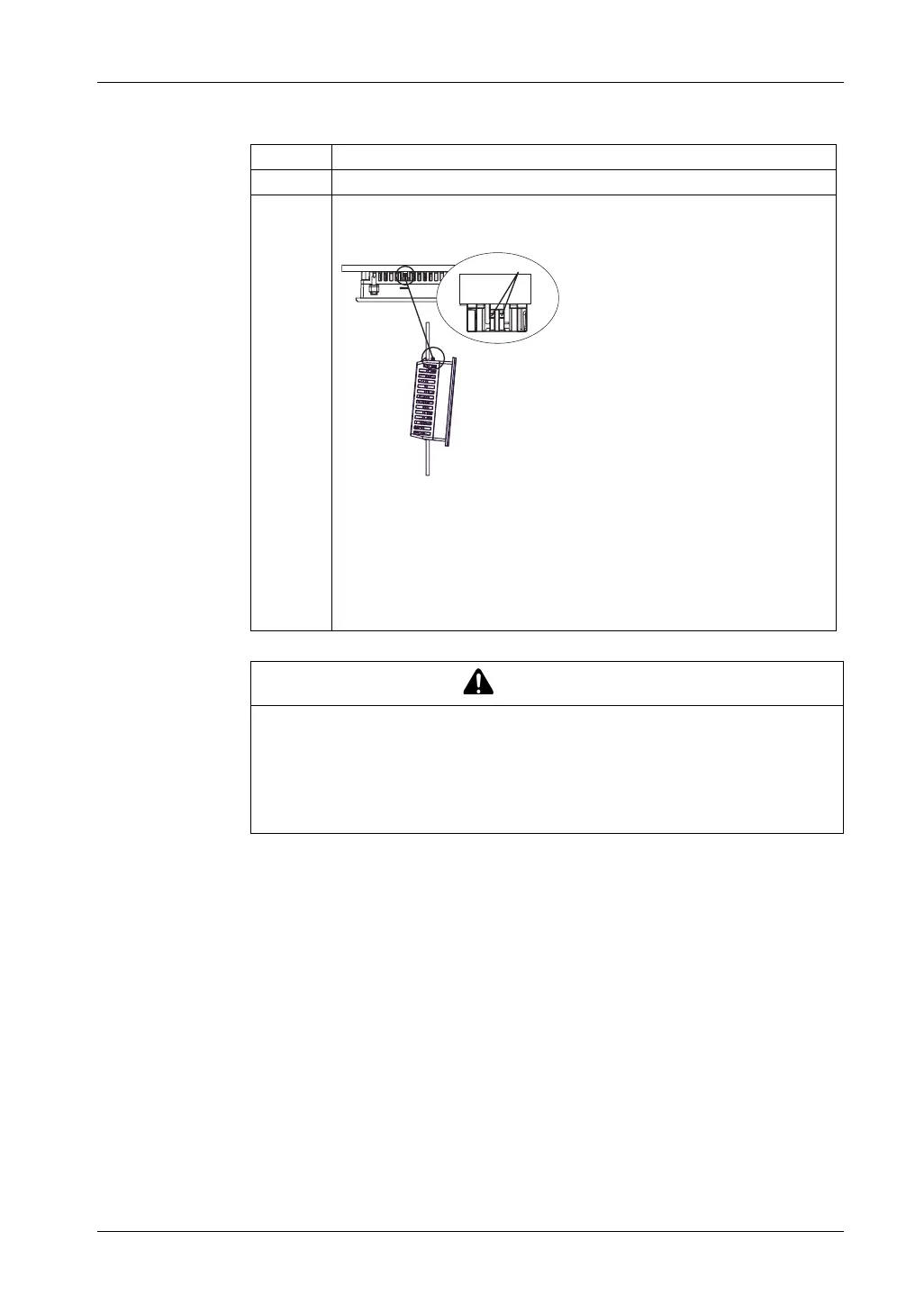
2 Remove the GP unit slowly from the panel while pressing the projections on the
top of the GP unit.
1 Projections
NOTE:
z You could damage the GP unit if you try and remove it without holding down
the projections.
z Watch your fingers so they do not get caught when holding down the
projections.
CAUTION
RISK OF INJURY
Do not drop the GP unit when you remove it from the panel.
z Hold the GP unit in place after removing the fasteners.
z Use both hands.
Failure to follow these instructions can result in injury or equipment damage.
(1)
(1)





 To Next Page