GP4000 Series Hardware Manual
139
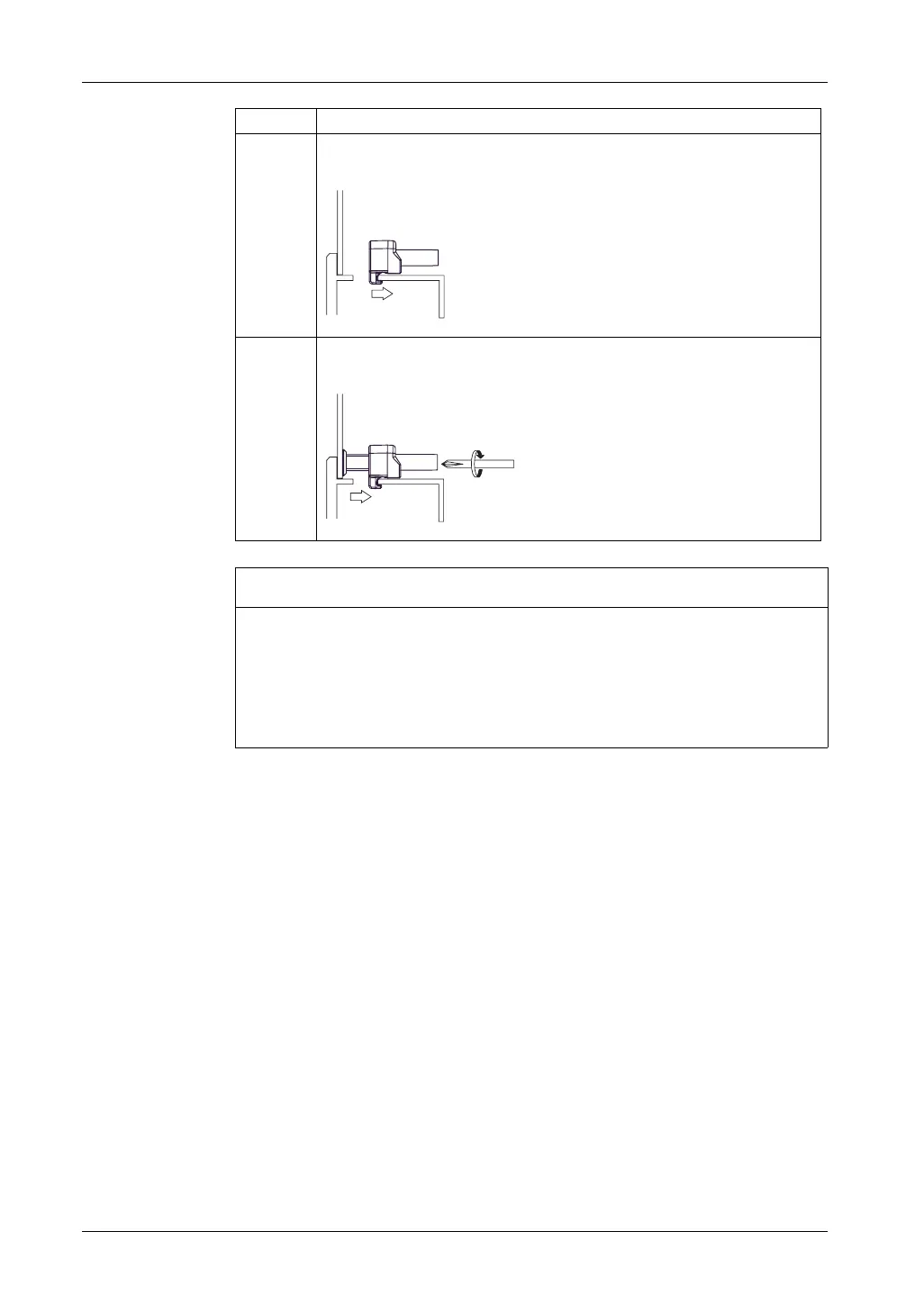
6 Insert each of the fasteners shown below. Make sure you pull the fastener back
until it is flush with the rear of the attachment hole insert.
7 Use a Phillips screwdriver to tighten each fastener screw and secure the GP
unit in place. The necessary torque is 0.5 Nm (4.4 lb•in).
NOTICE
BROKEN ENCLOSURE
z Do not exert more than 0.5 Nm (4.4 in•lb) of torque when tightening the
fastener’s screws.
z Use on flat surface of a Type 1, Type 4X (Indoor Use Only) or Type 13
Enclosure.
Failure to follow these instructions can result in equipment damage.
Step Action





 To Next Page