EasyManua.ls Logo

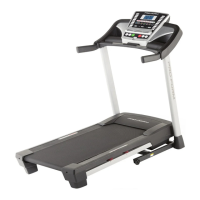
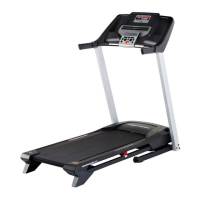
Pro-Form 1290 ZLT - User Manual

Pro-Form 1290 ZLT
36 pages
Print Icon
To Next Page IconTo Next Page
Loading...
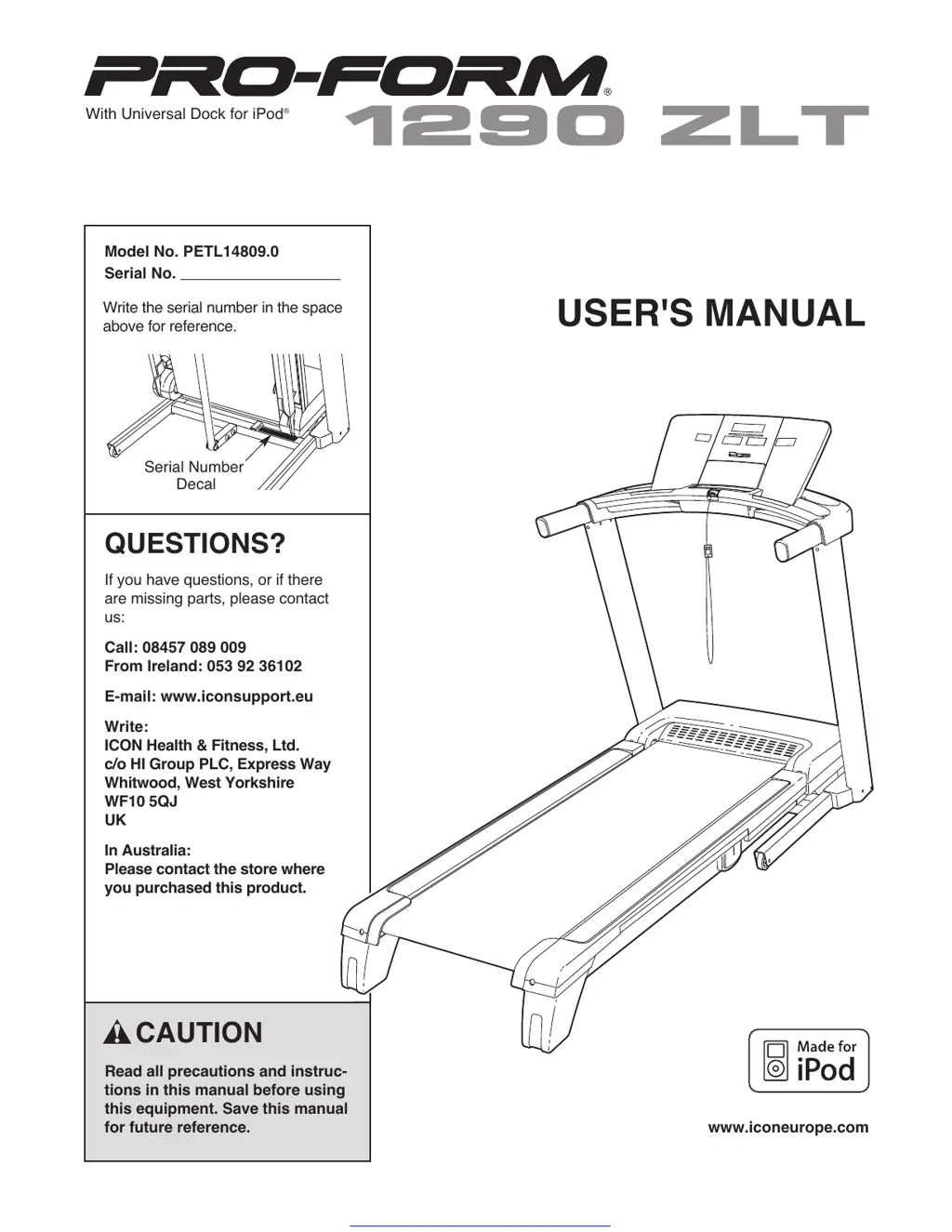
Serial Number
Decal
Model No. PETL14809.0
Serial No.
CAUTION
Read all precautions and instruc-
tions in this manual before using
this equipment. Save this manual
for future reference.
QUESTIONS?
If you have questions, or if there
are missing parts, please contact
us:
Call: 08457 089 009
From Ireland: 053 92 36102
E-mail: www.iconsupport.eu
Write:
ICON Health & Fitness, Ltd.
c/o HI Group PLC, Express Way
Whitwood, West Yorkshire
WF10 5QJ
UK
In Australia:
Please contact the store where
you purchased this product.
Write the serial number in the space
above for reference.
USER'S MANUAL
With Universal Dock for iPod
®
www.iconeurope.com
Get other manuals https://www.bkmanuals.com

Questions and Answers

  • W
    williamarmstrongAug 10, 2025
    How to fix Pro-Form Treadmill when the power does not turn on?
    • T
      Tiffany MahoneyAug 10, 2025
      First, ensure the power cord is properly plugged into a grounded outlet. If needed, use a 3-conductor, 14-gauge (1 mm[2]) extension cord no longer than 5 ft (1.5 m). Note that the treadmill isn't compatible with RCD-equipped outlets. Also, ensure the key is inserted into the console after plugging in the power cord. Finally, check the reset/off circuit breaker near the power cord on the treadmill frame. If the switch is protruding, the breaker has tripped. Wait five minutes, then press the switch to reset it.
  • G
    garyhayesAug 15, 2025
    What to do if Pro-Form Treadmill turns off during use?
    • A
      angela17Aug 15, 2025
      If your treadmill turns off during use, check the reset/off circuit breaker. If tripped, wait five minutes before pressing the switch to reset it. Also, ensure the power cord is securely plugged in; if it is, unplug it, wait five minutes, and plug it back in. Another solution is to remove and reinsert the key from the console.
  • K
    Kimberly StokesAug 20, 2025
    How to fix Pro-Form 1290 ZLT walking belt that is off-center or slips?
    • B
      Brittany CamposAug 20, 2025
      If the walking belt is off-center, remove the key and unplug the power cord first. If the belt has shifted left, use the hex key to turn the left idler roller bolt clockwise 1/2 turn. If it shifted right, turn the bolt counterclockwise 1/2 turn. Avoid overtightening. Plug in the power cord, insert the key, and run the treadmill briefly, repeating until centered. If the belt slips, remove the key and unplug the power cord. Turn both idler roller bolts clockwise 1/4 turn. The belt should allow you to lift each edge 2 to 3 inches off the platform when correctly tightened. Keep the belt centered. Plug in the power cord, insert the key, and carefully walk for a few minutes. Repeat until the belt is properly tightened.
  • S
    Stephen WeberAug 26, 2025
    Why does my Pro-Form Treadmill walking belt slow down when I walk on it?
    • M
      Michele RuizAug 26, 2025
      The walking belt may slow down if an improper extension cord is used. If an extension cord is needed, use only a 3-conductor, 14-gauge (1 mm[2]) cord that is no longer than 5 ft. (1.5 m). Alternatively, the walking belt may be overtightened. To correct this, remove the key and unplug the power cord. Use a hex key to turn both idler roller bolts counterclockwise 1/4 of a turn. When properly tightened, you should be able to lift each edge of the belt 2 to 3 inches (5 to 7 cm) off the platform. Keep the belt centered. Plug in the power cord, insert the key, and run the treadmill for a few minutes, repeating until the belt is properly tightened.
  • A
    Anna TaylorAug 30, 2025
    How to turn off demo mode on Pro-Form 1290 ZLT Treadmill?
    • S
      Susan WilliamsAug 30, 2025
      The console may be in display demo mode, which is designed for store displays. If the displays remain lit after removing the key, hold down the Stop button for a few seconds to turn off the demo mode.
  • A
    Alexander TateSep 4, 2025
    How to recalibrate incline on Pro-Form 1290 ZLT?
    • L
      Laura FordSep 4, 2025
      To recalibrate the incline, insert the key into the console and press one of the Incline buttons. While the incline is changing, remove the key. After a few seconds, re-insert the key. The treadmill will automatically rise to the maximum incline and then return to the minimum level, recalibrating the incline system.

Pro-Form 1290 ZLT Specifications

General IconGeneral
BrandPro-Form
Model1290 ZLT
CategoryTreadmill
LanguageEnglish

Related product manuals