EasyManua.ls Logo

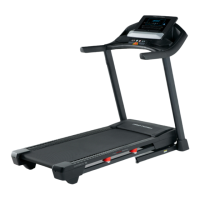
Pro-Form FIT 425 - User Manual

Pro-Form FIT 425
32 pages
Print Icon
To Next Page IconTo Next Page
Loading...
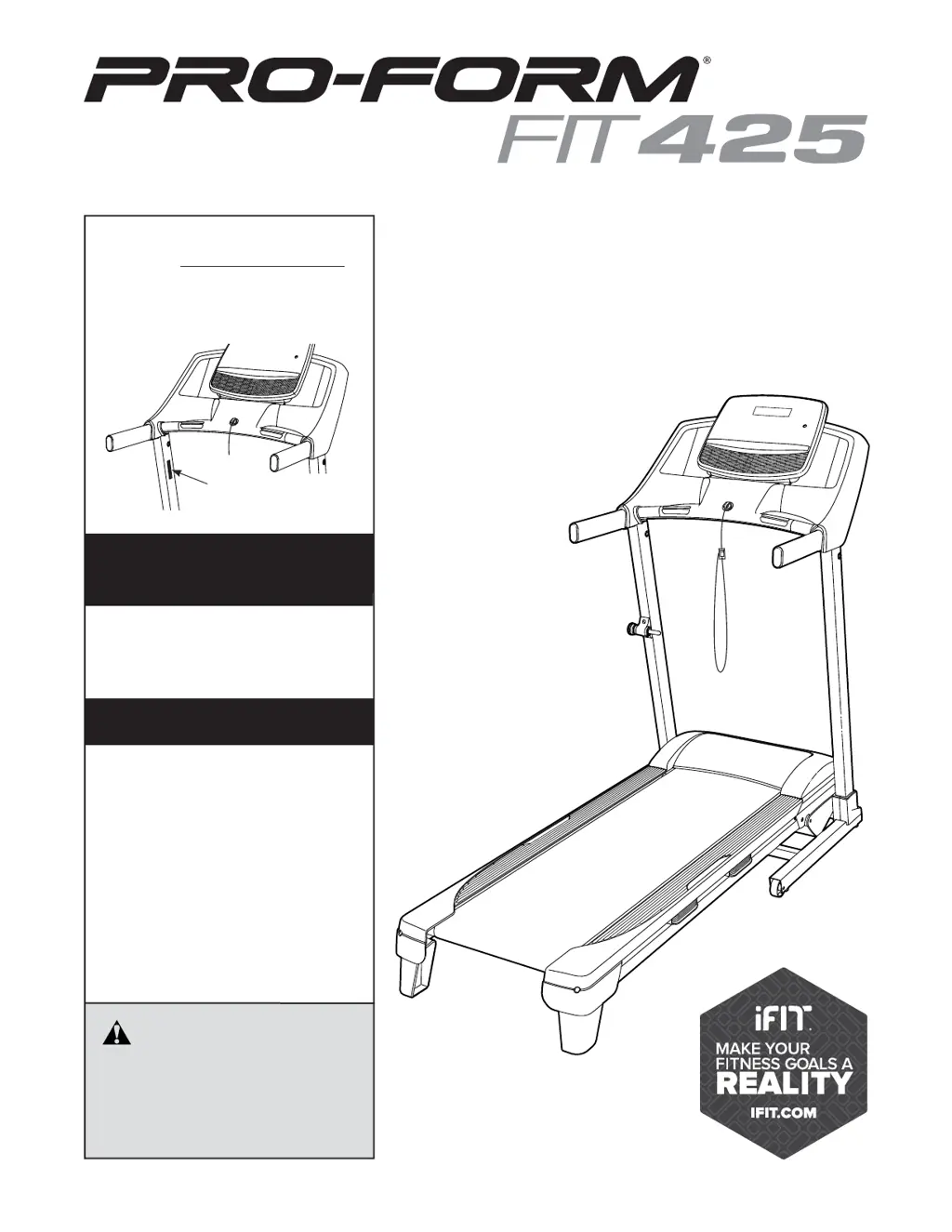
USER’S MANUAL
Model No. PFTL50717.0
Serial No.
Write the serial number in the space
above for reference.
CAUTION
Read all precautions and instruc-
tions in this manual before using
this equipment. Save this manual
for future reference.
proform.com
ACTIVATE YOUR
WARRANTY
To register your product and
activate your warranty today,
go to my.proform.com.
CUSTOMER CARE
For service at any time, go to
proformservice.com.
Or call 1-888-533-1333
Mon.–Fri. 6 a.m.–6 p.m. MT
Sat. 8 a.m.–12 p.m. MT
Please do not contact the store.
Serial Number
Decal

Questions and Answers

Summary

Warning Decal Placement

Important Precautions

Before You Begin

Part Identification Chart

Assembly

How to Use the Treadmill

How to Connect the Power Cord

Instructions for safely connecting the treadmill power cord and using a surge suppressor.

How to Turn On the Power

How to Use the Manual Mode

Change the incline of the treadmill as desired

How to adjust the treadmill's incline level using buttons or quick grade.

Follow your progress with the display

Explanation of how to view workout metrics like calories, distance, speed, and pulse.

How to Use an Onboard Workout

How to Connect Your Tablet to the Console

How to Connect Your Heart Rate Monitor to the Console

The Settings Mode

How to Fold and Move the Treadmill

Maintenance and Troubleshooting

Troubleshooting

Solutions for common treadmill issues like power, incline, and belt problems.

Exercise Guidelines

Part List

Summary

Warning Decal Placement

Important Precautions

Before You Begin

Part Identification Chart

Assembly

How to Use the Treadmill

How to Connect the Power Cord

Instructions for safely connecting the treadmill power cord and using a surge suppressor.

How to Turn On the Power

How to Use the Manual Mode

Change the incline of the treadmill as desired

How to adjust the treadmill's incline level using buttons or quick grade.

Follow your progress with the display

Explanation of how to view workout metrics like calories, distance, speed, and pulse.

How to Use an Onboard Workout

How to Connect Your Tablet to the Console

How to Connect Your Heart Rate Monitor to the Console

The Settings Mode

How to Fold and Move the Treadmill

Maintenance and Troubleshooting

Troubleshooting

Solutions for common treadmill issues like power, incline, and belt problems.

Exercise Guidelines

Part List

Pro-Form FIT 425 Specifications

General IconGeneral
Heart Rate MonitoringEKG Grip Pulse Sensor
Motor2.5 HP
Incline0-10% Quick Incline
Speed0 - 10 mph
Display5" High Contrast Display
Programs18
FoldingSpaceSaver Design

Related product manuals