16
17. Make sure that all parts are properly tightened before you use the treadmill. If there are sheets of plastic
on the treadmill decals, remove the plastic. To protect the floor or carpet, place a mat under the treadmill. To
avoid damage to the console, keep the treadmill out of direct sunlight. Keep the included hex key in a secure
place; the hex key is used to adjust the walking belt (see pages 27). Note: Extra hardware may be included.
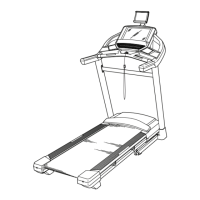
16. Attach the Tablet Holder (25) to the console
assembly (F) with four #8 x 5/8" Screws (8);
start all four Screws, and then tighten them.
Do not overtighten the Screws.
16
8
F
8
25




 To Next Page