13
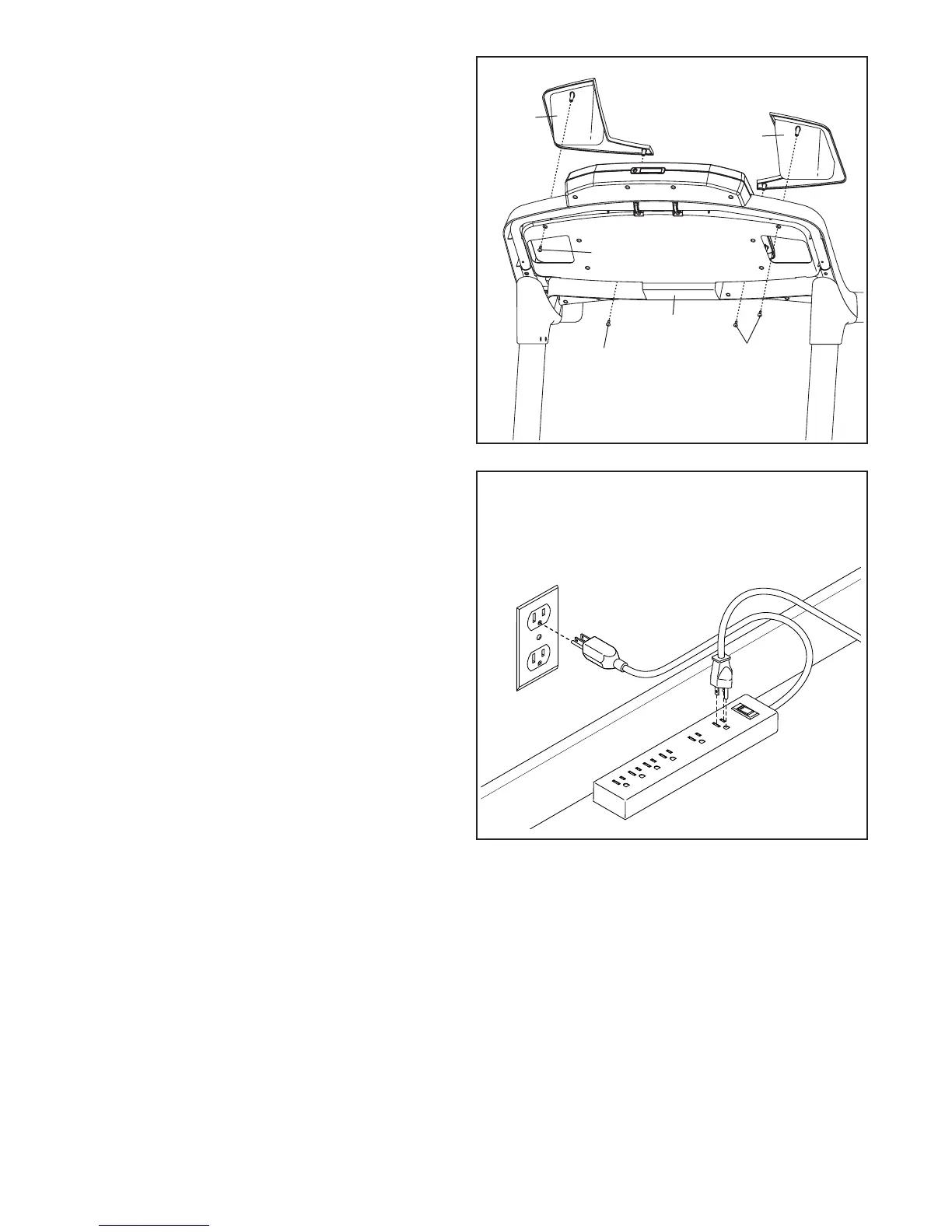
16. IMPORTANT: See page 15 and plug in the
power cord. Next, see page 17 and turn on
the power.
Then, press the Incline increase button
once.
When the frame stops moving, remove the
key from the console and unplug the power
cord.
16
IMPORTANT:
Make sure to follow
all instructions in
this step
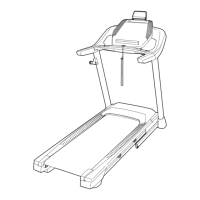
15. Attach the Left Tray (107) and the Right Tray
(108) to the console assembly with four #8 x 1/2"
Screws (1).
107
108
15
Console
Assembly
1
1
1






 To Next Page