EasyManua.ls Logo

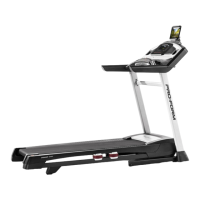
Pro-Form Power 1295i - User Manual

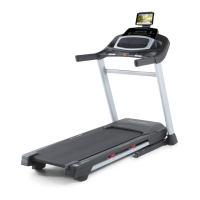
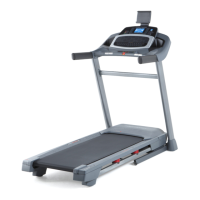
Pro-Form Power 1295i
40 pages
Print Icon
To Next Page IconTo Next Page
Loading...
Serial Number
Decal
Model No. PETL15618.0
Serial No.
Write the serial number in the space
above for reference.
CAUTION
Read all precautions and instruc-
tions in this manual before using
this equipment. Save this manual
for future reference.
USER’S MANUAL
iconeurope.com
CUSTOMER SERVICE
UNITED KINGDOM
Call: 0330 123 1045
From Ireland: 053 92 36102
Website: iconsupport.eu
E-mail: csuk@iconeurope.com
Write:
ICON Health & Fitness, Ltd.
Unit 4, Westgate Court
Silkwood Park
OSSETT
WF5 9TT
UNITED KINGDOM
AUSTRALIA
Call: 1800 993 770
E-mail: australiacc@iconfitness.com
Write:
ICON Health & Fitness
PO Box 635
WINSTON HILLS NSW 2153
AUSTRALIA

Questions and Answers

  • S
    Sherry CooperJul 27, 2025
    What to do if my Pro-Form Power 1295i power turns off during use?
    • J
      jharperJul 27, 2025
      If the Pro-Form Treadmill's power turns off during use, first check the power switch. If it has tripped, wait five minutes, then press it back in. If that doesn't work, ensure the power cord is properly plugged in; unplug it, wait five minutes, and plug it back in. As a final step, remove and reinsert the key from the console.
  • K
    Katelyn BrownJul 31, 2025
    How to fix walking belt when it slips on Pro-Form Treadmill?
    • M
      Matthew MooreJul 31, 2025
      If the walking belt slips when walked on your Pro-Form Treadmill, use the hex key to turn both idler roller screws clockwise, 1/4 of a turn.
  • J
    Jennifer OrtizAug 5, 2025
    How to center walking belt on Pro-Form Treadmill?
    • K
      Kenneth GallegosAug 5, 2025
      To correct the walking belt not being centered between the foot rails on your Pro-Form Treadmill: if the belt has shifted left, use the hex key to turn the left idler roller screw clockwise 1/2 turn. If it has shifted right, turn the left idler roller screw counterclockwise 1/2 turn.
  • R
    Rachel JimenezAug 8, 2025
    What to do if Pro-Form Power 1295i Treadmill console displays don't function properly?
    • J
      John JohnsonAug 9, 2025
      If the displays of the console do not function properly on your Pro-Form Treadmill, remove the key from the console and unplug the power cord.
  • M
    Michael RiosAug 13, 2025
    How to fix iFit mode that does not function correctly on Pro-Form Power 1295i?
    • J
      Jeff GentryAug 13, 2025
      To ensure the iFit mode functions correctly on your Pro-Form Treadmill, make sure that the treadmill has the most current firmware available.
  • P
    Paul LoganAug 17, 2025
    Why does the walking belt slow down when I walk on my Pro-Form Power 1295i?
    • S
      scottmichaelAug 17, 2025
      If the walking belt slows down when walked on your Pro-Form Treadmill, first, if the walking belt is overtightened, remove the key and unplug the power cord. Then, using the hex key, turn both idler roller screws counterclockwise, 1/4 of a turn. If the console does not boot up properly, or if the console freezes and does not respond, reset the console to the factory default settings. If you suspect that the walking belt needs more lubricant, see the front cover of this manual. If the walking belt still slows when walked on, see the front cover of this manual.
  • T
    troy94Aug 21, 2025
    How to fix Pro-Form Treadmill tablet holder that does not stay in place?
    • S
      Stephen McbrideAug 21, 2025
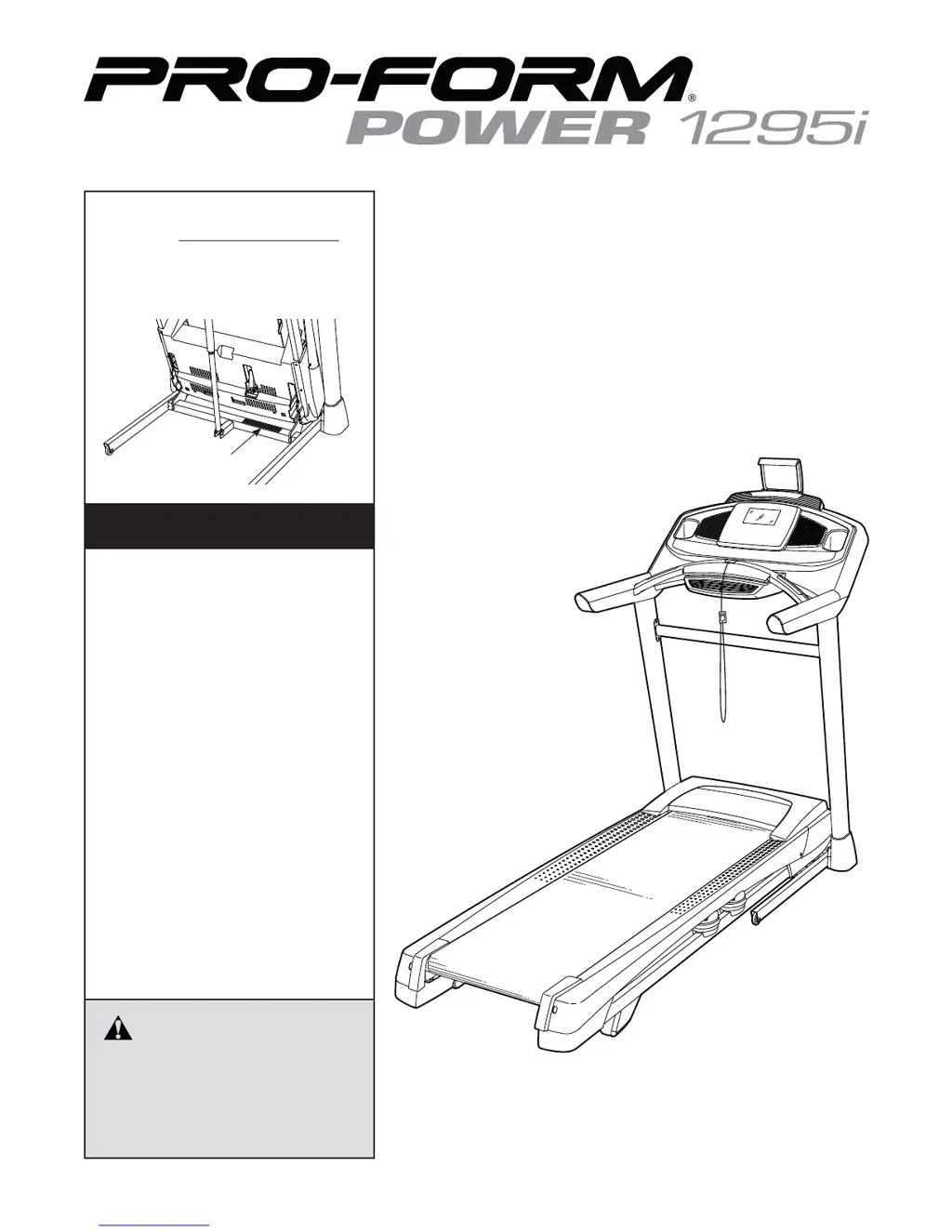
      To resolve a tablet holder that doesn't stay in place on your Pro-Form Treadmill, rotate the tablet holder backwards, then tighten the indicated screw slightly until the tablet holder stays in place when rotated to the desired position.

Summary

WARNING DECAL PLACEMENT

IMPORTANT PRECAUTIONS

BEFORE YOU BEGIN

ASSEMBLY

HOW TO USE THE TREADMILL

HOW TO TURN ON THE POWER

HOW TO USE THE TOUCH SCREEN

HOW TO SET UP THE CONSOLE

HOW TO USE A MAP WORKOUT

HOW TO USE A DRAW YOUR OWN MAP WORKOUT

HOW TO USE A DISTANCE OR TIME WORKOUT

HOW TO USE THE EQUIPMENT SETTINGS SECTION

HOW TO USE THE MAINTENANCE SECTION

HOW TO USE THE WIRELESS NETWORK MODE

HOW TO FOLD AND MOVE THE TREADMILL

HOW TO FOLD THE TREADMILL

Instructions on how to properly fold the treadmill for storage and safe moving.

HOW TO MOVE THE TREADMILL

Guidance on safely moving the folded treadmill, including required assistance and precautions.

MAINTENANCE AND TROUBLESHOOTING

TROUBLESHOOTING COMMON ISSUES

Solutions for common problems such as power, console, belt, and connectivity issues.

EXERCISE GUIDELINES

ORDERING REPLACEMENT PARTS

Pro-Form Power 1295i Specifications

General IconGeneral
BrandPro-Form
ModelPower 1295i
CategoryTreadmill
LanguageEnglish

Related product manuals