EasyManua.ls Logo

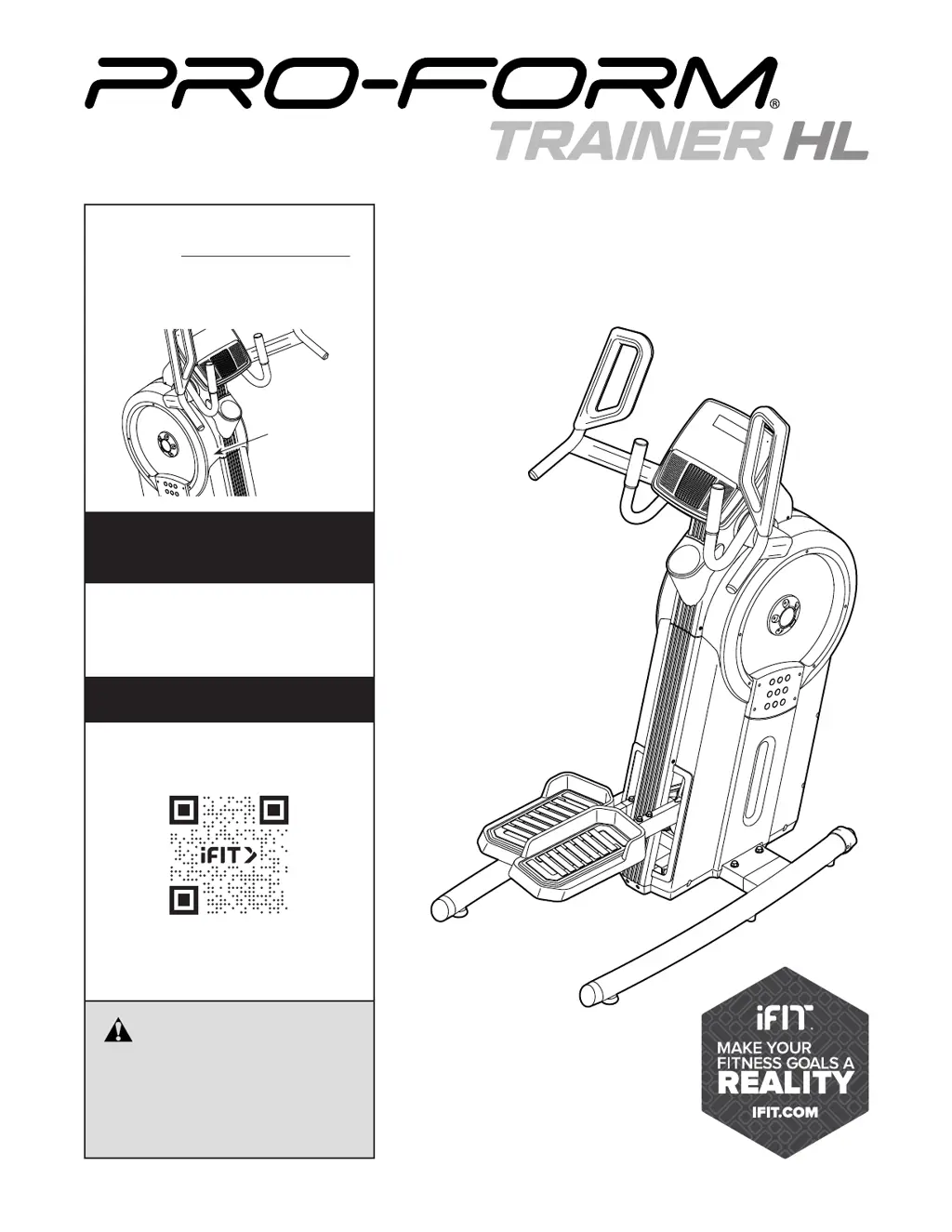
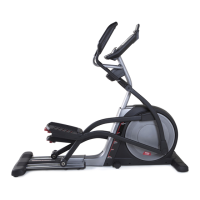
Pro-Form TRAINER HL PFEL07523.0 - User Manual

Pro-Form TRAINER HL PFEL07523.0
32 pages
Print Icon
To Next Page IconTo Next Page
Loading...
USER’S MANUAL
Serial
Number
Decal
CAUTION
Read all precautions and
instructions in this manual before
using this equipment. Keep this
manual for future reference.
Model No. PFEL07523.0
Serial No.
Write the serial number in the space
above for reference.
To register your product and
activate your warranty today,
go to my.proform.com.
REGISTER YOUR
PRODUCT
MEMBER CARE
proform.com
For service at any time, go to
my.iFIT.com or scan the QR code.
Please do not contact the store.

Questions and Answers

  • B
    Brenda DominguezAug 7, 2025
    What to do if Pro-Form Fitness Equipment pedals slip?
    • C
      Colin WoodAug 7, 2025
      If the pedals on your Pro-Form Fitness Equipment are slipping, even at the highest resistance, try tightening the lower Adjustment Screw (A) four turns. This action will tighten the Large Drive Belt (31) and should resolve the slipping issue.
  • T
    Thomas AndersonAug 15, 2025
    Why Pro-Form TRAINER HL PFEL07523.0 console does not turn on?
    • C
      christopher13Aug 15, 2025
      If the console on your Pro-Form Fitness Equipment doesn't turn on, ensure that the power adapter is fully plugged in. This is the first and most common thing to check.
  • S
    Scott WilliamsAug 22, 2025
    How to fix Pro-Form TRAINER HL PFEL07523.0 console when it does not display correct feedback?
    • K
      Karen JonesAug 23, 2025
      If the console on your Pro-Form Fitness Equipment does not display correct feedback, you can adjust the reed switch. First, unplug the power adapter. Then, turn the Large Pulley (21) until a Pulley Magnet (104) aligns with the Reed Switch (116). Slightly loosen the M4 x 22mm Screw (107), slide the Reed Switch closer to or away from the Pulley Magnet, and then retighten the Screw.
  • E
    Edward HendricksAug 30, 2025
    What to do if Pro-Form TRAINER HL PFEL07523.0 Fitness Equipment pedals bottom out?
    • M
      Matthew ColonAug 30, 2025
      If the pedals on your Pro-Form Fitness Equipment bottom out and become difficult to move, rock your weight backward and forward on the pedals until they begin turning again. This should help to get them moving smoothly.

Summary

Warning Decal Placement

Important Precautions

Protect Your Fitness Equipment With an Extended Service Plan

Preventive Maintenance Service Plans

Details on annual checks, unlimited in-home repairs, parts/labor coverage, and up to 5 years.

Standard Service Plans

Details on unlimited in-home repairs, parts/labor coverage, and up to 3 years of coverage.

Before You Begin

Part Identification Chart

Assembly

Register Your Product

Register product online to document ownership, activate warranty, and ensure priority customer support.

How to Use the Trainer

How to Plug In the Power Adapter

Instructions on connecting the power adapter to the trainer and outlet, including temperature considerations.

How to Move the Trainer

Guidance on safely moving the trainer, requiring two people and floor protection.

How to Exercise on the Trainer

Steps for mounting, pedaling, and dismounting the trainer safely, noting the lack of freewheel.

How to Level the Trainer

Instructions for adjusting leveling feet to eliminate rocking and ensure stability during use.

The Optional Tablet Holder

Information about the optional tablet holder for secure tablet placement during exercise.

How to Use the Console

Console Features Overview

Overview of console features for effective and enjoyable workouts, including manual and iFIT modes.

Manual Mode Operation

Steps to operate the console in manual mode, adjust resistance, and track workout progress.

Using iFIT Workouts

Guide to downloading the iFIT app, connecting the device, and starting guided workouts.

Console Settings Adjustment

Instructions on accessing and modifying console settings like unit of measurement and display tests.

Fan Operation

Details on operating the built-in fan, adjusting speed, and auto-off function.

Sound System Usage

Instructions for playing music or audio books through the console's sound system using an audio cable.

Optional Heart Rate Monitor Use

Guide on connecting and using Bluetooth Smart heart rate monitors for continuous heart rate tracking.

FCC Information

Maintenance and Troubleshooting

Maintenance Procedures

Recommendations for regular cleaning and upkeep of the trainer to ensure optimal performance.

Troubleshooting Common Issues

Steps to resolve common issues with the console, pedals, and general operation.

Adjusting the Reed Switch

Procedure to adjust the reed switch for accurate console feedback on speed and distance.

Adjusting the Drive Belt

Guide to adjusting drive belts to fix pedal slippage and ensure proper resistance.

Exercise Guidelines

Exercise Intensity Levels

Guidance on using heart rate to determine appropriate exercise intensity for fat burning and aerobic goals.

Measuring Your Heart Rate

Method for manually checking your heart rate during exercise by counting pulse beats.

Workout Session Guidelines

Recommendations for warming up, training zone duration, and cooling down for effective workouts.

Exercise Frequency Recommendations

Advice on establishing a consistent exercise routine for maintaining or improving fitness levels.

Notes

Part List

Exploded Drawing A

Exploded Drawing B

Ordering Replacement Parts

Limited Warranty

Pro-Form TRAINER HL PFEL07523.0 Specifications

General IconGeneral
Model NumberPFEL07523.0
CategoryFitness Equipment
TypeElliptical
DisplayLCD
Product NamePro-Form TRAINER HL
Heart Rate MonitoringYes
Weight Capacity250 lbs

Related product manuals