EasyManua.ls Logo

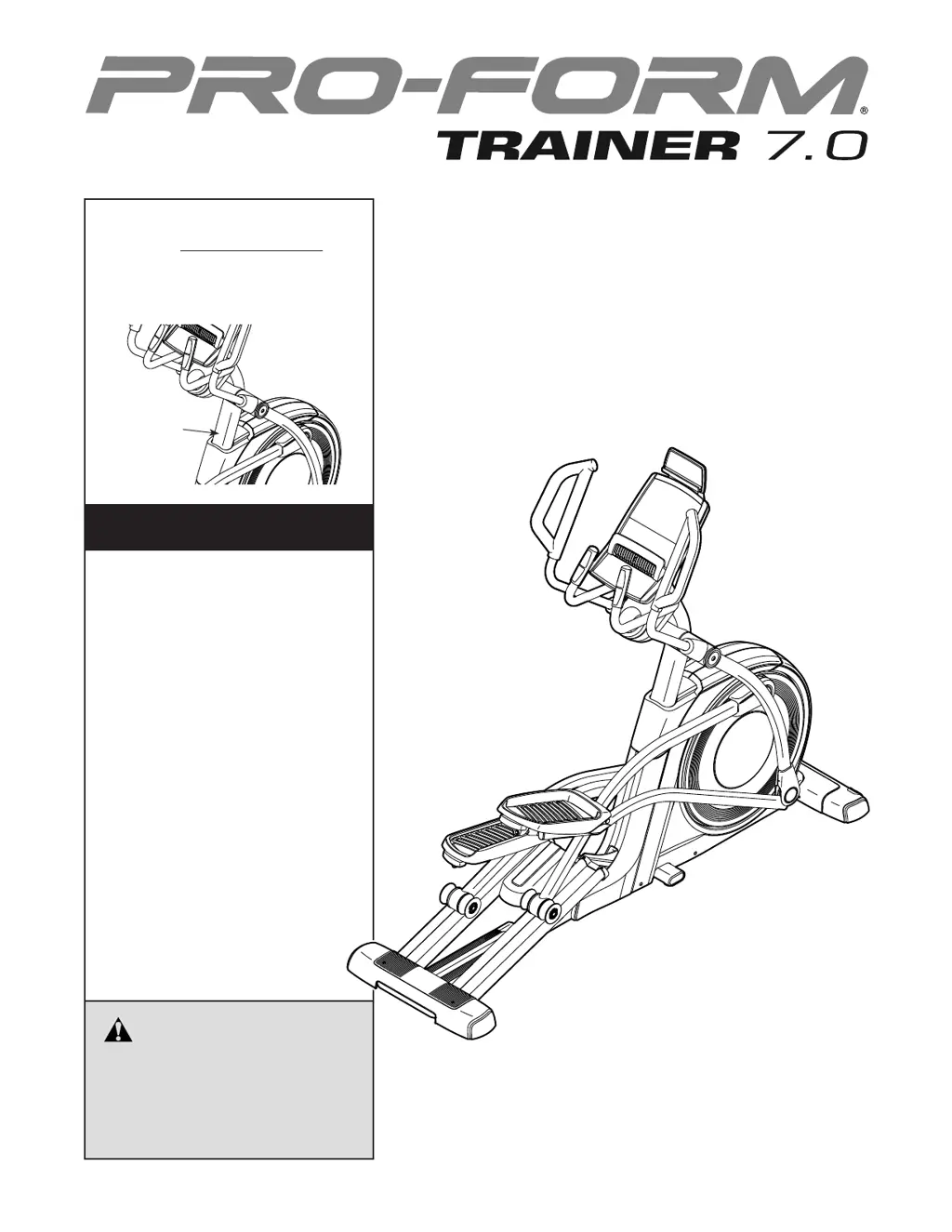
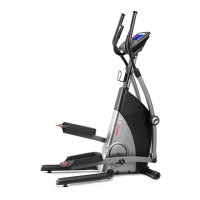
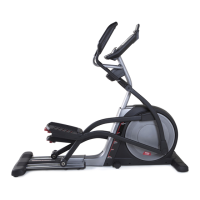
Pro-Form TRAINER 7.0 PFEVEL10716.0 - User Manual

Pro-Form TRAINER 7.0 PFEVEL10716.0
32 pages
Print Icon
To Next Page IconTo Next Page
Loading...
USER’S MANUAL
Serial
Number
Decal
CAUTION
Read all precautions and
instructions in this manual before
using this equipment. Keep this
manual for future reference.
Model No. PFEVEL10716.0
Serial No.
Write the serial number in the space
above for reference.
www.iconeurope.com
CUSTOMER SERVICE
UNITED KINGDOM
Call: 0330 123 1045
From Ireland: 053 92 36102
Website: www.iconsupport.eu
E-mail: csuk@iconeurope.com
Write:
ICON Health & Fitness, Ltd.
Unit 1D, The Gateway
Fryers Way, Silkwood Park
OSSETT
WF5 9TJ
UNITED KINGDOM
AUSTRALIA
Call: 1800 993 770
E-mail: australiacc@iconfitness.com
Write:
ICON Health & Fitness
PO Box 635
WINSTON HILLS NSW 2153
AUSTRALIA

Questions and Answers

  • A
    Adam ScottAug 10, 2025
    What to do if pedals slip while pedaling on Pro-Form Fitness Equipment?
    • C
      Caitlin MarshallAug 10, 2025
      If the pedals slip while pedaling, even when the resistance is at the highest level, try this: Unplug the power cord. Remove the Shield Cover by prying it off with a standard screwdriver and sliding it upward. Remove the four M4 x 16mm Screws from the upper and lower ends of the Rear Shield, and then remove the Rear Shield. Locate the M8 Locknut between the Shields and tighten it until the Drive Belt is tight.
  • S
    Susan ArnoldAug 25, 2025
    What to do if Pro-Form TRAINER 7.0 PFEVEL10716.0 console does not display correct feedback?
    • R
      robert36Aug 25, 2025
      To fix console if it does not display correct feedback, adjust the reed switch, then plug in the power cord and turn the left crank arm for a moment. Repeat the procedure above, if necessary, until the console displays correct feedback.

Pro-Form TRAINER 7.0 PFEVEL10716.0 Specifications

General IconGeneral
BrandPro-Form
ModelTRAINER 7.0 PFEVEL10716.0
CategoryFitness Equipment
LanguageEnglish

Related product manuals