10
Compound Slope Setup
Sites designed with compound slope
actually have just a single resultant
slope. When a site design has slope
in two directions, 90 degrees apart,
the optional model S2 Compound
Slope Adapter Kit can be used to
calculate and set the AS2 to the
proper angle and resultant slope.
NOTE: The S2 kit is standard with
the AS2 MAGNUM system.
In order to begin a compound slope
setup, the S1 Compound Slope
Adapter Kit must be installed on the
laser, following the instructions
included with the kit.
Next, follow the steps below
and on page 11:
1. Determine the two slopes
for the site and the direction
of each slope. Set the
compound slope adapter
angle to zero (0) degrees
and aim the laser parallel to
the main slope on the site
(the main slope is the
steeper of the two slopes).
Be certain that the up-slope
direction of the laser is
aimed uphill on the main
slope. If there is any
question which is the
up-slope direction for the
laser, you can refer to the
label on the side of the laser
just above the slope knob.
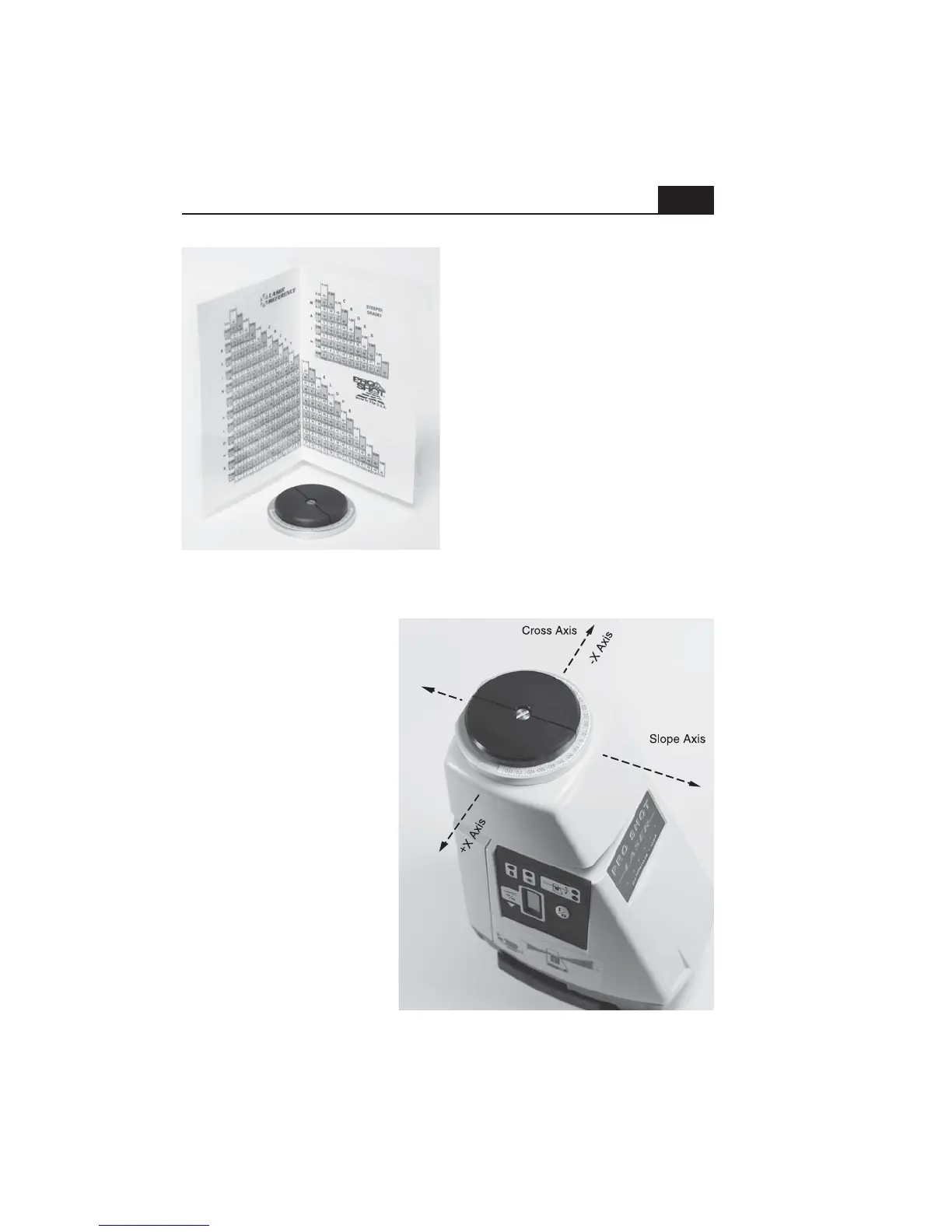
S2 Compound slope adapter kit
+Y Axis
-Y Axis


 To Next Page