©2022 Pro-Vision Solutions, LLC. Page 7 of 56
DVR Installation
DVR Unit Mounting
The DVR unit is the core of the Recording System. All system connections go to the DVR unit. The storage device (SD
Card or SSD) is located inside the DVR unit. A good mounting location is important for the DVR unit as its location should
be readily accessible for viewing status, removing the disk, and ideally for reducing system installation time.
Choosing Mounting Location:
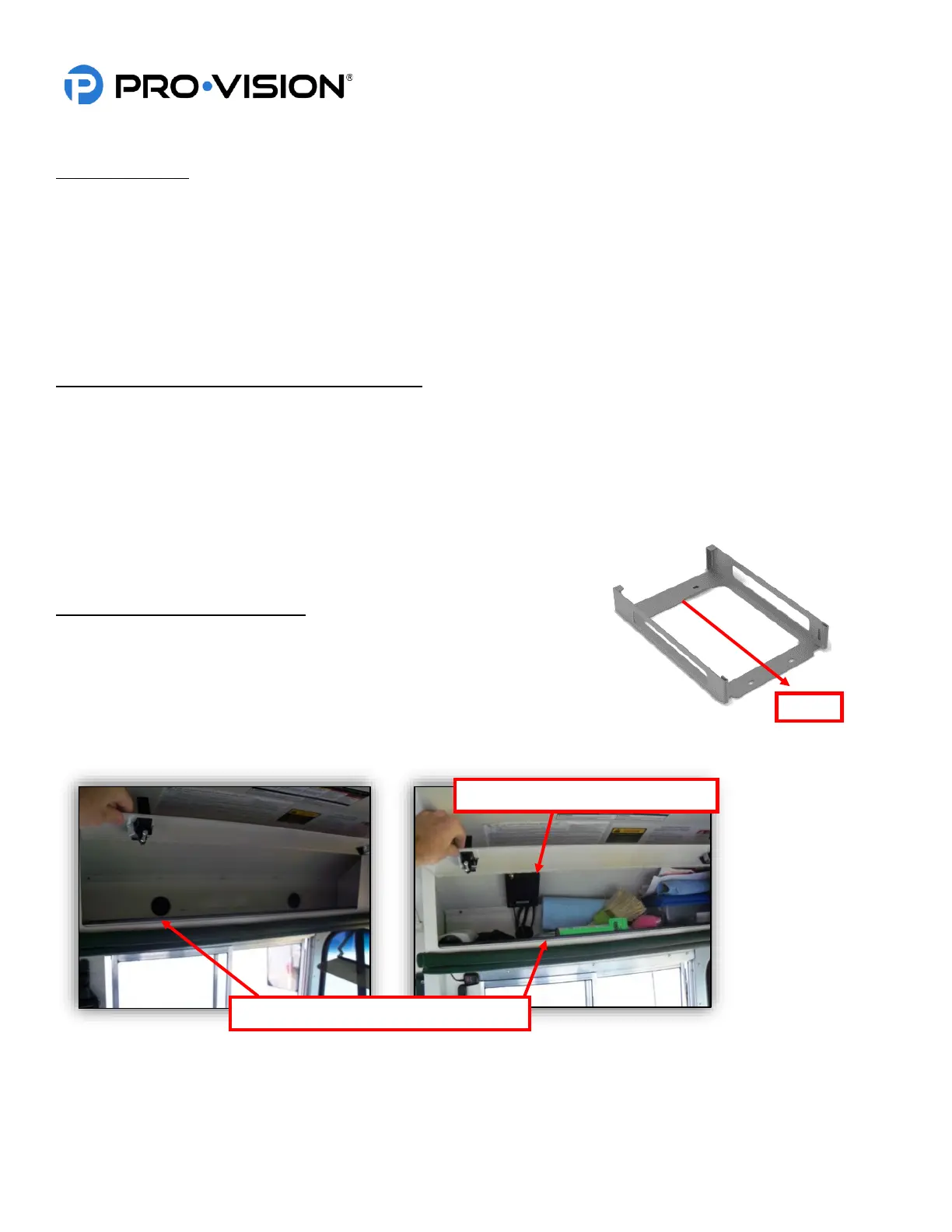
The DVR unit itself is small and can be mounted in varied locations. The black lockable mounting cage has four (4) pre-
drilled holes for mounting; however, additional holes can be drilled in the mounting cage to provide better attachment to
the mounting surface.
Things to consider when choosing mounting location:
• Access to the front of the DVR to view lights and/or remove storage media.
• Access to insert and turn the key to remove cover, should test for accessibility as necessary.
• Access to the rear of the DVR for service purposes.
• Locate all structural elements that may make it difficult to run wires. Avoiding these by choosing a good mounting
location saves installation time in addition to better usability.
• Proximity with other Radio Frequency (RF) devices, such as two-way radios and computers, must be 6” or more.
• Cable routing for power, GPS, Event Marker Button, triggers, and cameras.
• Fastening to mounting surface and what is behind it.
Recommended Mounting Locations:
• Front overhead compartment above windshield: Mount to the driver’s
side for easy cable routing.
• Compartment above the driver: Place locking enclosure and use the
key to ensure easy access.
• Under the first seat behind the driver: Mount inverted directly to the
seat bottom.



 To Next Page